
Stay Online, Stay Connected
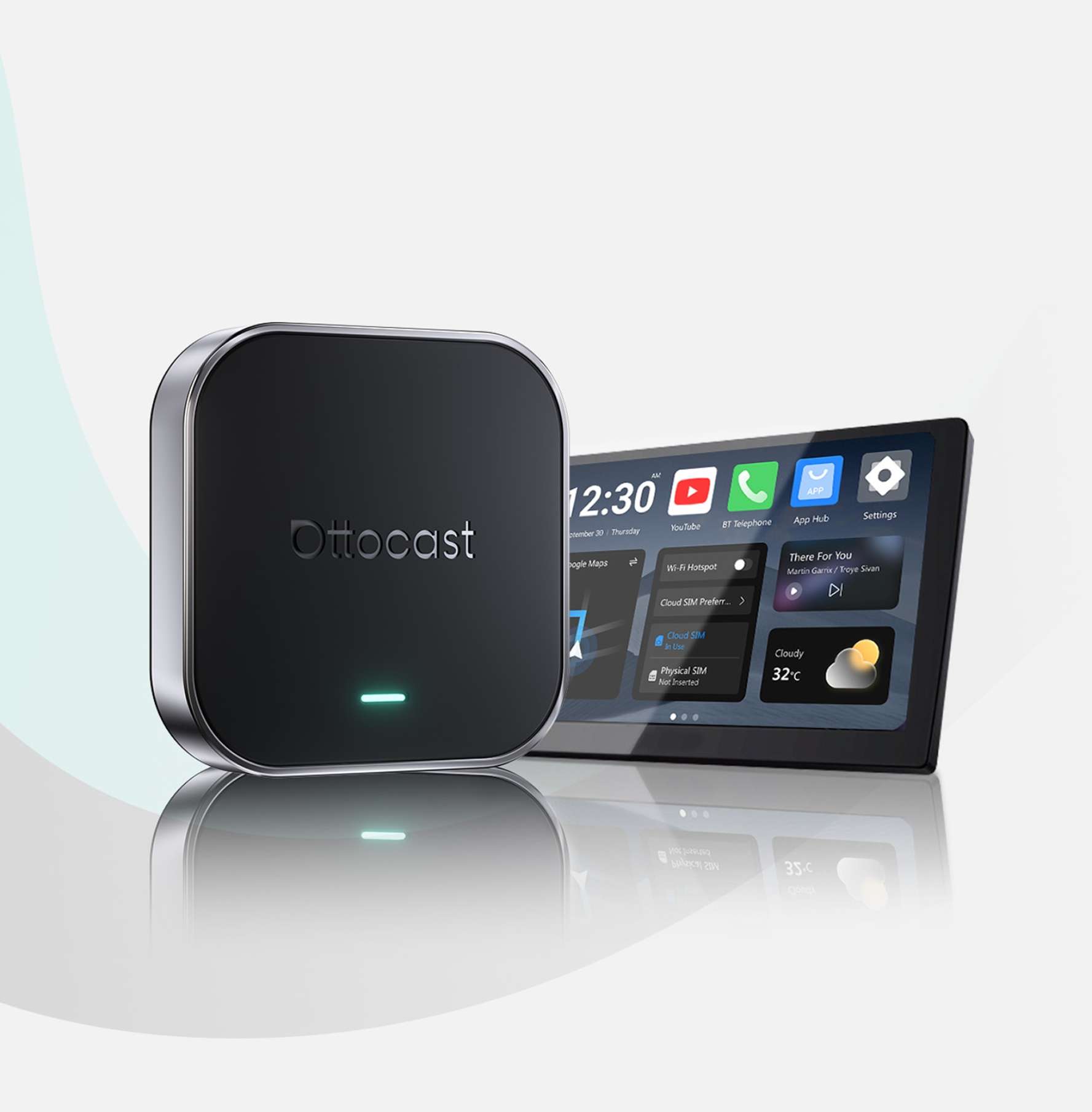
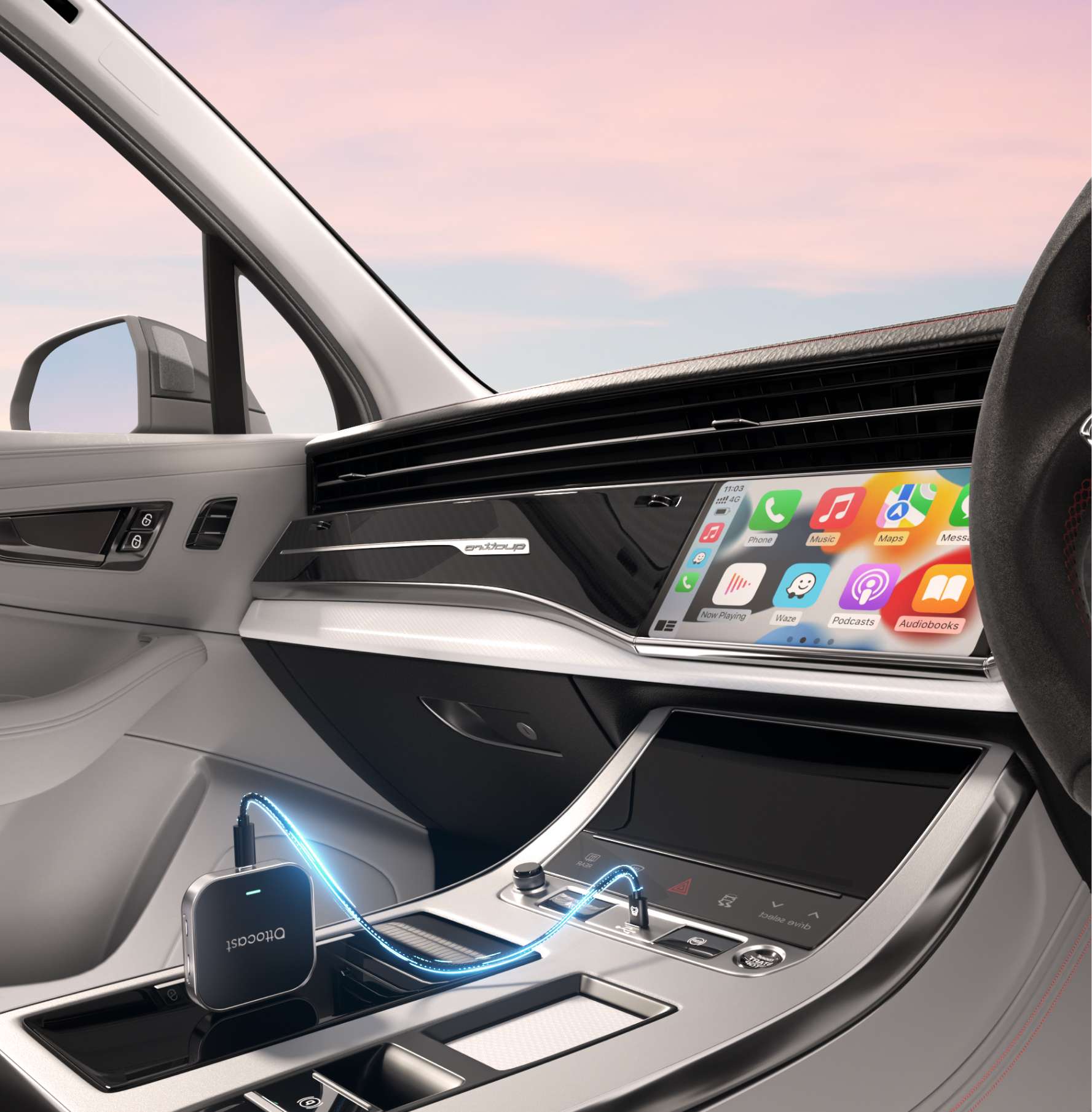
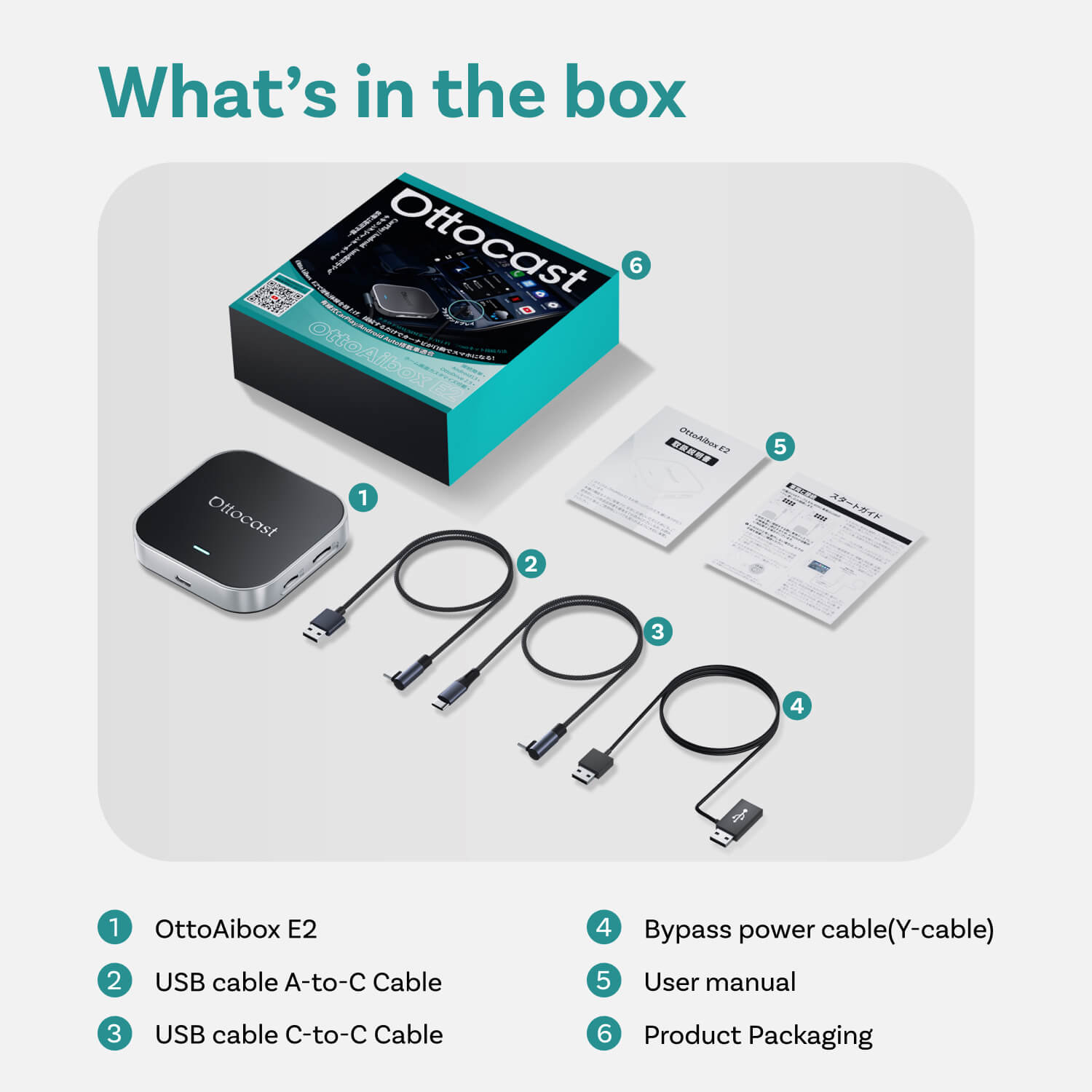
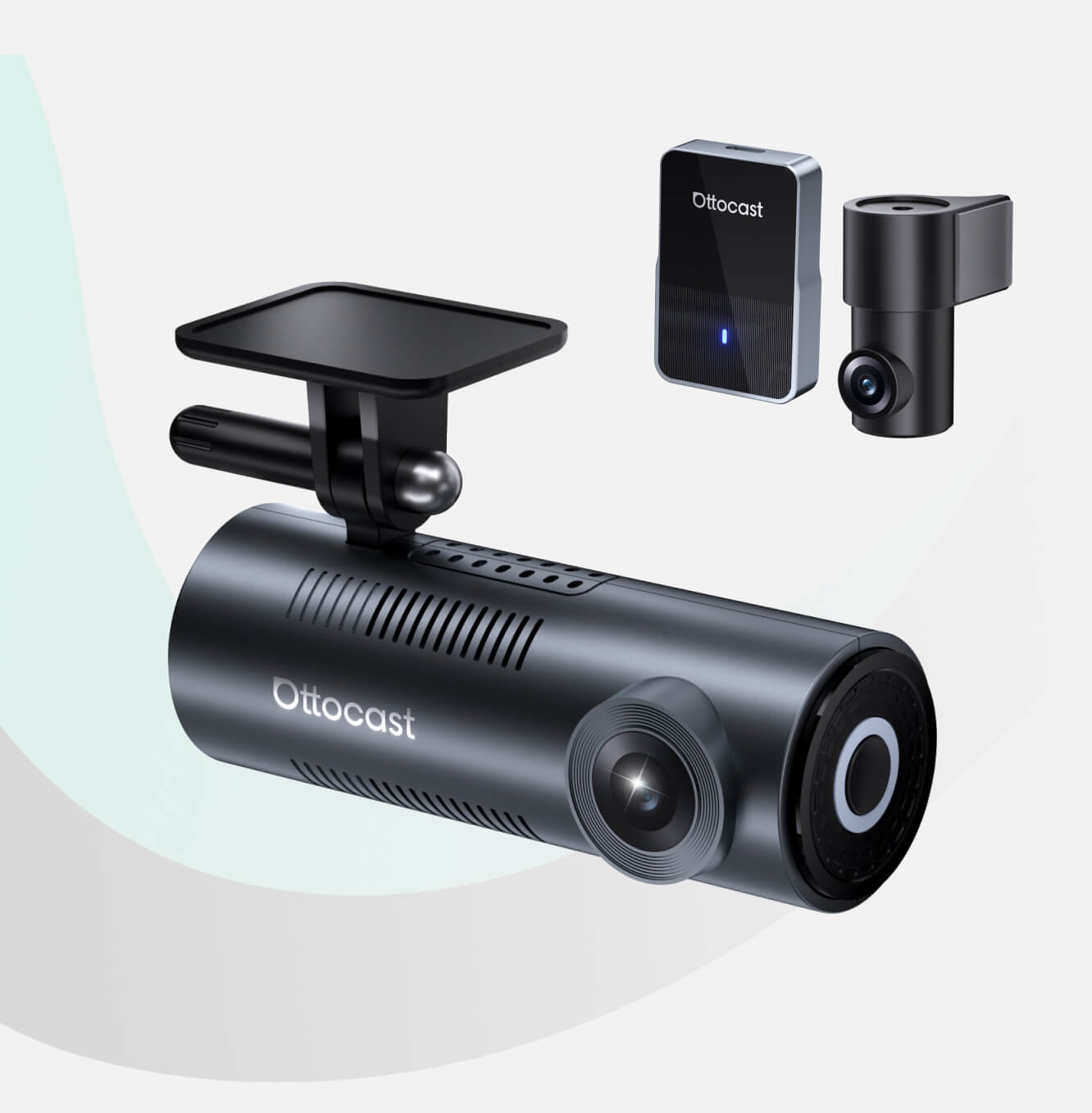
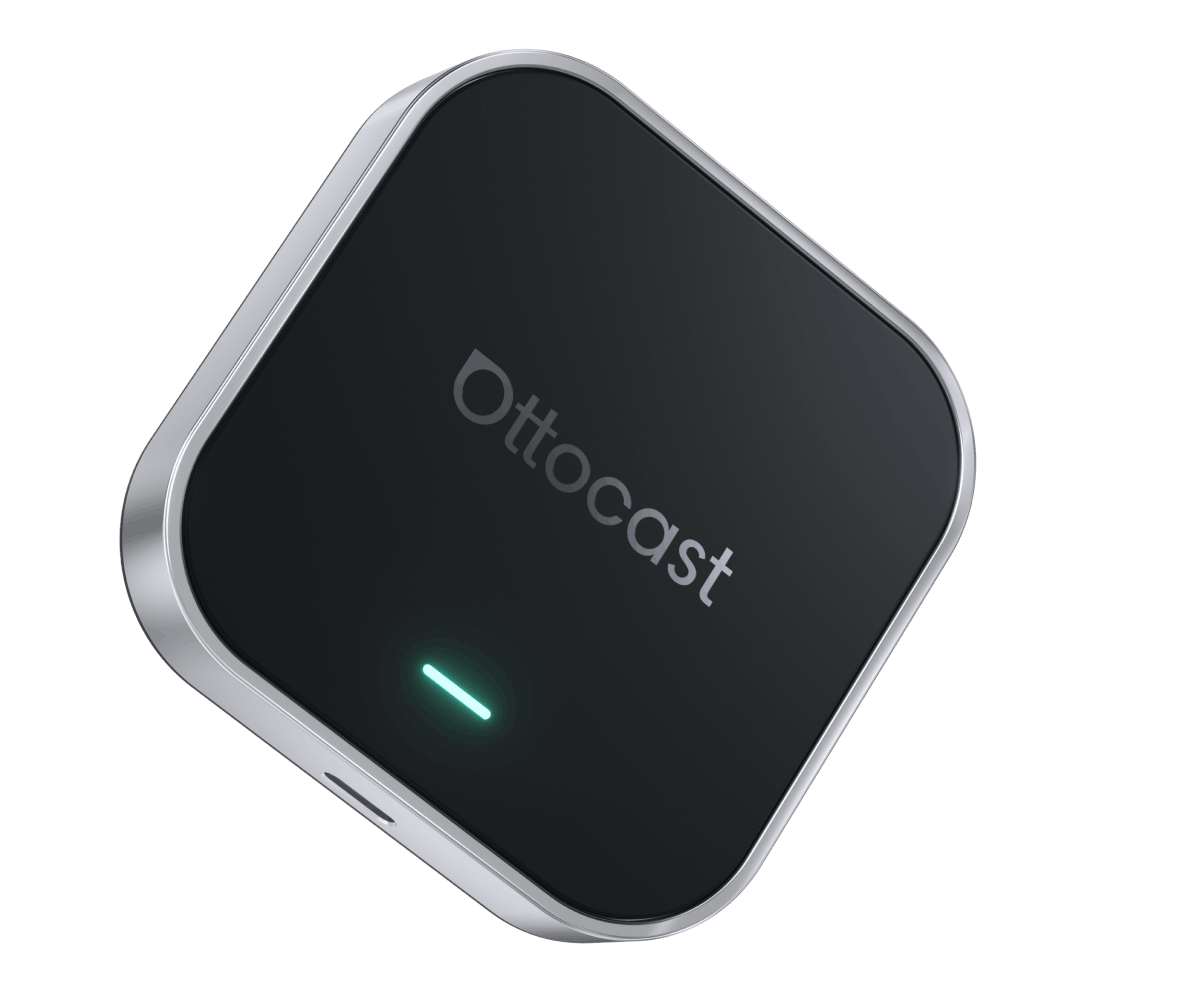
OttoAibox E2 CarPlay AI Box
PRICE
KEY FEATURES
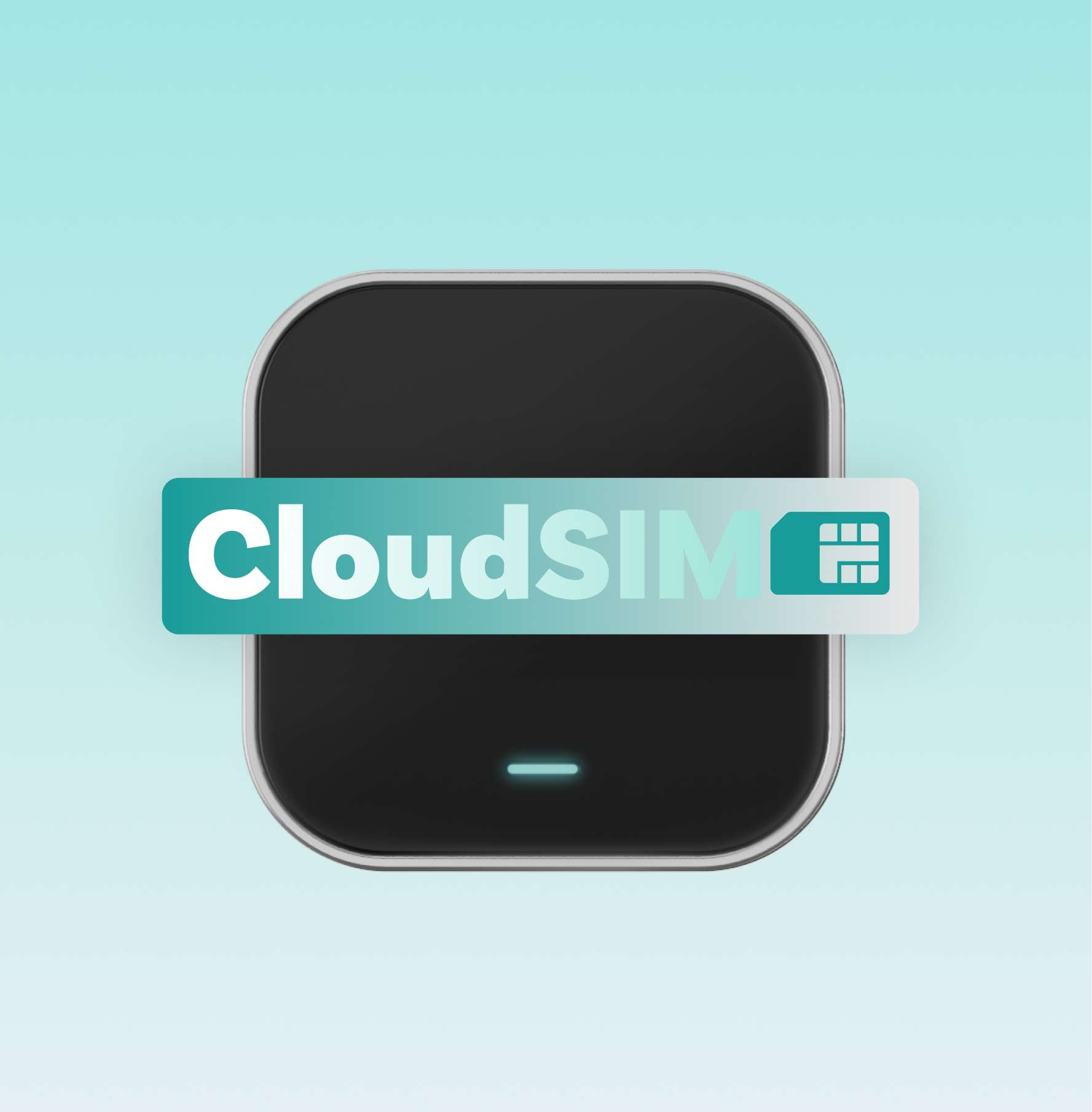
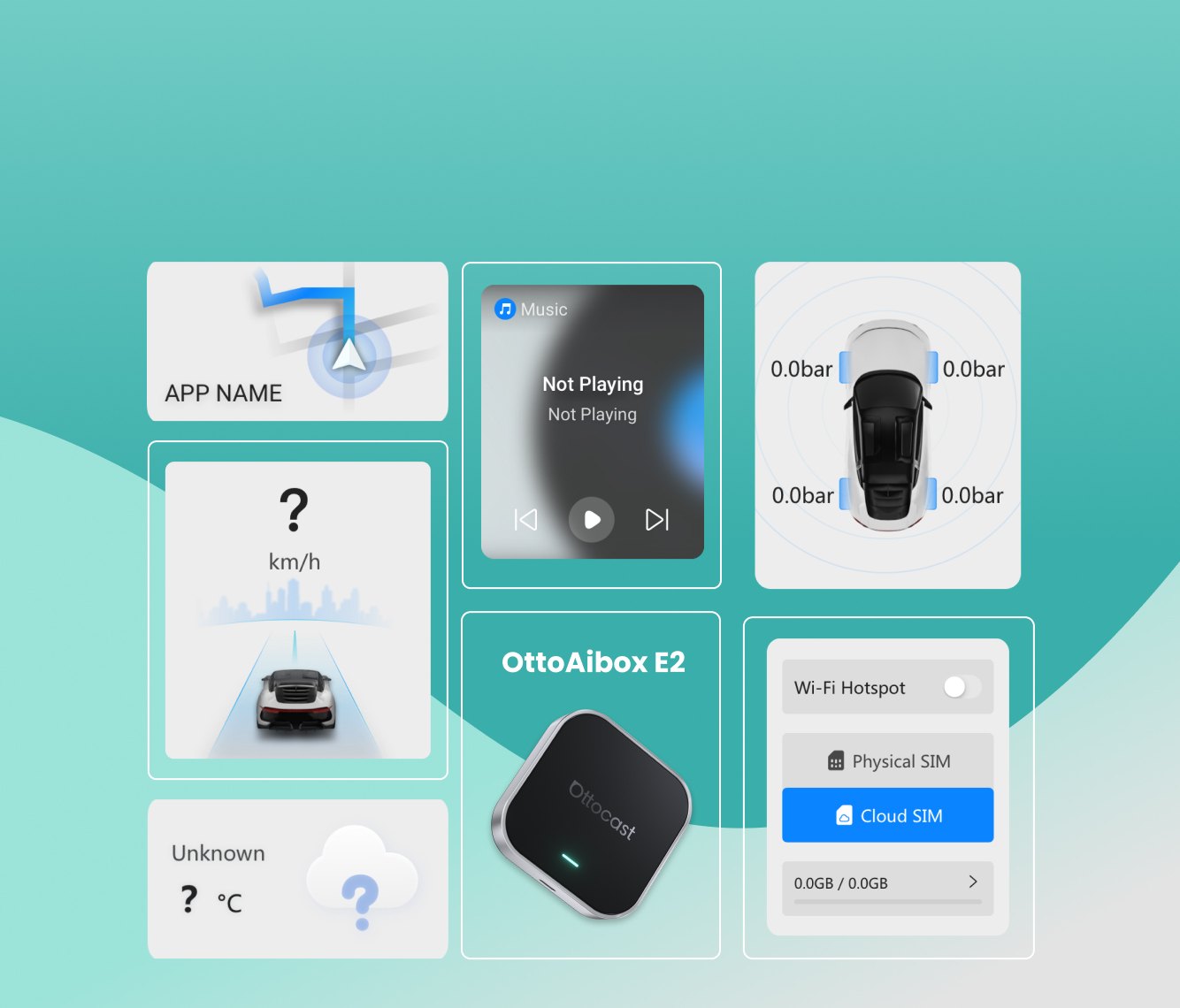
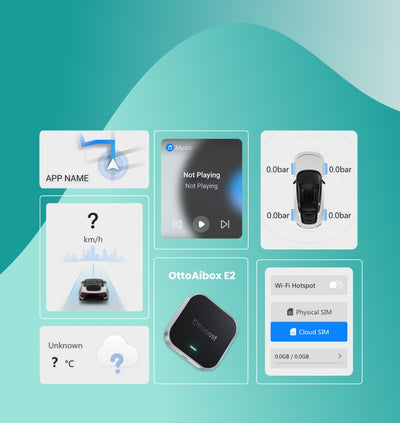
Always-On with CloudSIM
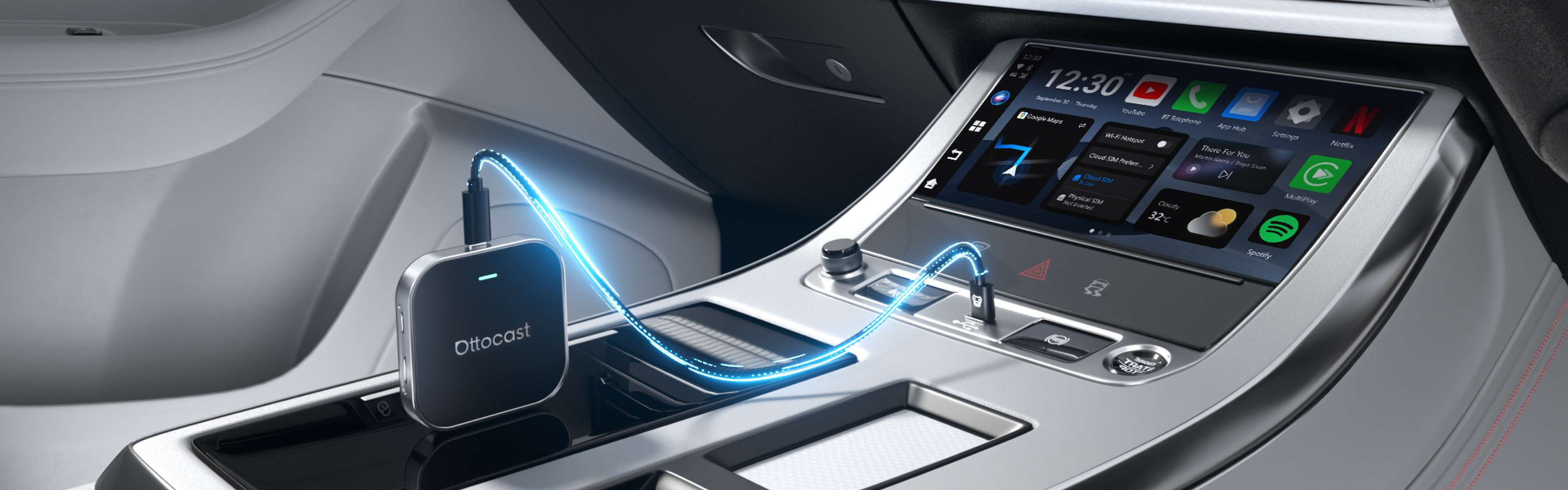
Built-in global SIM, no phone hotspot needed.
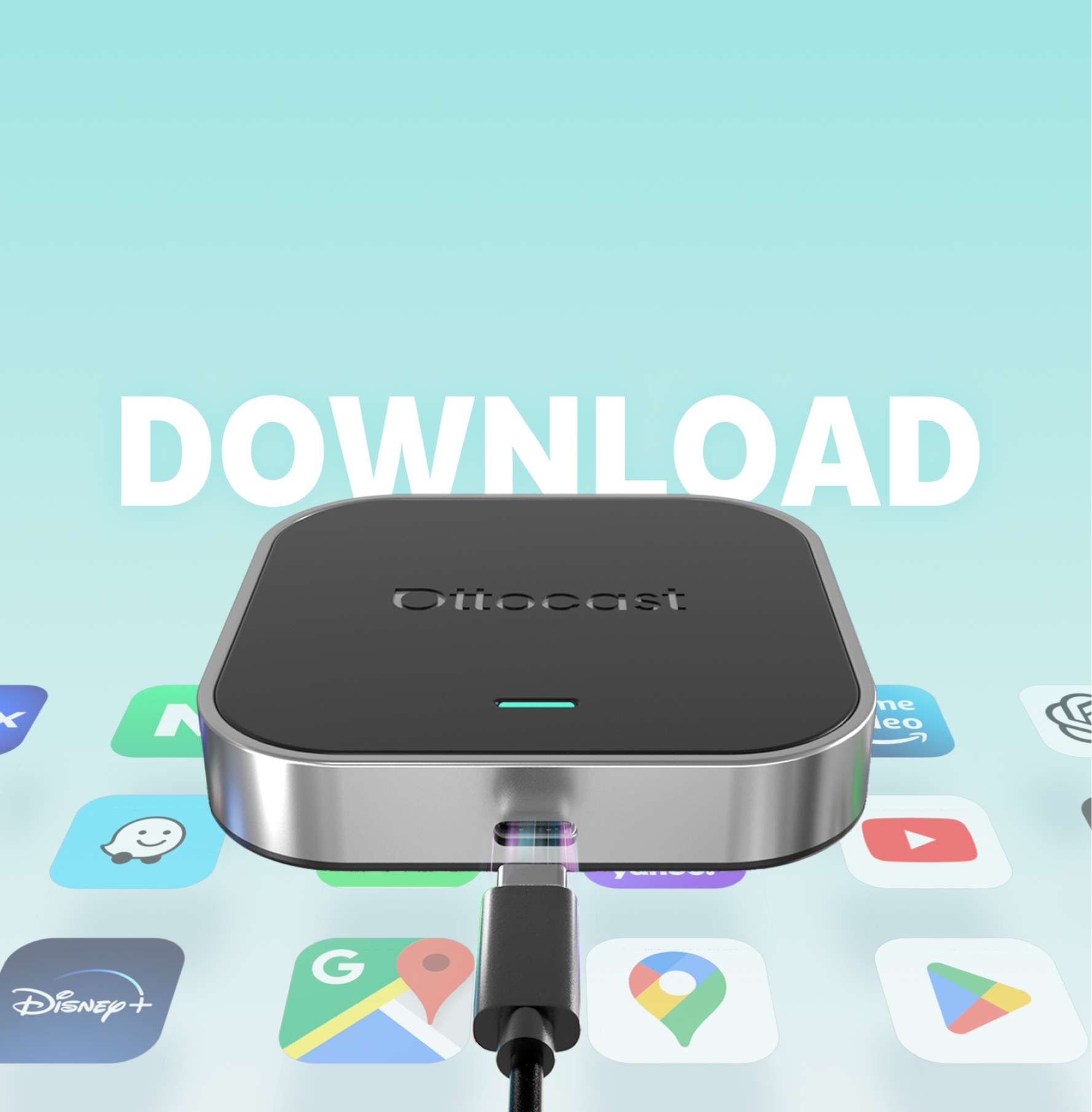
Android 13 + OttoDrive 2.5
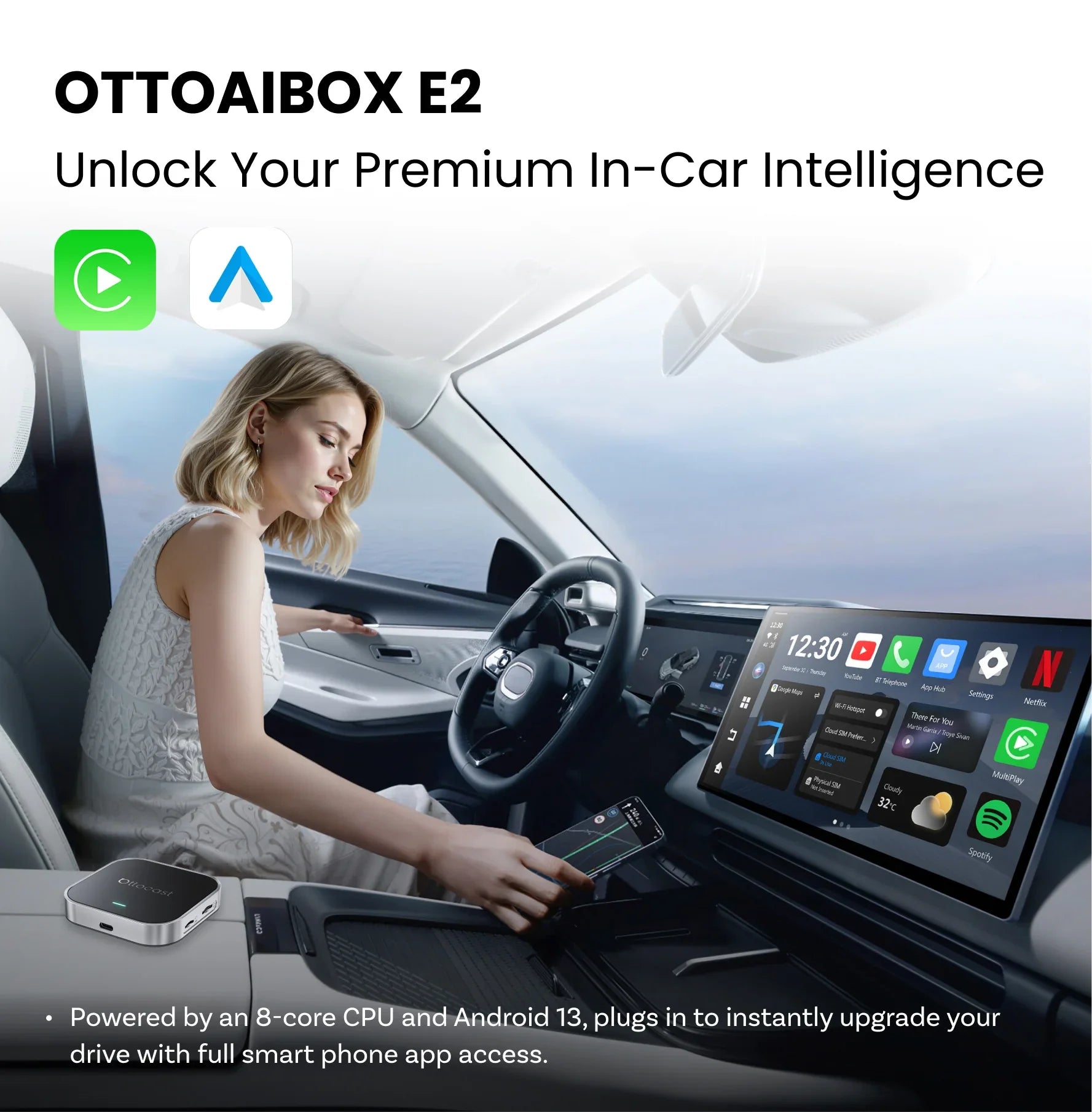
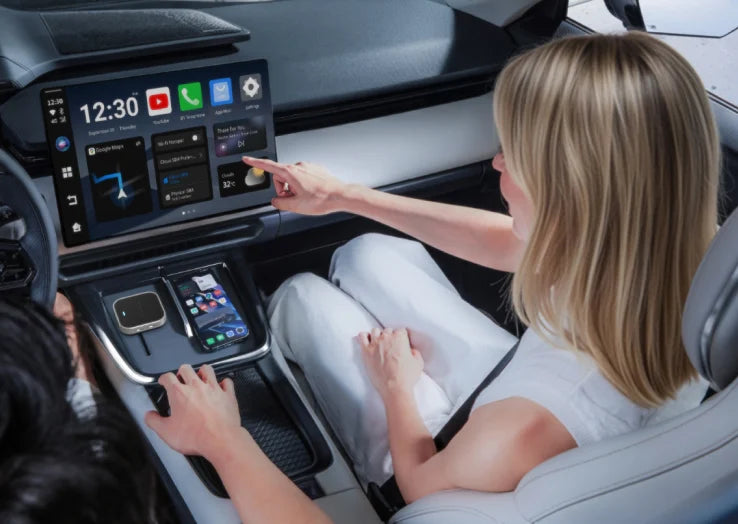
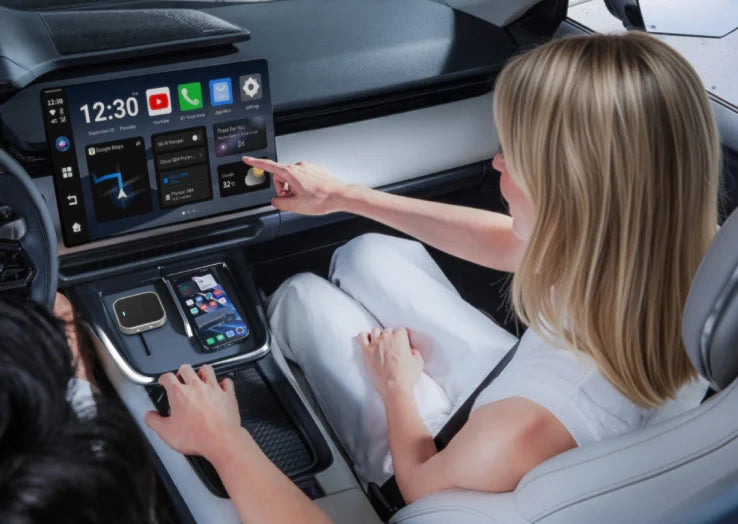
Run apps like maps, music, and video calls, and more—all from your car’s screen, powered by a 4GB RAM + 64GB ROM processor.
2-in-1 Wireless Upgrade
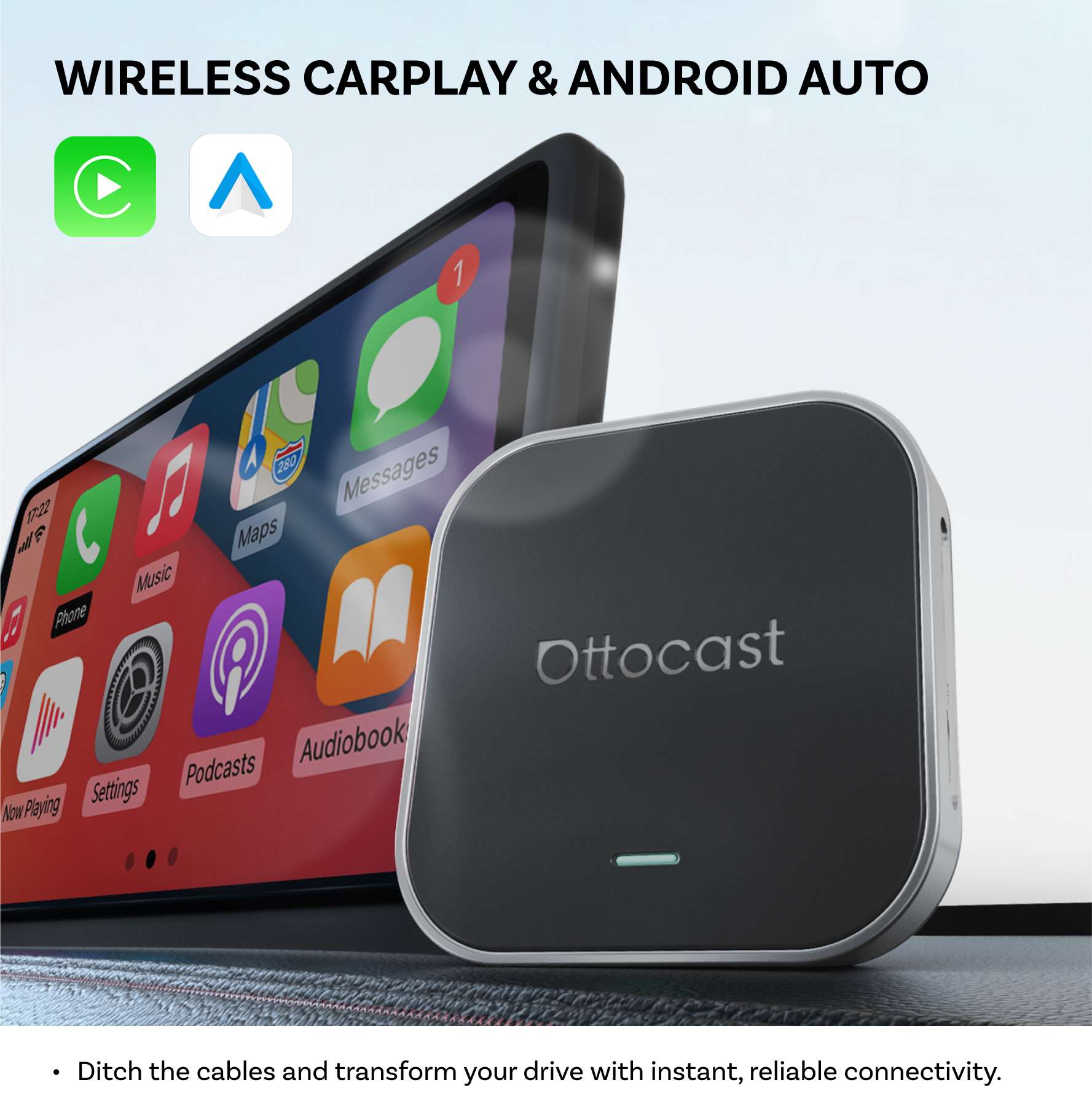
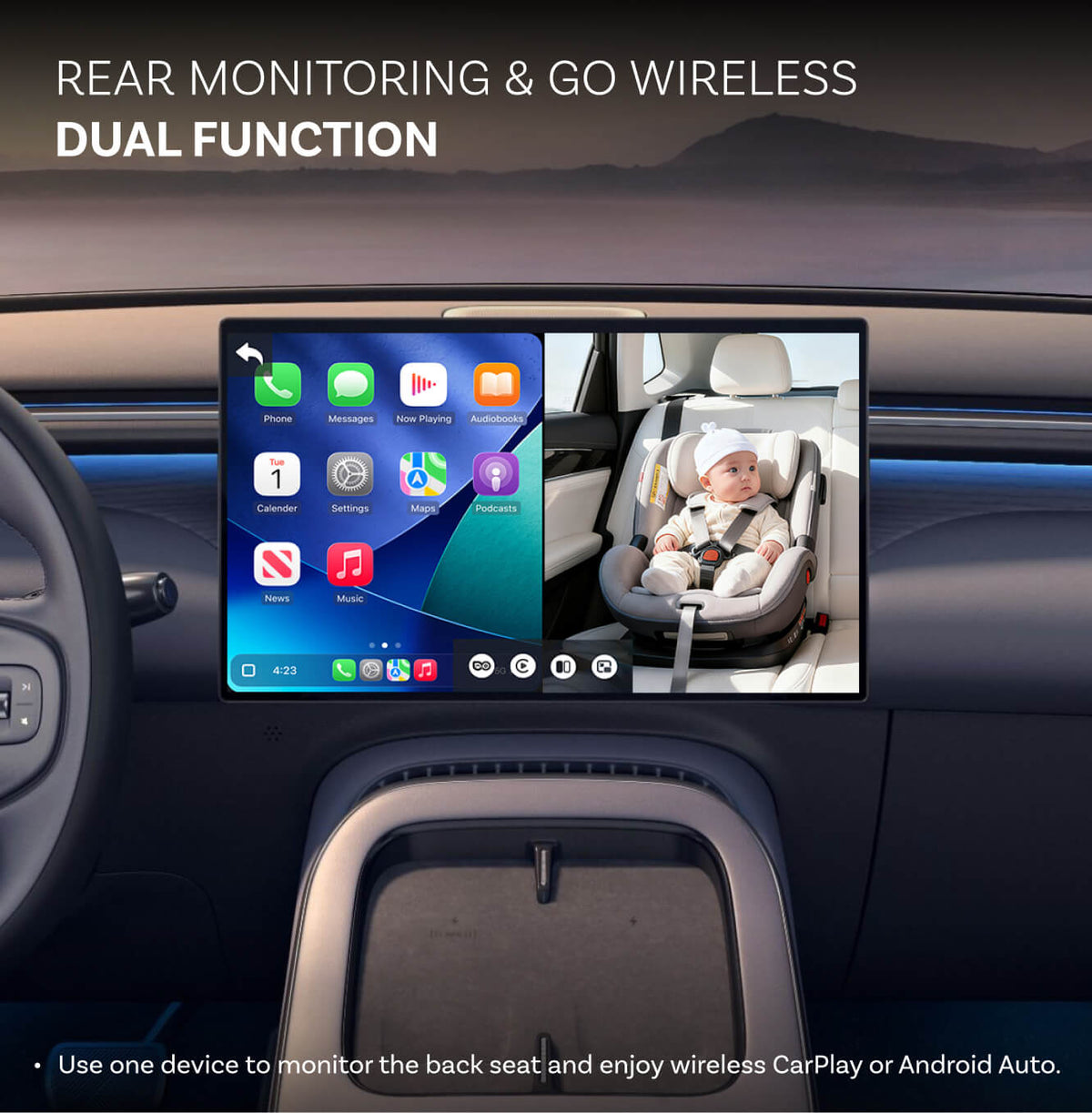
Wireless CarPlay & Android Auto in one—switch easily, no cords..
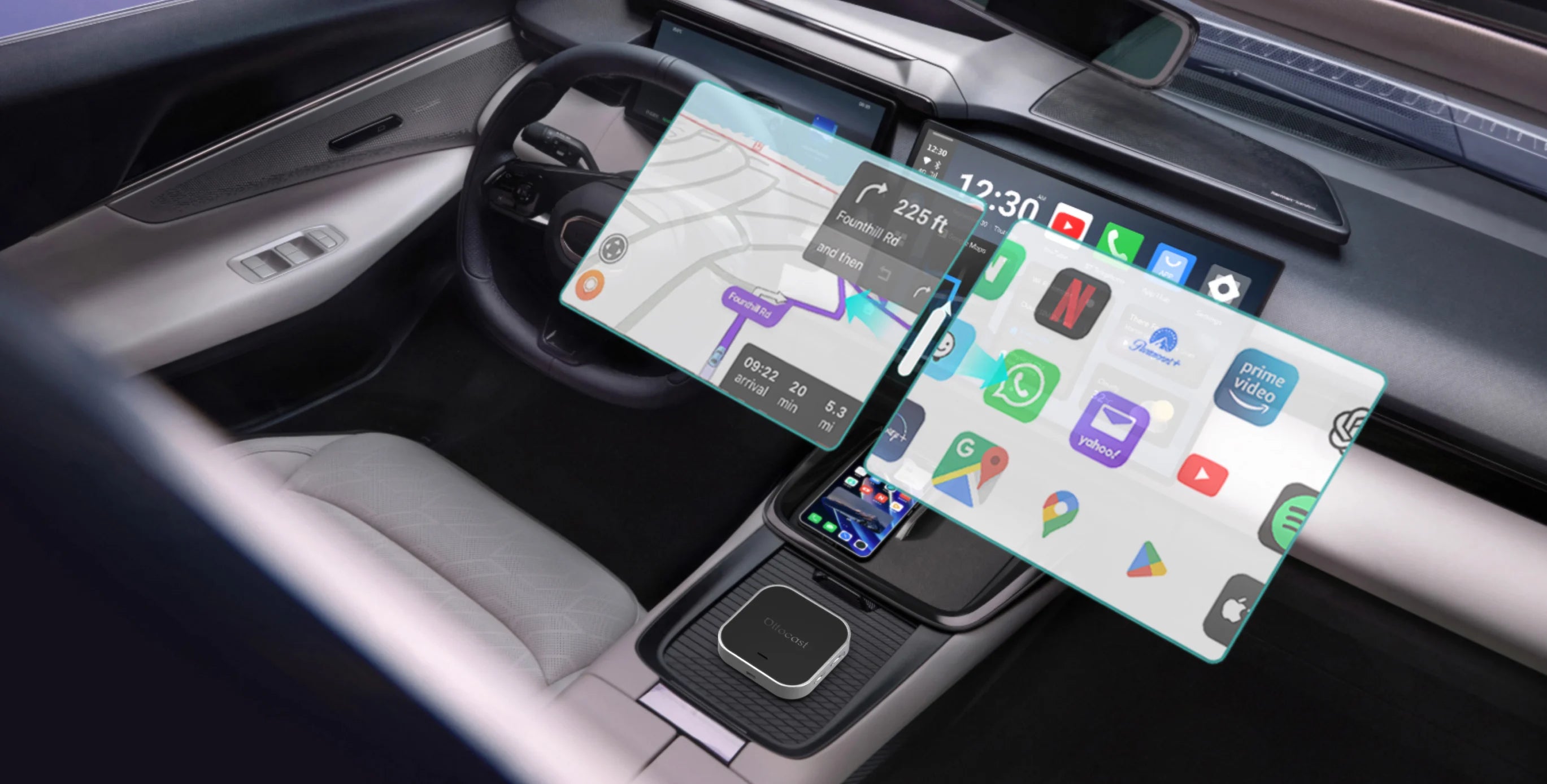
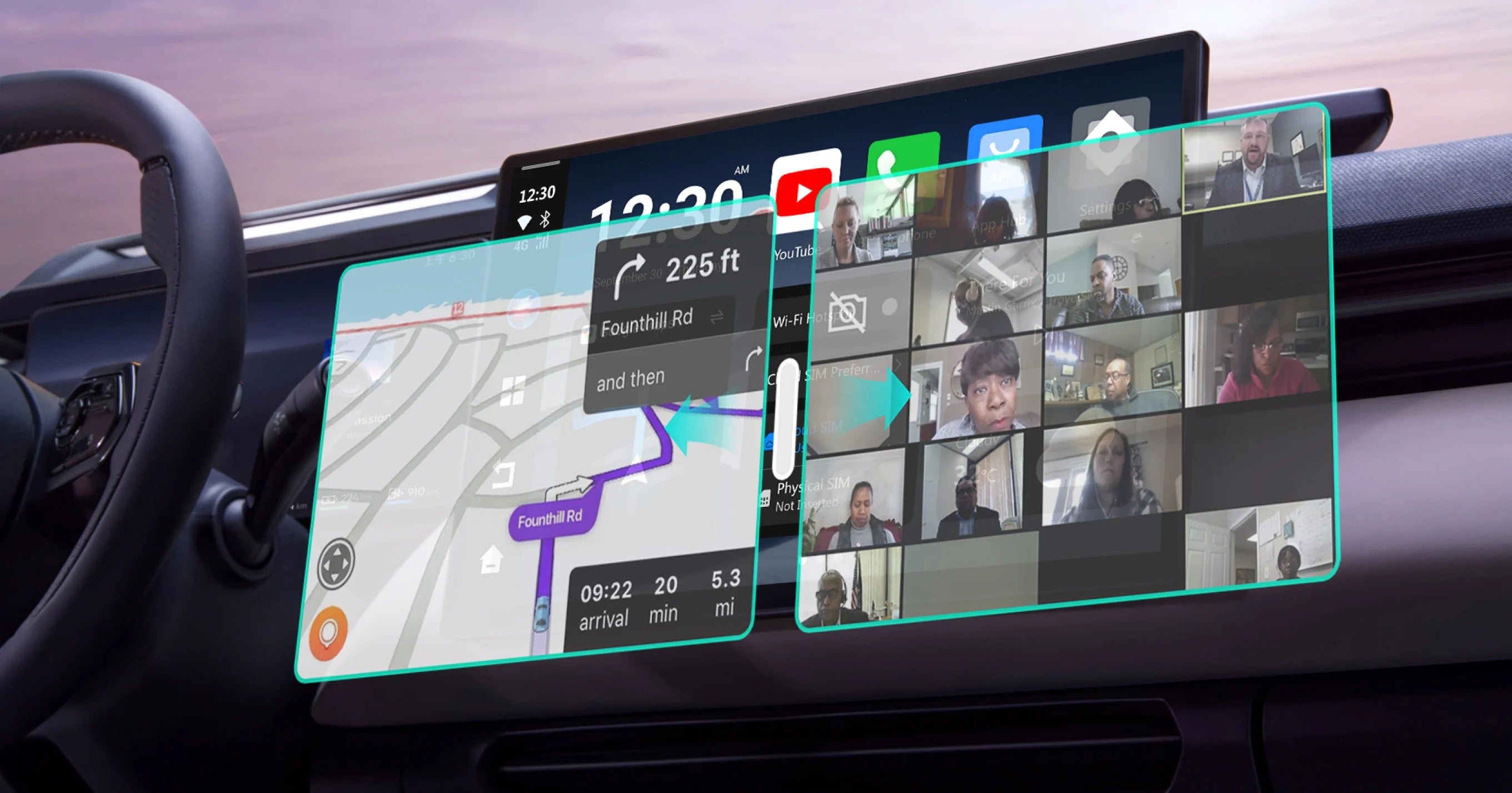
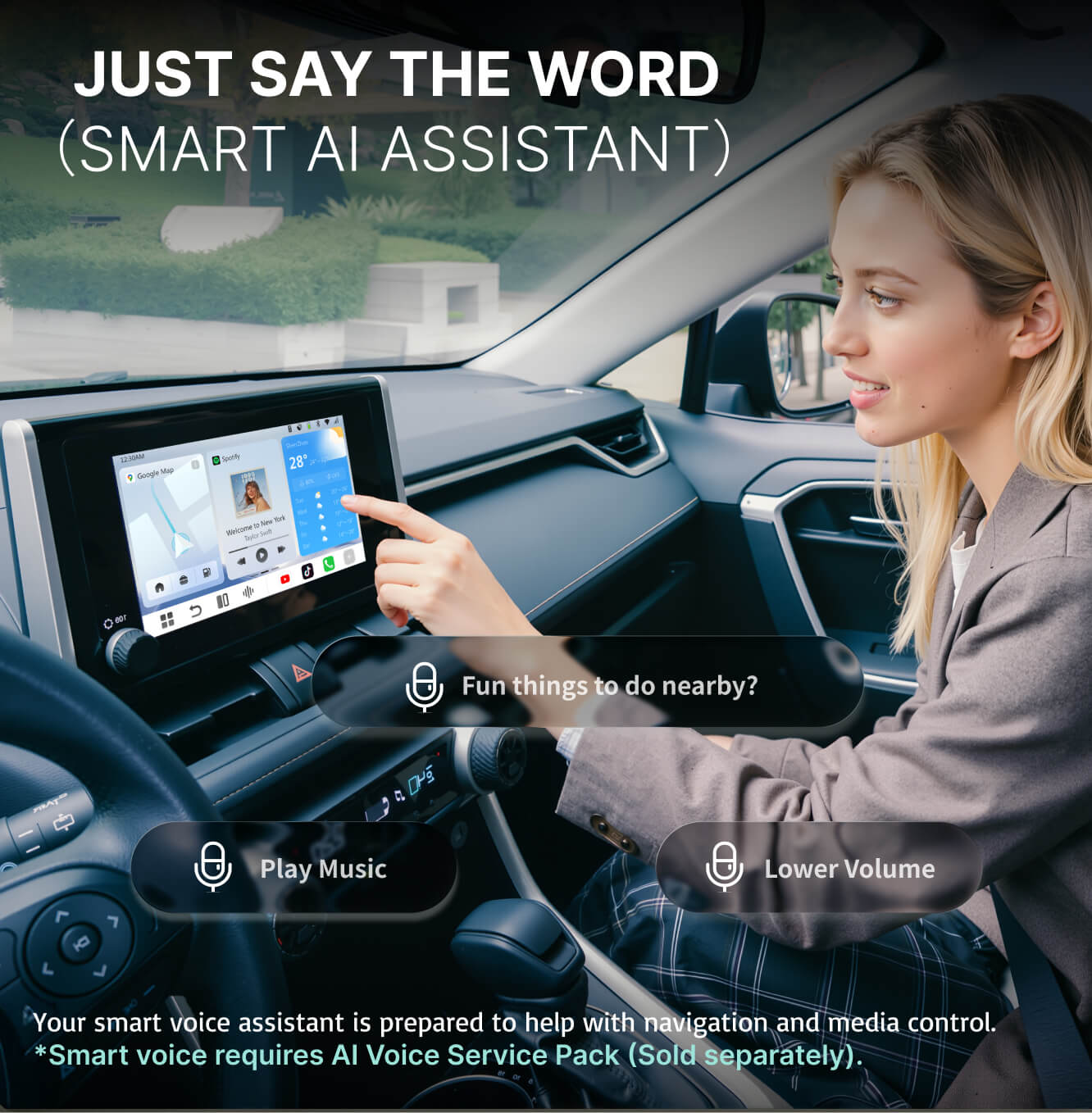
Smart Split-Screen
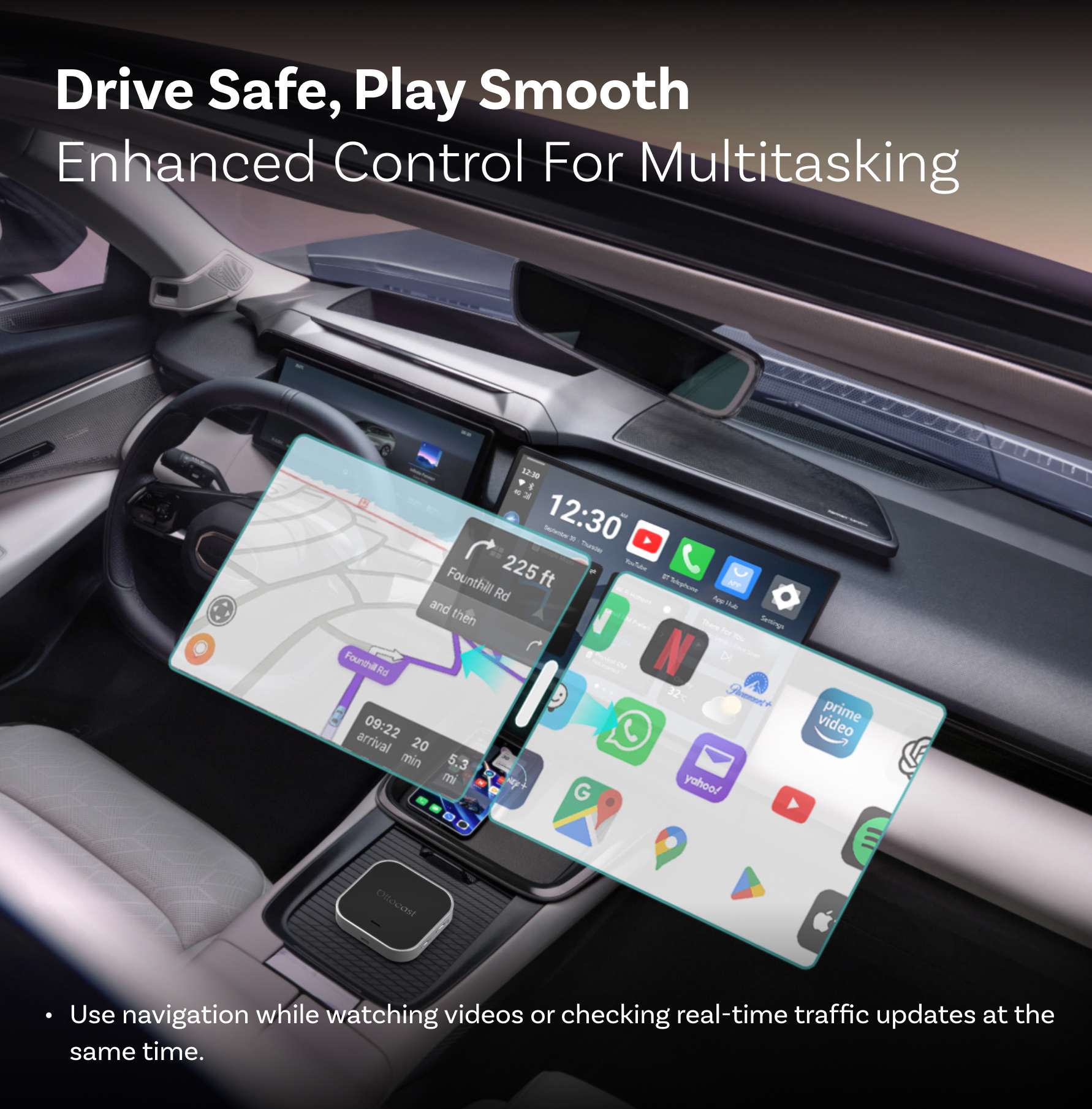
Navigate while streaming music, watching videos, or messaging side by side.
Plug-and-Play + FOTA Updates
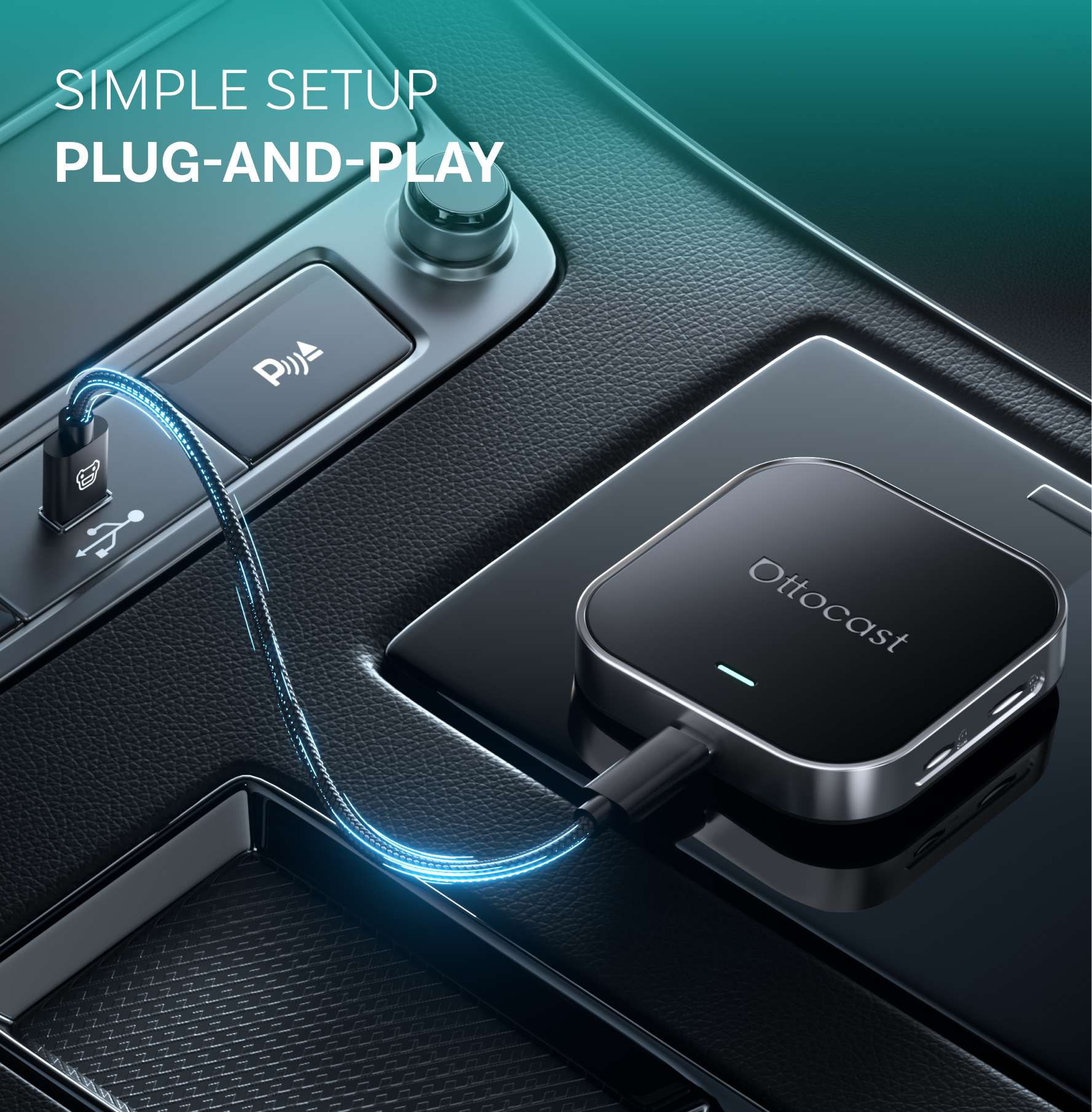
Easy setup, always updated via firmware upgrades.
BEFORE YOU BUY
Requires Factory Wired CarPlay or Wired Android Auto
For 2016 or newer vehicles
Requirements:
-
Vehicle:
Your vehicle must support factory wired CarPlay or factory wired Android Auto.The product connects through the wired system your car already supports.CP / AA Switch: Use the rear CP / AA switch if your car supports only one wired protocol. Choose CP if your car supports wired CarPlay only. Choose AA if it supports wired Android Auto only. If your car supports both, we recommend choosing CP first, as it is usually more stable for wireless use.
- Phone: iPhone (iOS 10+) Android (Android 11+) Selected Samsung / Google phones also support Android 9
Not Compatible: Sony aftermarket head units.
Mitsubishi Vehicles: Please leave a note at checkout or email us before ordering.
Factory Wireless CarPlay Vehicles (e.g. some BMW models): Recommended Model: OttoAibox i3
How to Check Wired CarPlay / Android Auto Support
×
Sale price$169.00
Regular price$260.00 
Sale price$229.00
Regular price$325.00
×
Solution found for your vehicle!
VEHICLE SELECTED
Audi A4, 2018
We've confirmed your vehicle does not have factory CarPlay. Don't worry! The Ottoscreen AI shown below is the complete solution designed to bring smart features and full screen CarPlay to your car easily.
Ottoscreen AI
Great! Your Car Has Wired CarPlay
VEHICLE SELECTED
Audi A4, 2018
Your vehicle is listed with factory wired CarPlay. Review the requirements above before purchasing.
Need Confirmation
VEHICLE SELECTED
Audi A4, 2018
We apologize, your model is not in our database. Please confirm one crucial detail: Does your car have Wired Apple CarPlay?
Watch the guide video below or use an AI tool (like Gemini or ChatGPT) to quickly search your car's features and confirm. If it has wired CarPlay, our products is the perfect fit!
Wireless CarPlay Only
VEHICLE SELECTED
Audi A4, 2018
Your vehicle only supports wireless CarPlay and does not have wired CarPlay, so this product is not compatible with your vehicle. Don’t worry—you can choose our OTTOAIBOX i3 to watch videos in your car.
OttoAibox i3 BMW CarPlay AI Box
Great! Your Car Has Wired CarPlay
VEHICLE SELECTED
Audi A4, 2018
Your vehicle is listed with factory wired CarPlay. Review the requirements above before purchasing.
Wired Android Auto Only
VEHICLE SELECTED
Audi A4, 2018
We detected your vehicle supports wired Android Auto only, not wired CarPlay. It is not compatible with your car. Don't worry! The Mini Cube Adapter shown below is the perfect fit for you.
Upsell products
After-sale policy

30-Day Returns

1-Year Warranty

Dedicated Support
Share
OttoAibox E2 CarPlay AI Box
Sale price$149.00


Why Choose OttoAibox E2?
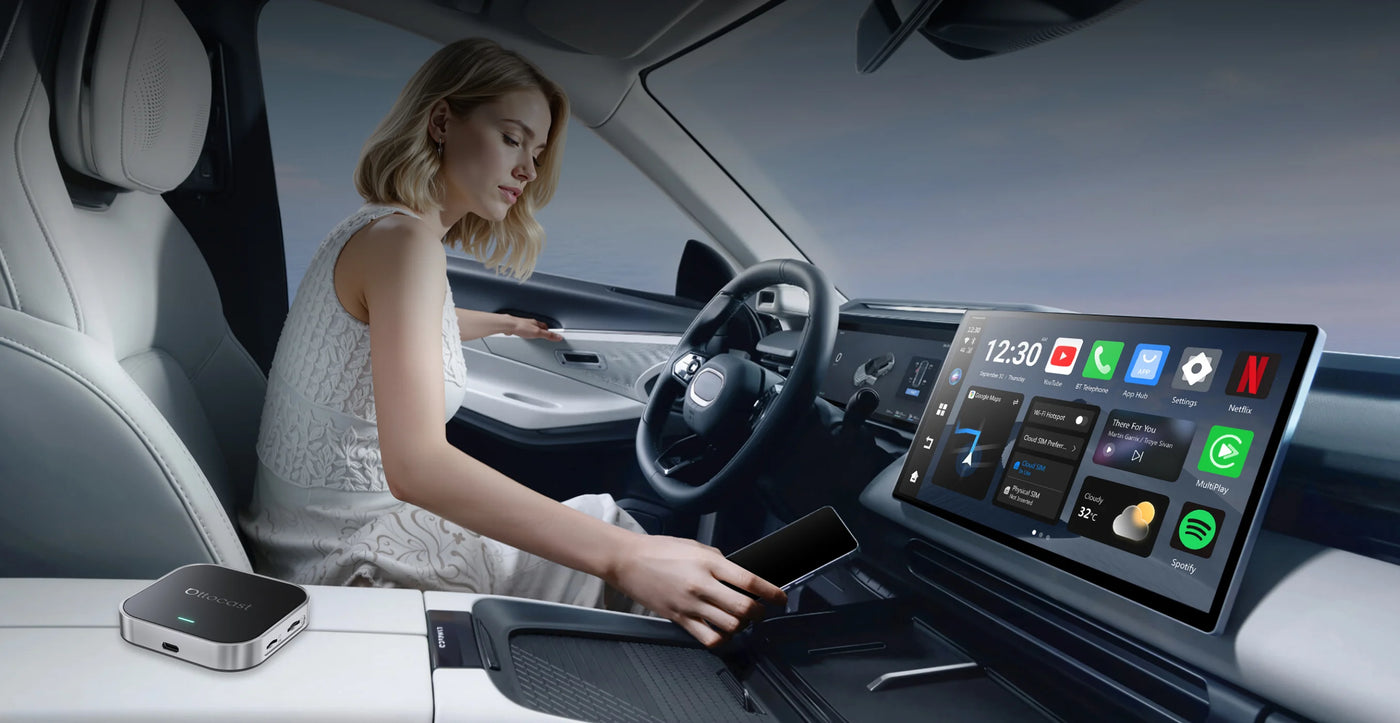
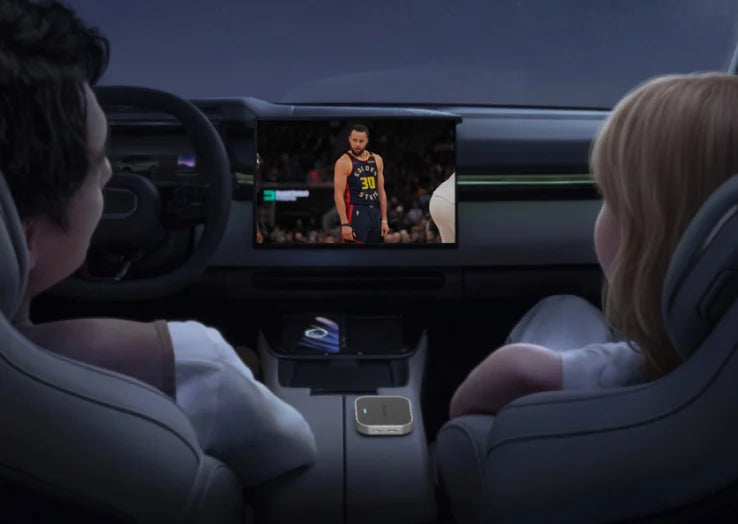
Phone Functions Truly Unlocked
Unlock the built-in Google ecosystem for a smarter, connected drive.
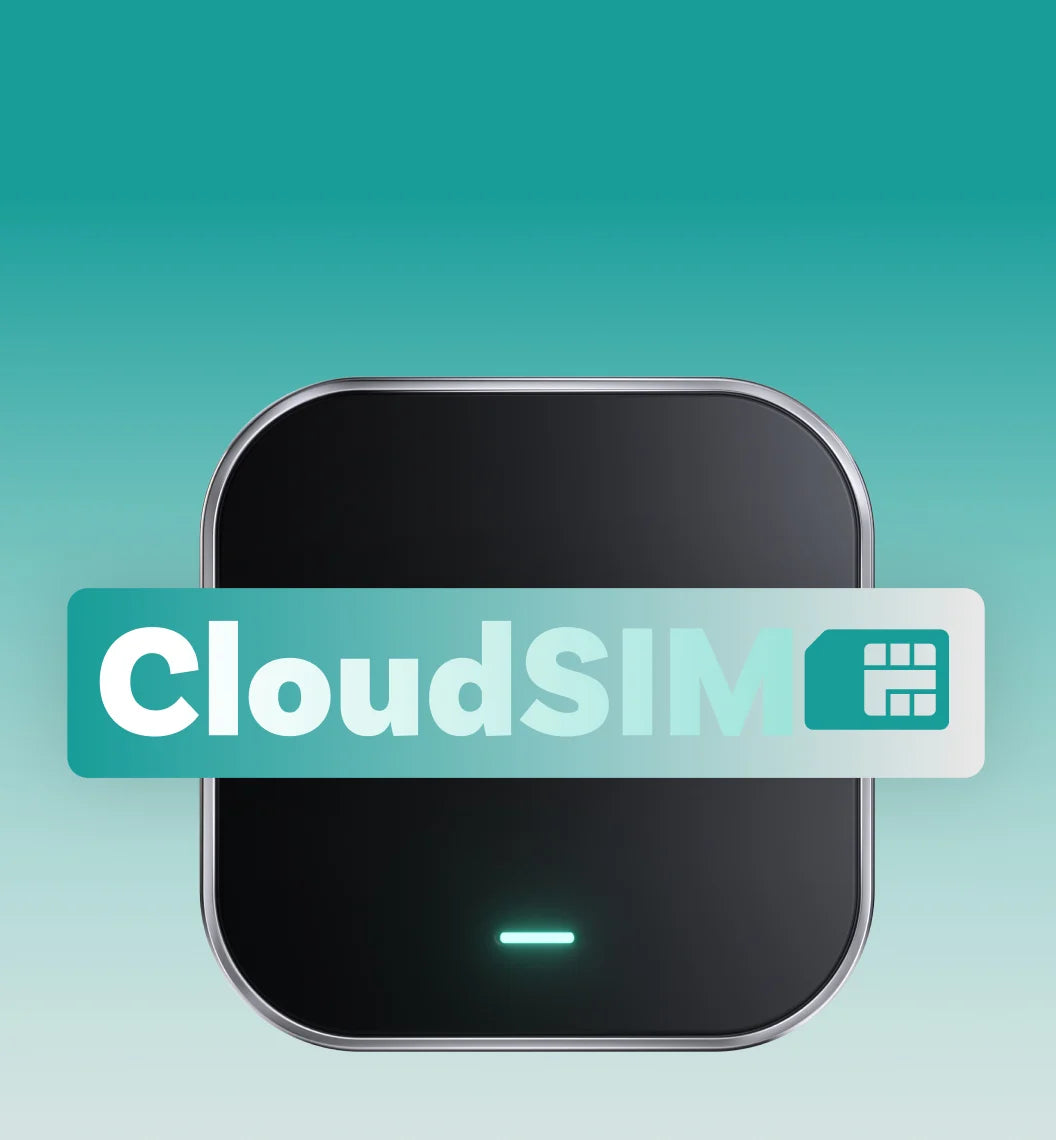
Stay Online, Stay Connected
Without relying on a personal hotspot, your automobile with Zero Gaps, and stable network.
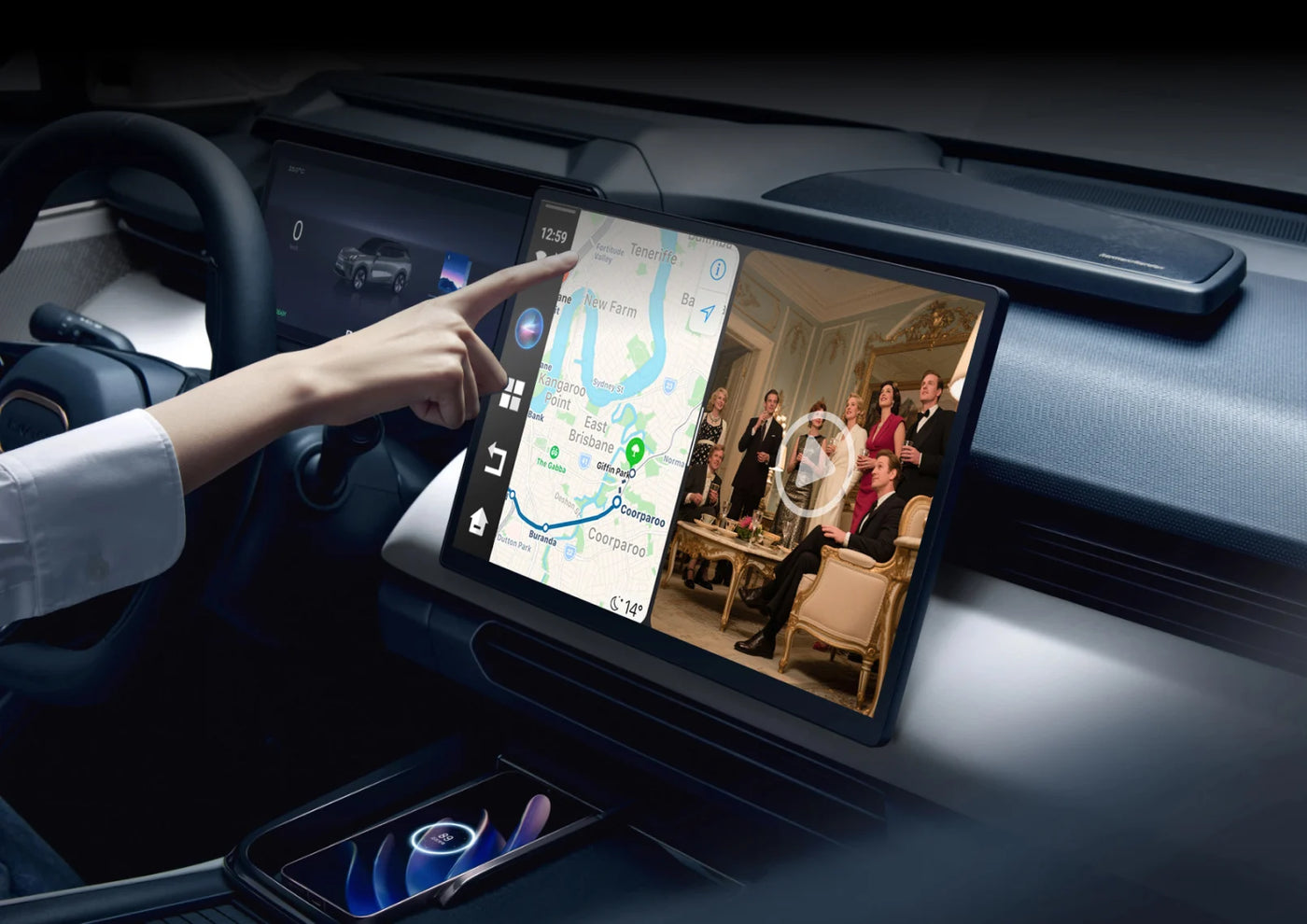
Expand the Way You Drive
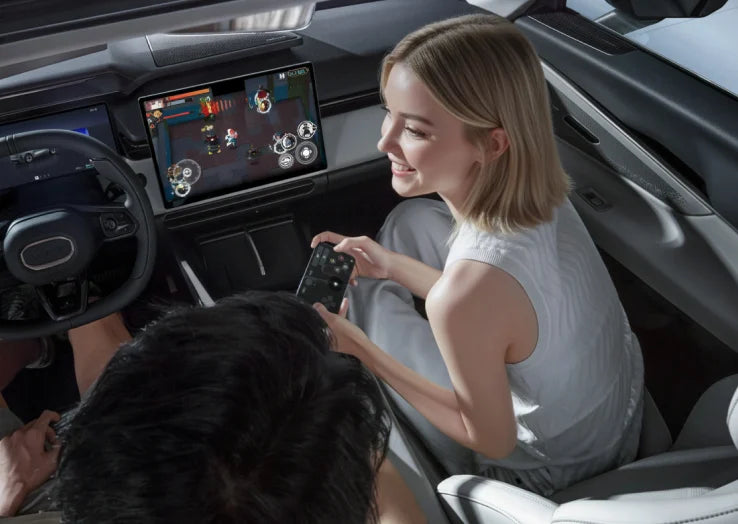
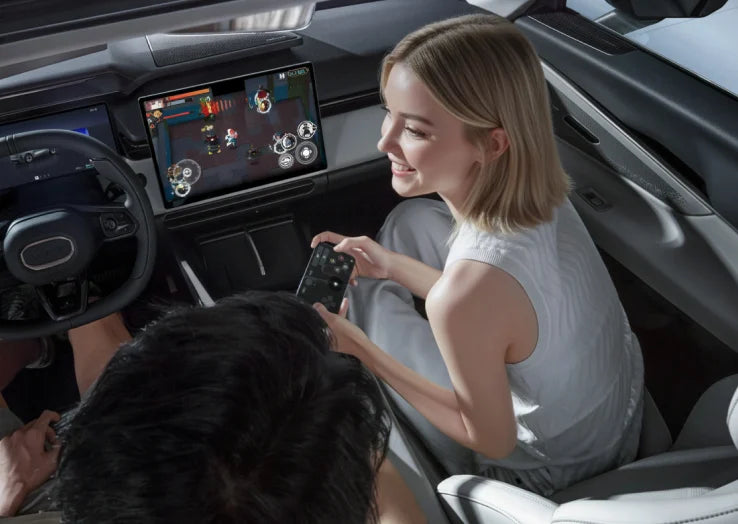
Beyond CarPlay & Android Auto: Your Car, Glowed Up , Get seamless access to all apps in-car.
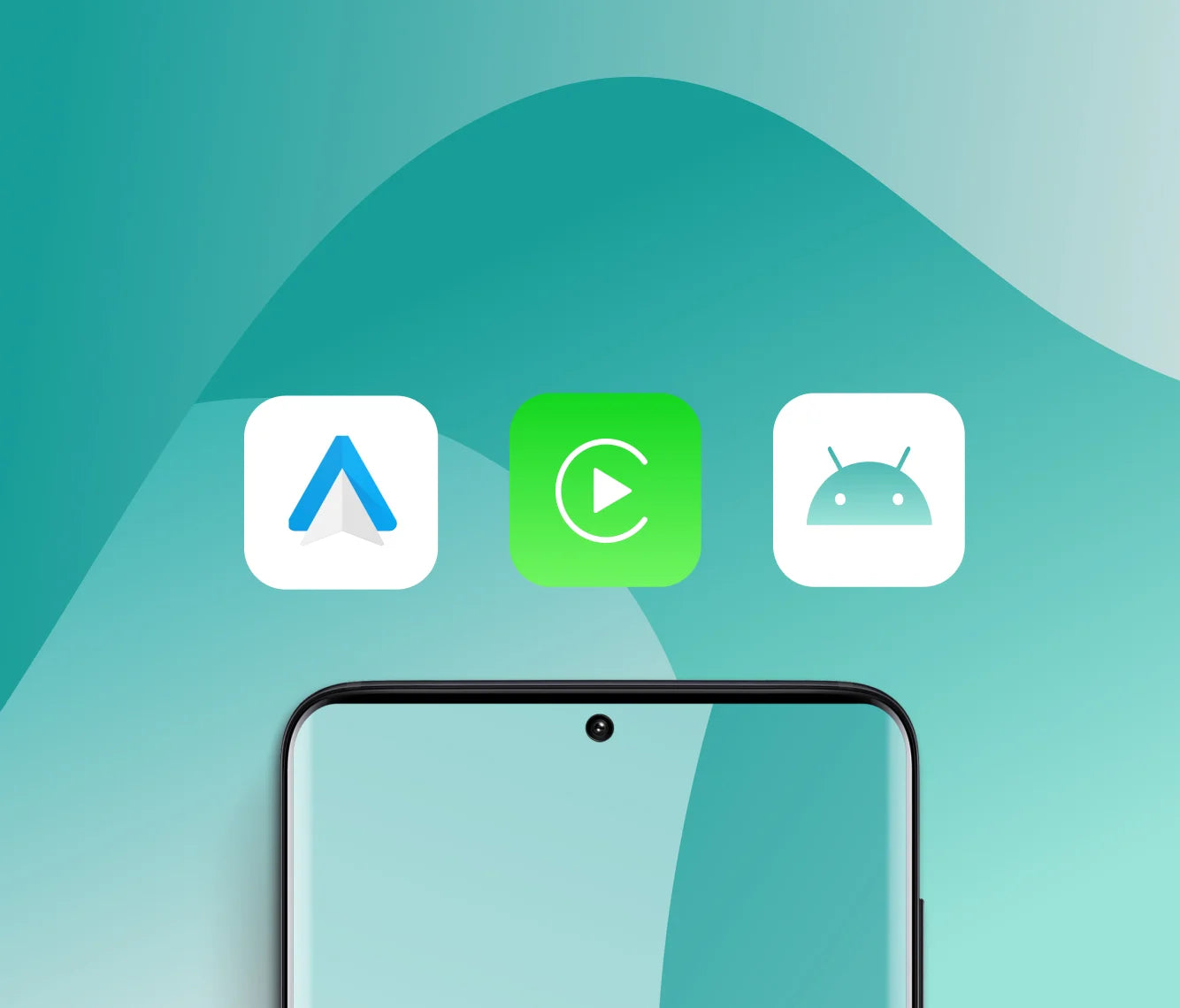
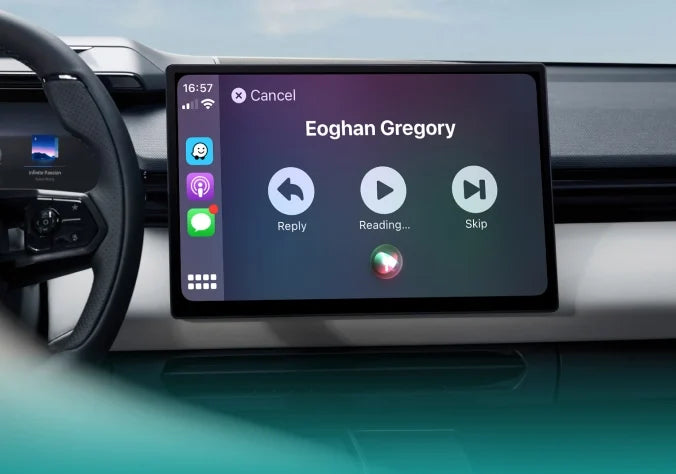
Wireless Connection, Easy Switching
Easily connect and switch between CarPlay, Android Auto, and Ottodrive 2.5.
Set Right Mood for Drive
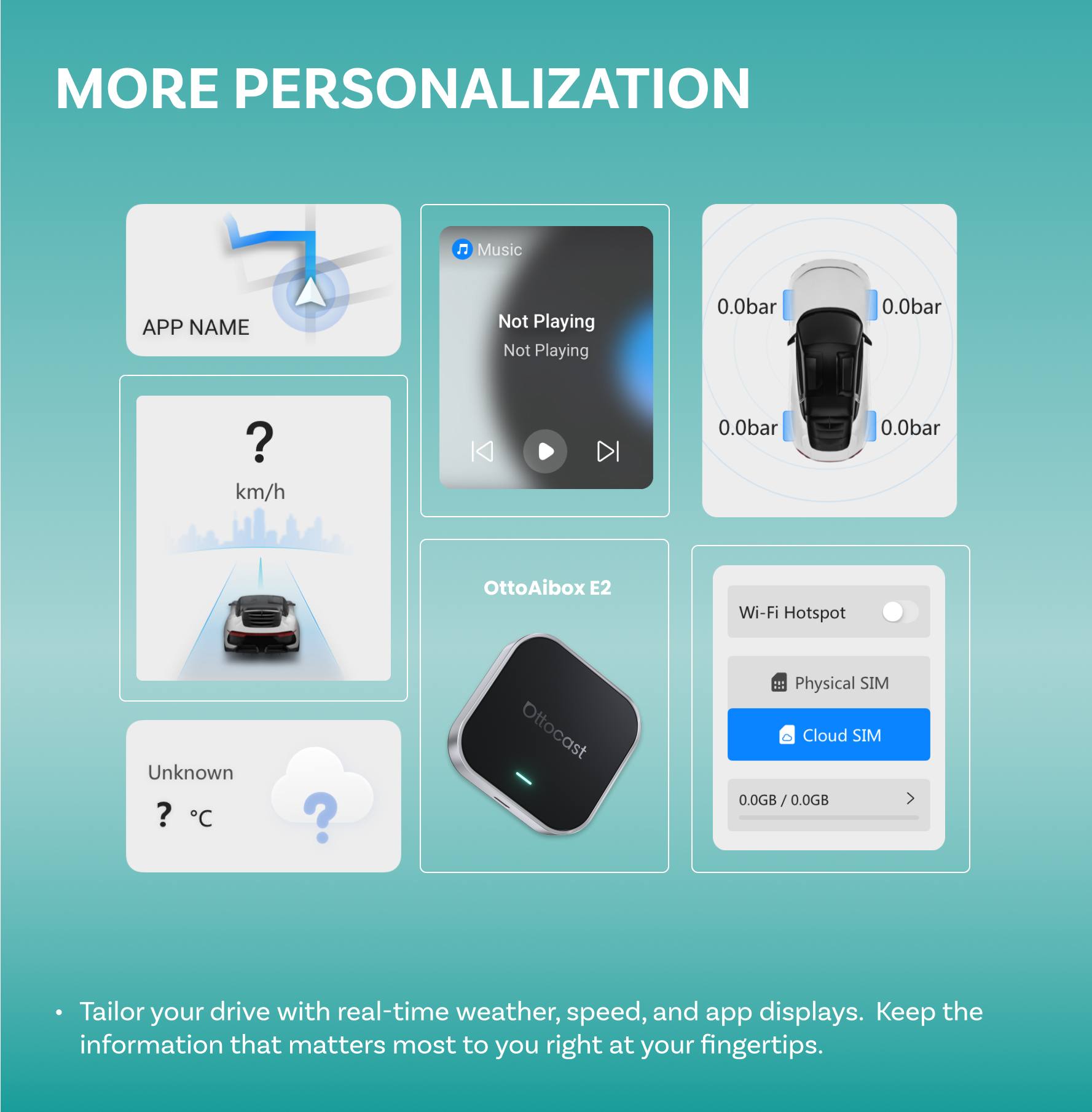
Fully customize your dashboard, effortlessly reflect your personality while staying focused on the road.

Wireless Connection , Easy Switching
- Both Suitable for Car have wired CarPlay or Android Auto
- 2-in-1 fast & stable connection through Ottocast Multiplay


Expand All the Way You Ride
Not Only CarPlay, Give Your Car the Glow-Up It Deserves!

Create the perfect vibe for any drive.
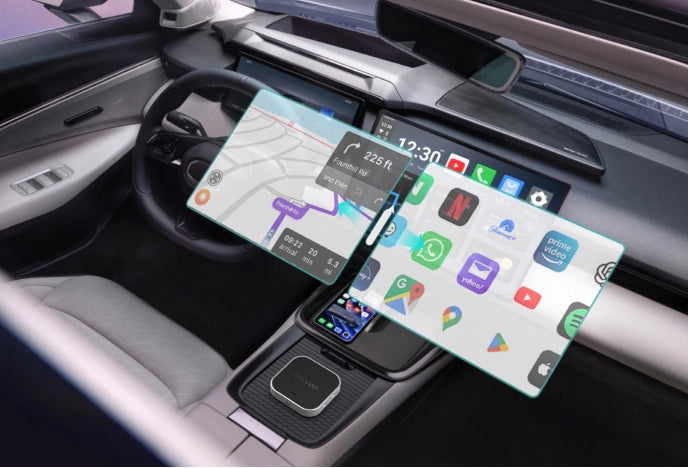
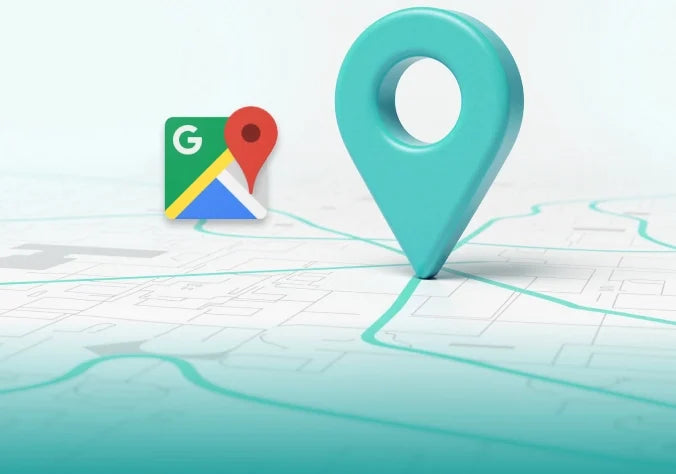
For any personalized route options
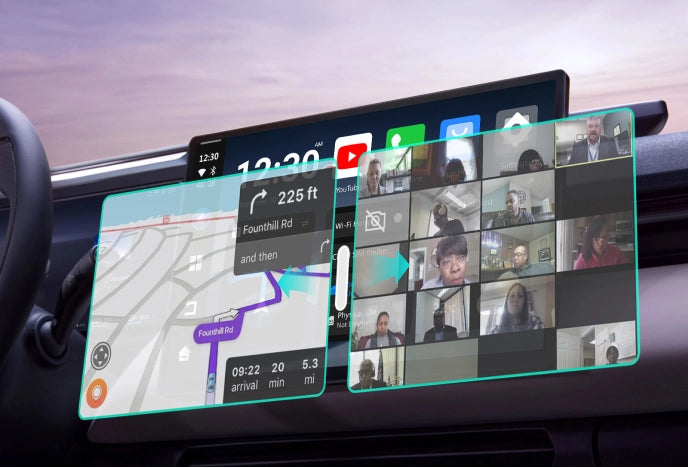
Join a last-minute Zoom Call safely
CloudSIM
Monthly Flexible Data Deals
New users get 10GB of data for just affordable data plans for everyone.
Global Coverage
Automatic switching across 150+ carriers for 42 countries.
In-car Network for All
Create a reliable mobile hotspot for all passengers, keeping everyone connected on the go.
Plug & Play Simplicity
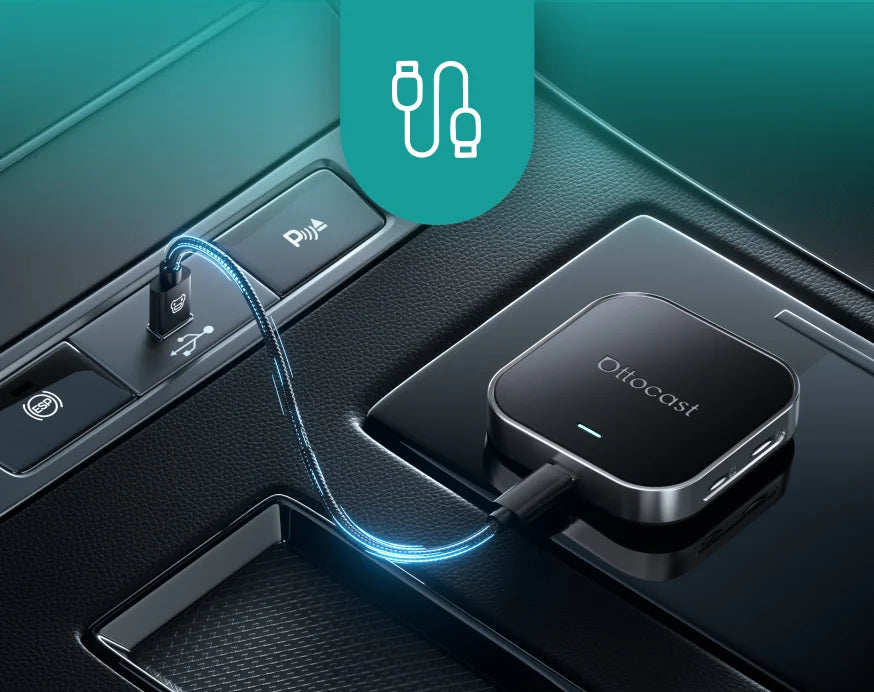
Plug into USB port
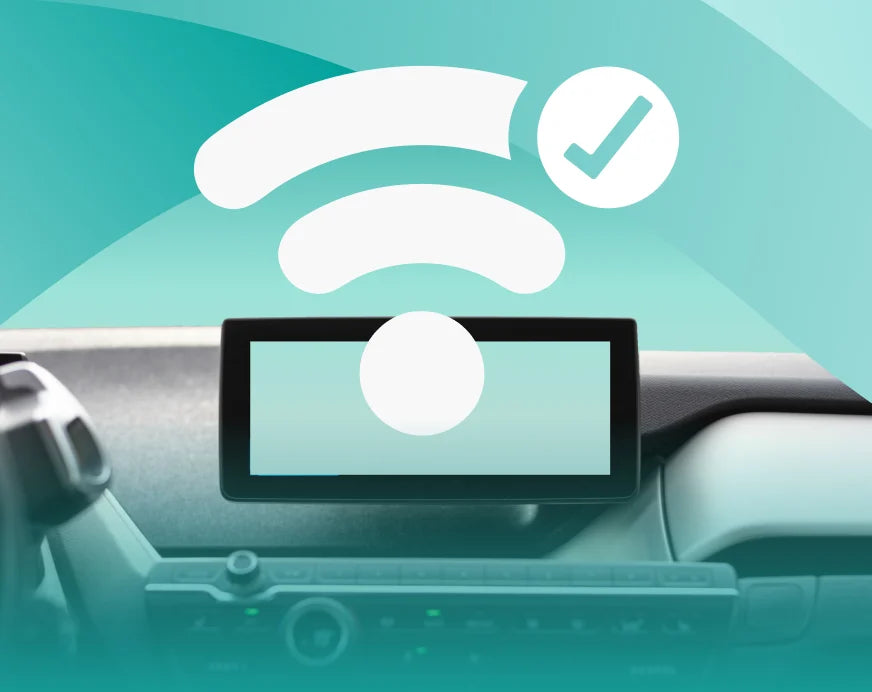
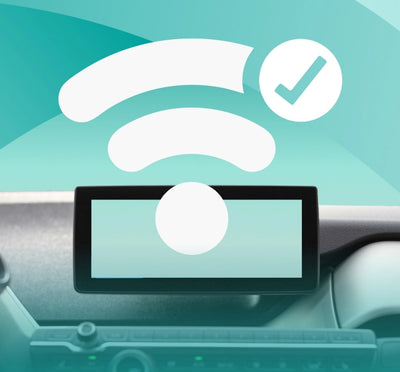
Car screen displays wireless connection
CarPlay/Android Auto starts instantly
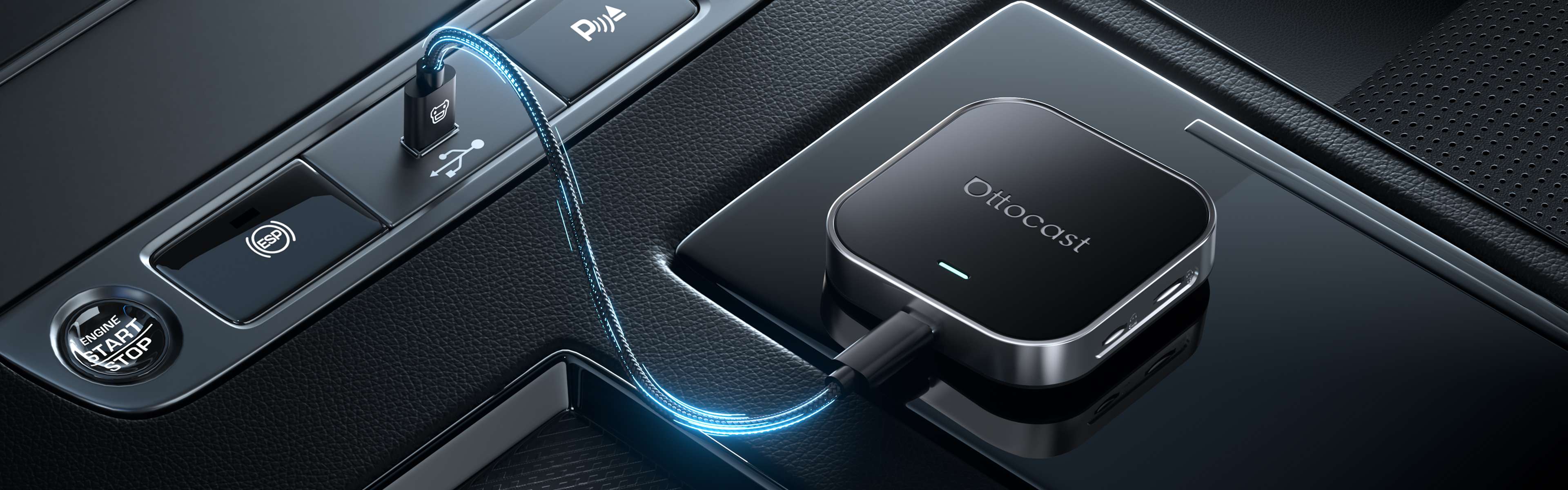
FOTA Upgrades
Technology moves fast. FOTA upgrades keep your car’s system cutting-edge without lifting a finger.
Always Updated
get the latest updates automatically
No Hassle, No Effort
Updates install in the background
Future-Proof Your Car
Stay ahead with new innovations
FAQ
Is this Ottocast product compatible with my car?
Most Ottocast products are designed for vehicles (typically 2016 or newer) with Factory Wired Apple CarPlay and/or Factory Wired Android Auto. This product is a wired-to-wireless adapter and must be plugged into a USB data port (not a charge-only port).
Quick check: plug your phone in—if CarPlay/Android Auto pops up, it’s supported. Video: 👉 Watch video
Does it support full-screen display?
Full-screen display depends on your car’s factory wired CarPlay system. Non-full-screen factory CarPlay may also appear non-full-screen with this product.
If I’ve paired two phones, which one will it connect to next time?
If multiple paired phones are nearby, Ottocast will usually reconnect to the last used phone.
To switch devices, disconnect CarPlay on the current phone (or turn off its Bluetooth/Wi-Fi), then connect with the other phone.
Some models also support one-tap switching or manual device selection.
Do I need a SIM card to watch videos or use maps? What if I can’t connect to Wi-Fi?
No. You need internet, but a physical SIM isn’t required. Depending on your model, you can go online via CloudSIM, phone hotspot, vehicle Wi-Fi, portable Wi-Fi, or a SIM card. If a SIM won’t connect, you may need to set the APN (check with your carrier).
CloudSIM: Learn more
Can I use Netflix in split-screen mode on this product?
Netflix is not supported in split-screen mode on this product.
Does it work with both iPhone and Android?
Yes. OttoAibox E2 works with cars that support factory wired CarPlay and/or factory wired Android Auto (USB data port).
After plugging it in, you can use the OttoAibox E2 system on your car screen and connect either an iPhone or an Android phone for supported features.

You may also like


NEW
NEW
NEW