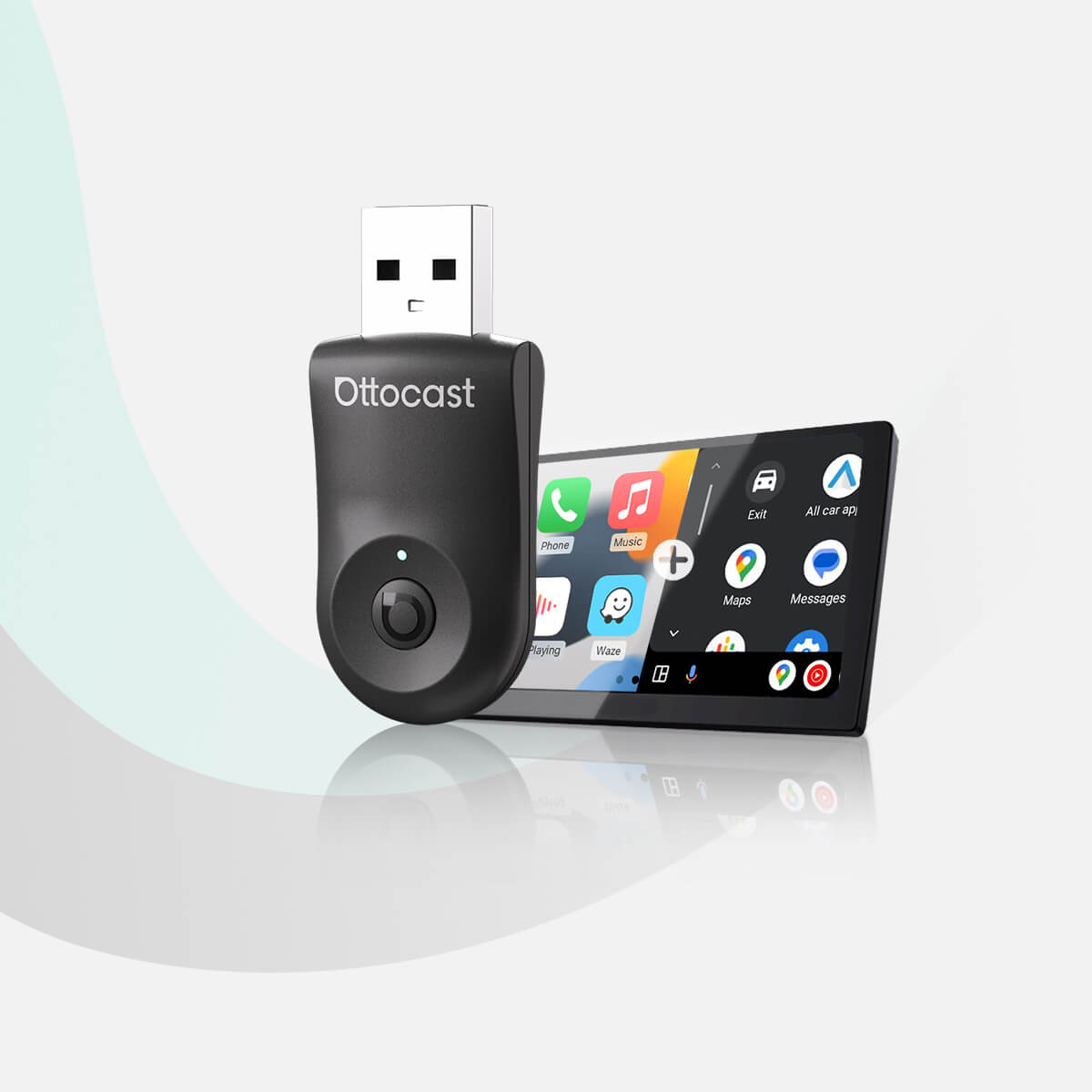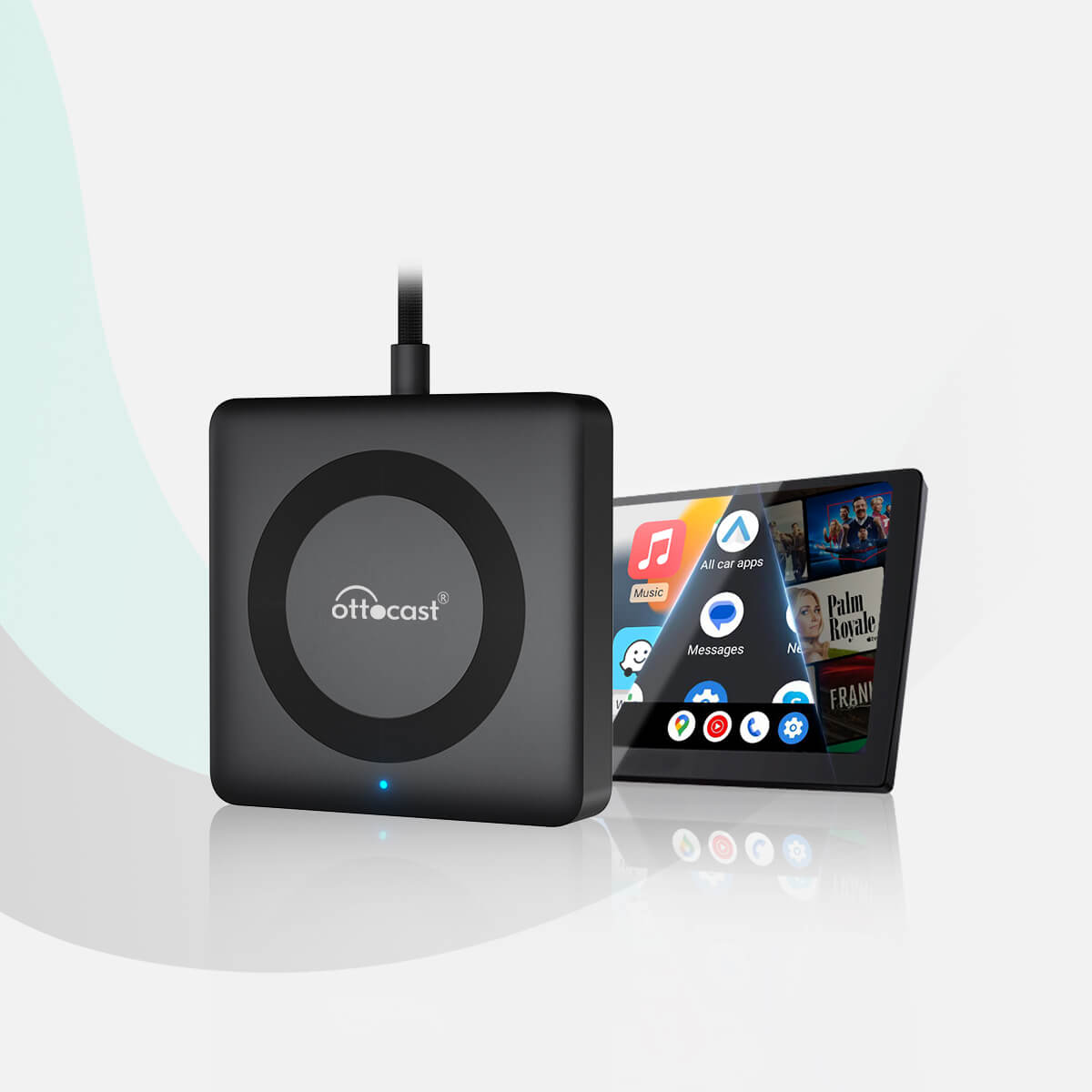
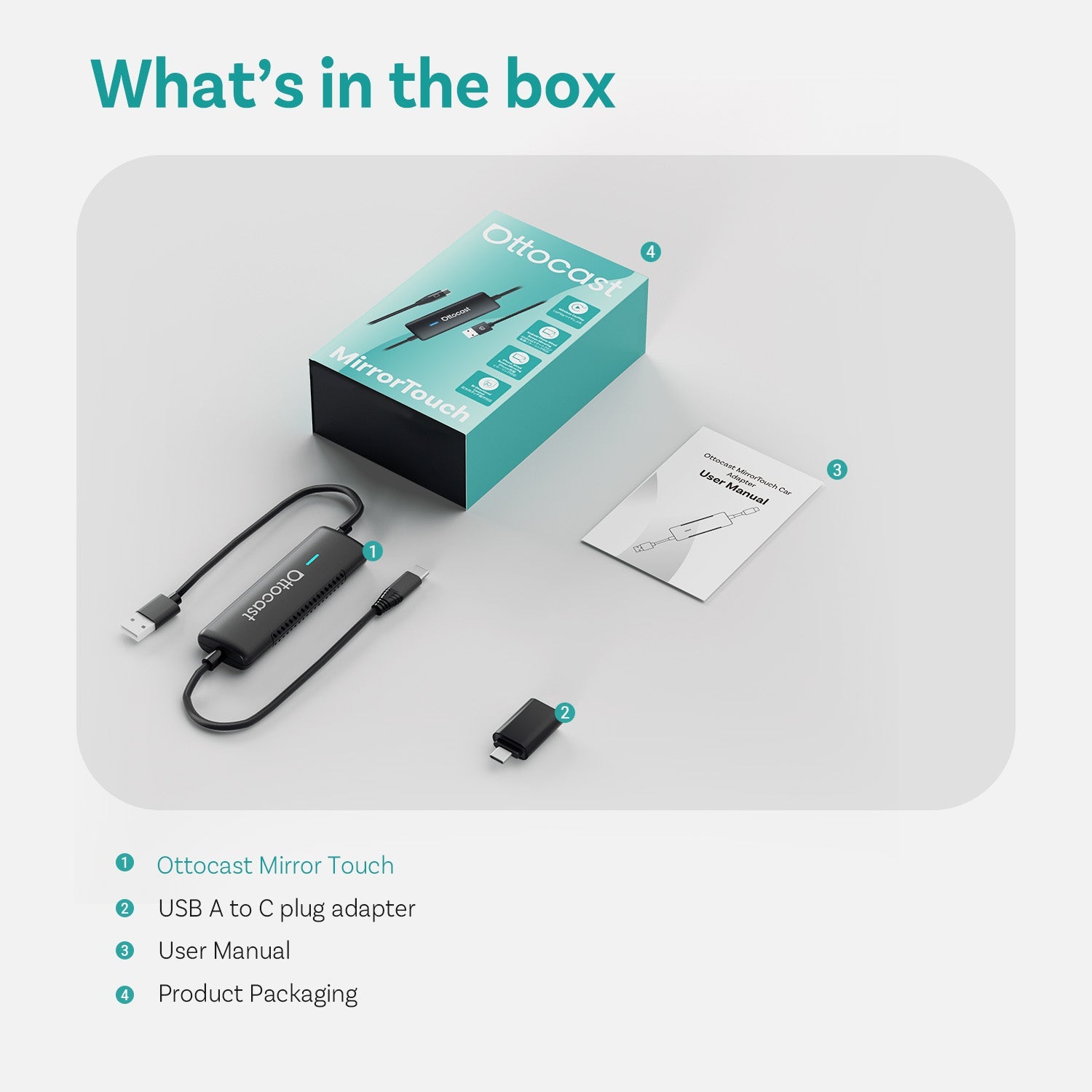

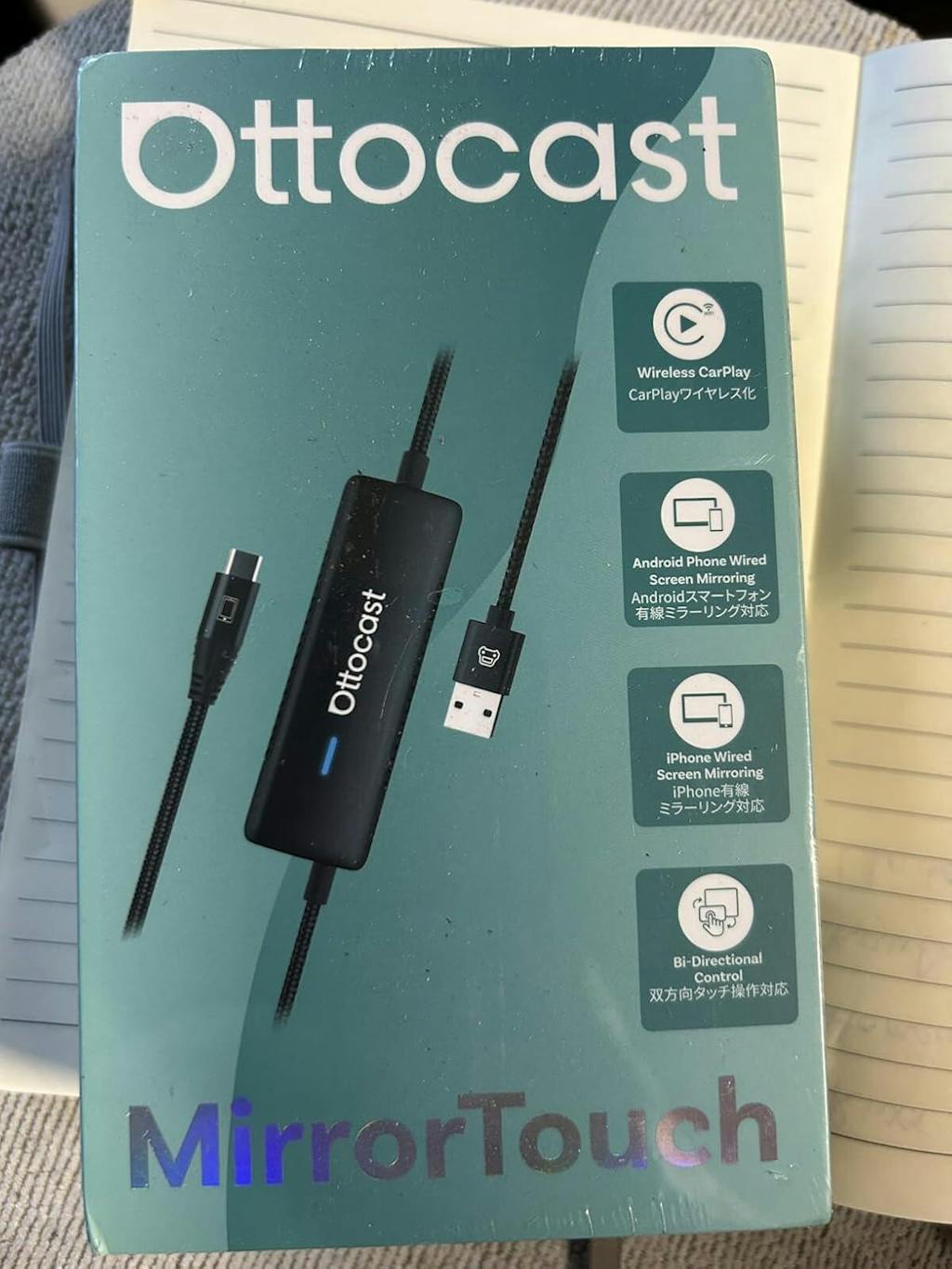
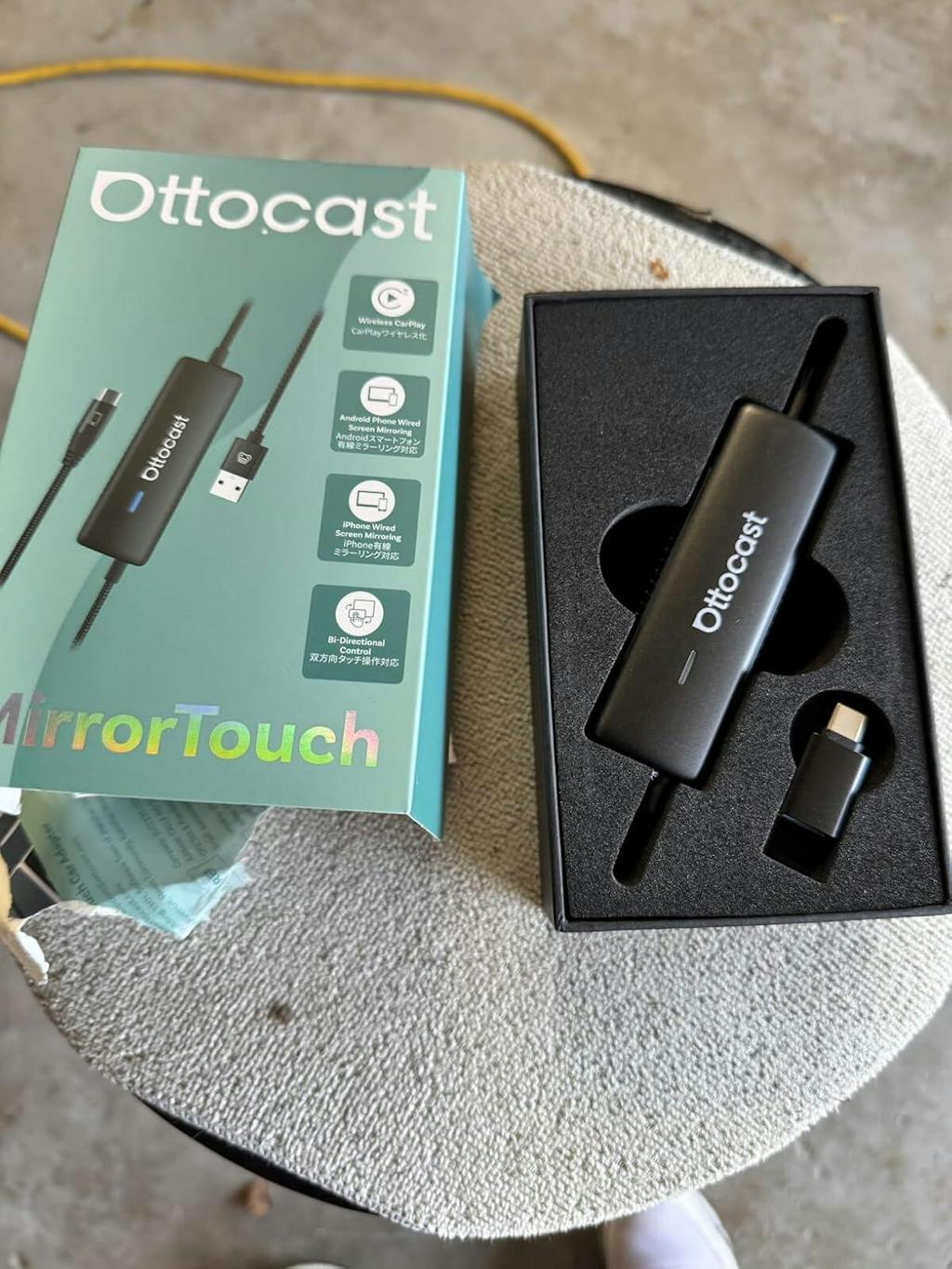
Adaptador Wireless CarPlay com Toque no Espelho
PRICE
Offer Details & FAQ
1. How to use the discount code?
Copy the code PRIME10, then paste it into the "Discount code" box on the checkout page as shown below:

2. Can I use multiple codes?
Only one discount code can be applied per order. Please note that low-priced items are excluded from additional discounts.
3. Why isn't my code working?
Typical reasons include:
- The code has expired.
- The code was copied incorrectly.
- The code is not applicable to the current store.
Produtos para venda adicional
Produtos com garantia
Solução encontrada para o seu veículo!
VEÍCULO SELECIONADO
Audi A4, 2018
Confirmamos que seu veículo não possui CarPlay de fábrica. Não se preocupe! O Ottoscreen AI mostrado abaixo é a solução completa projetada para trazer recursos inteligentes e CarPlay em tela cheia para o seu carro com facilidade.

Ottoscreen AI
Combinação Perfeita!
VEÍCULO SELECIONADO
Audi A4, 2018
Seu carro possui CarPlay com fio, que está pronto para nossos produtos. Continue navegando para descobrir mais.
Precisa de confirmação
VEÍCULO SELECIONADO
Audi A4, 2018
Pedimos desculpas, seu modelo não está em nosso banco de dados. Por favor, confirme um detalhe crucial: Seu carro possui Apple CarPlay com fio?
Assista ao vídeo guia abaixo ou use uma ferramenta de IA (como Gemini ou ChatGPT) para pesquisar rapidamente os recursos do seu carro e confirmar. Se ele tiver CarPlay com fio, nossos produtos são a escolha perfeita!
CarPlay sem fio detectado
VEÍCULO SELECIONADO
Audi A4, 2018
Como você já tem o CarPlay sem fio, confira nosso Ottoaibox i3 para assistir vídeos no seu carro.

Caixa AI CarPlay OttoAibox i3 BMW
Combinação Perfeita!
VEÍCULO SELECIONADO
Audi A4, 2018
Seu carro é compatível — continue navegando para descobrir mais que você vai adorar.
Android Auto com fio detectado
VEÍCULO SELECIONADO
Audi A4, 2018
Detectamos que seu veículo suporta apenas Android Auto com fio, não CarPlay com fio. Ele não é compatível com seu carro. Não se preocupe! O Adaptador A2Air Pro mostrado abaixo é a solução perfeita para você.
Requires USB-C DisplayPort Phone + Factory Wired CarPlay
-
Vehicle:Your vehicle must have factory wired CarPlay.
-
Phone:Android phones with DP (DisplayPort) screen mirroring supportiPhone 15 series and newer via USB-C DisplayPort output
Factory Wireless CarPlay Vehicles (e.g. some BMW models): Recommended Model: OttoAibox i3
How to Check Wired CarPlay / Android Auto Support
Política pós-venda

Devoluções em 30 dias

Garantia de 1 Ano

Suporte Dedicado
Compartilhar
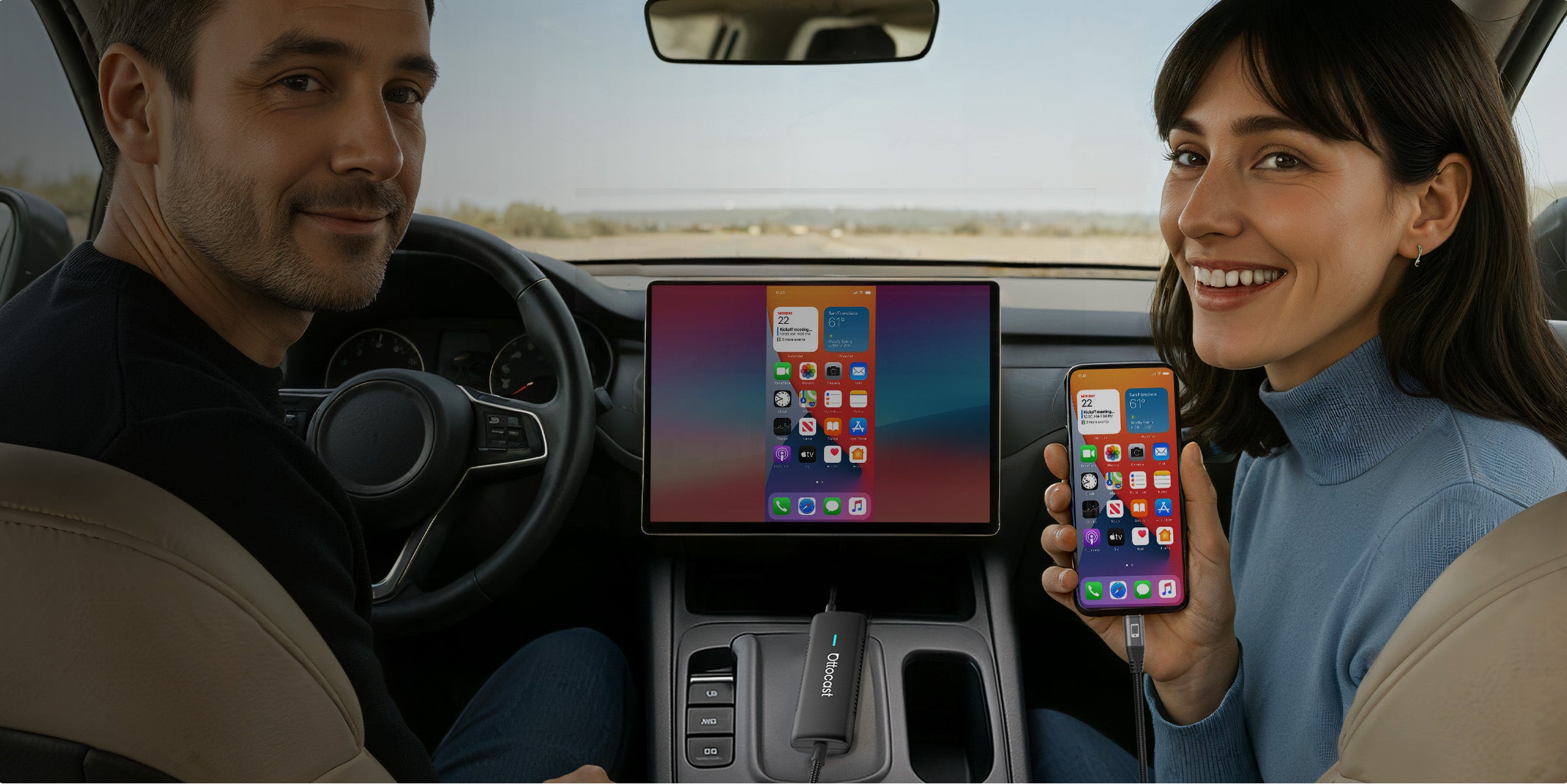


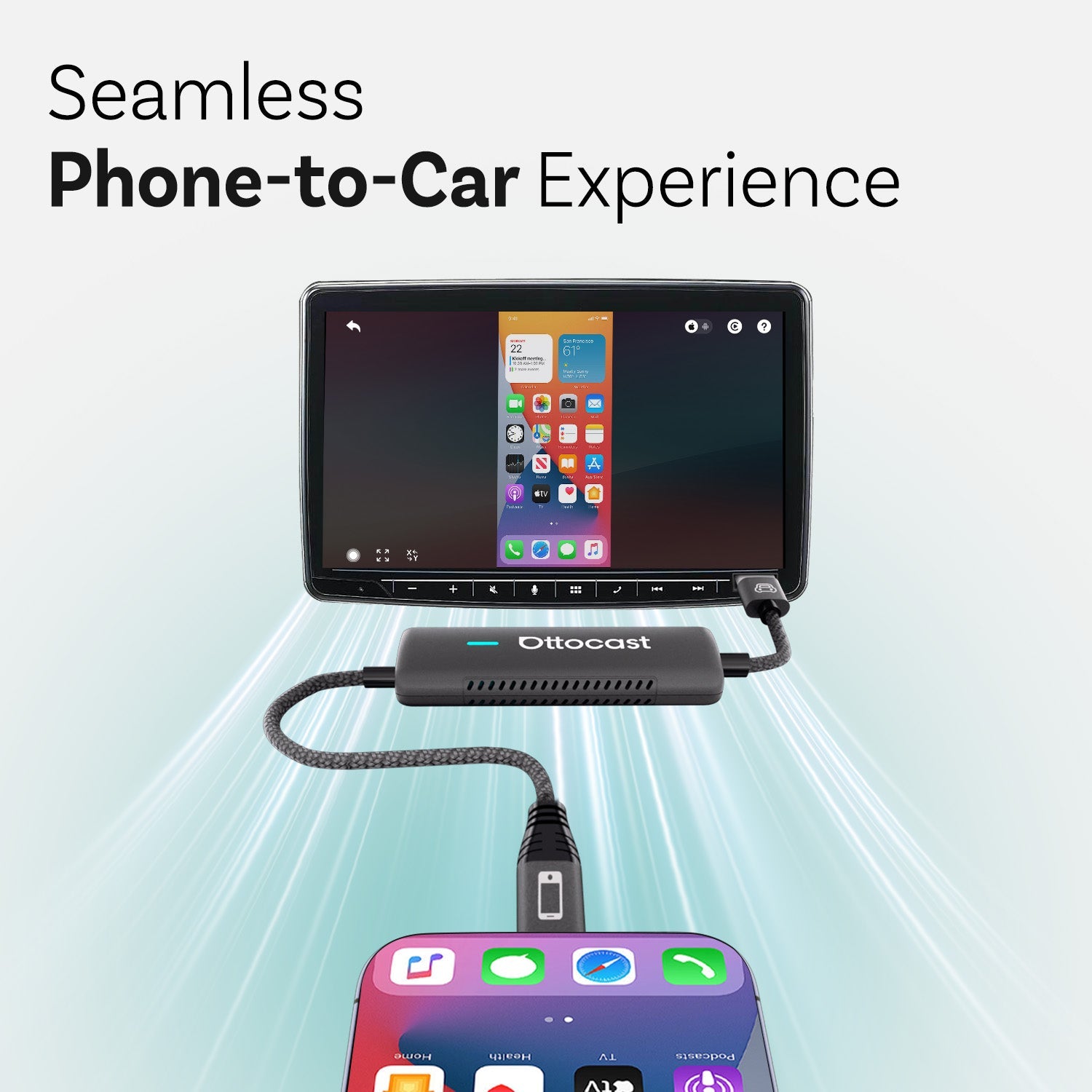
Experiência Integrada do Telefone ao Carro


Integre Todo o Som
ao Sistema de Áudio Embutido do Carro

Tornando sua jornada mais inteligente e segura


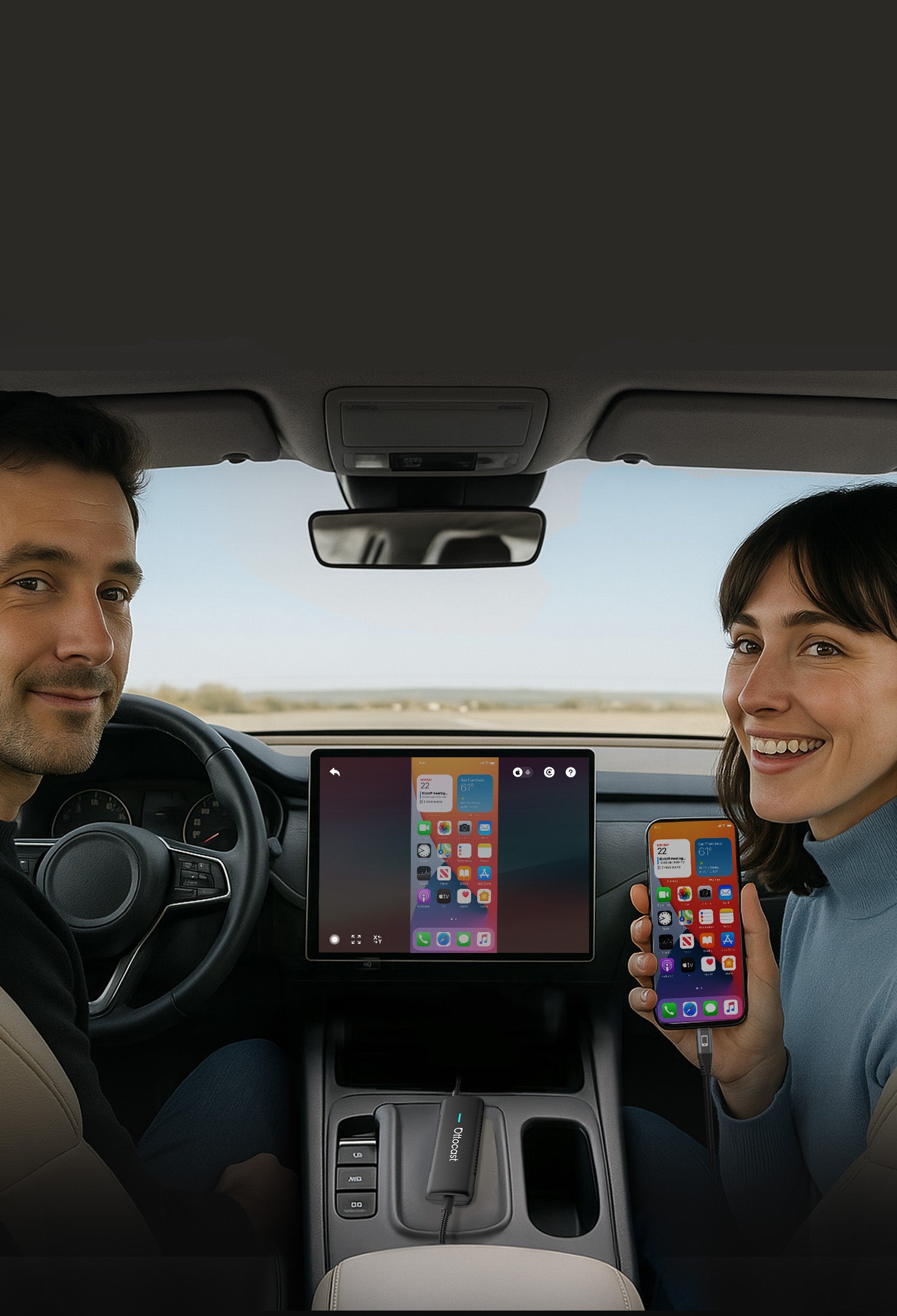
A tela do seu carro exibe tudo do seu telefone assim que você entra


O Mirror Touch oferece um início verdadeiramente perfeito em cada passeio


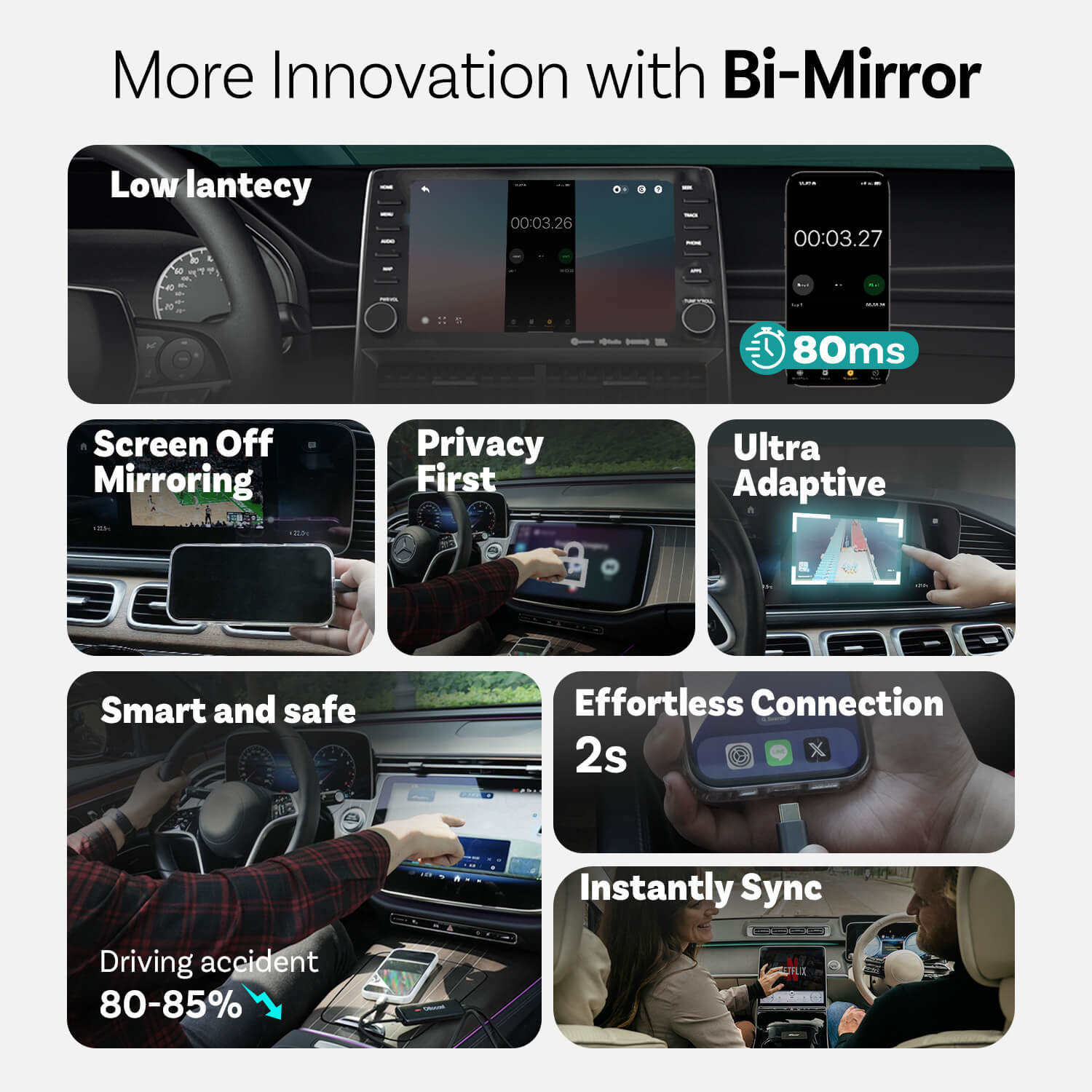
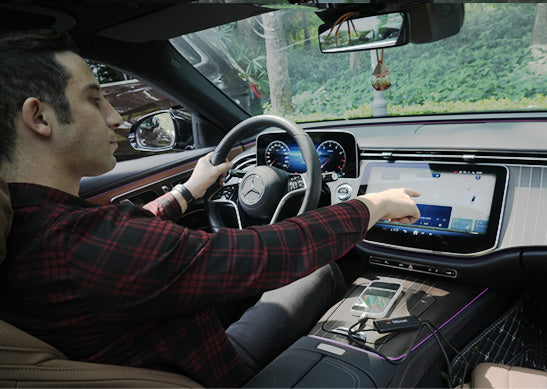
Usar o painel em vez do telefone para reduzir acidentes de trânsito em cerca de 80-85%


Inovações da Mirror Touch
Privacidade em Primeiro Lugar
Suas mensagens, logins e histórico permanecem exclusivamente no seu telefone.
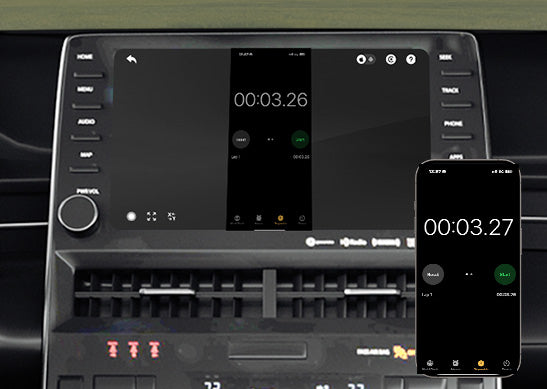
80ms de baixa latência
Limite de 100ms que os humanos conseguem perceber.
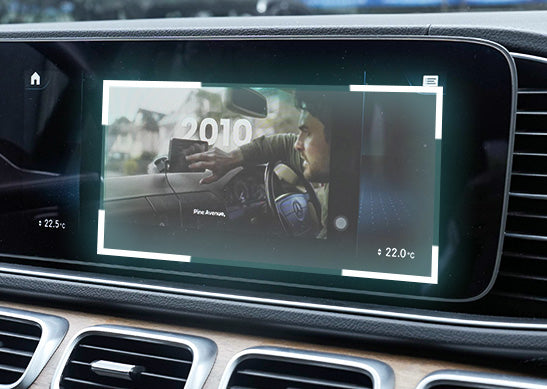
Ultra Adaptável
Adapta-se facilmente à orientação da maioria dos seus aplicativos e aos recursos nativos de exibição
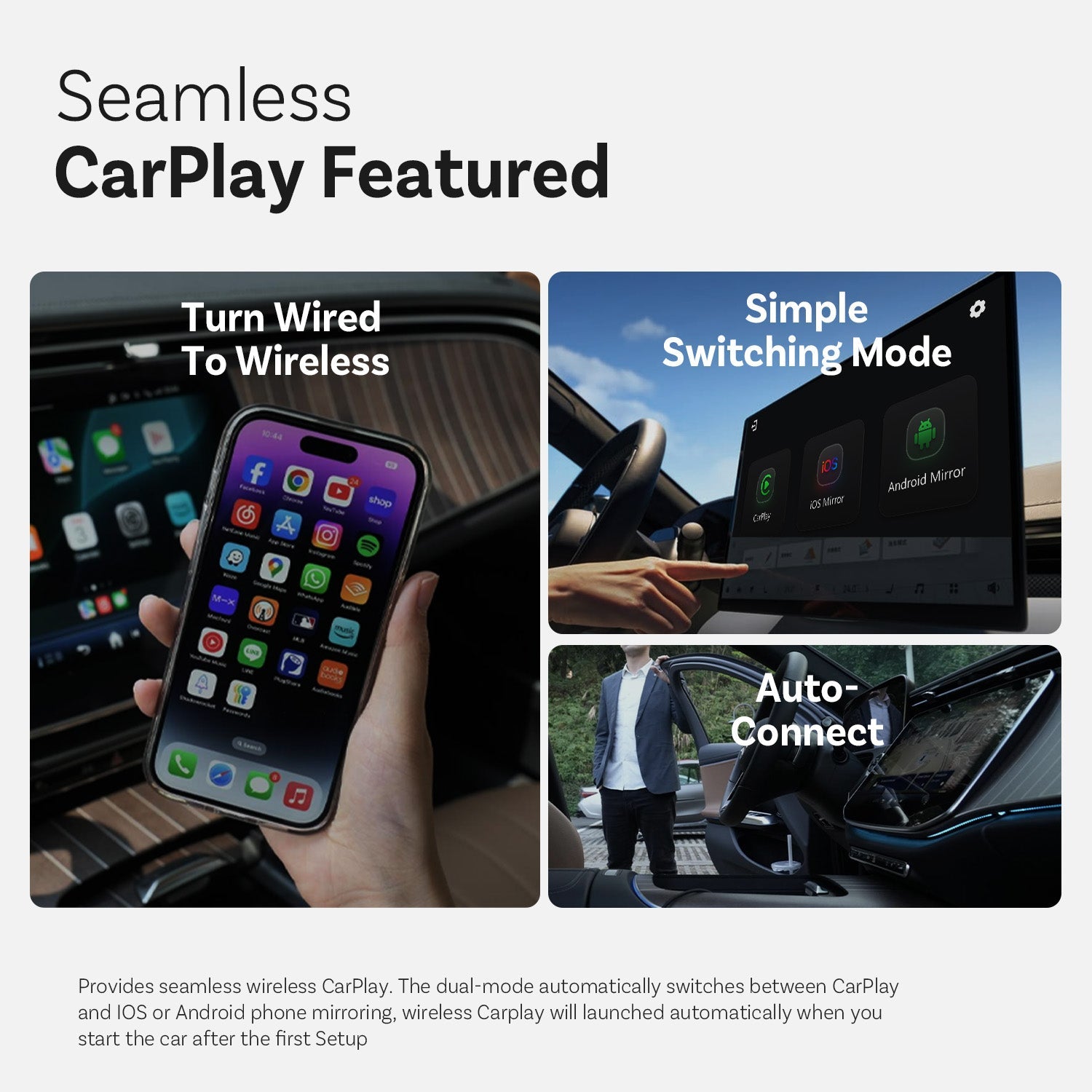
CarPlay Integrado


Transforme com Fio em Sem Fio

Modo de Comutação Simples

Conexão Automática
Mais Recursos
Ottocast Mirror Touch


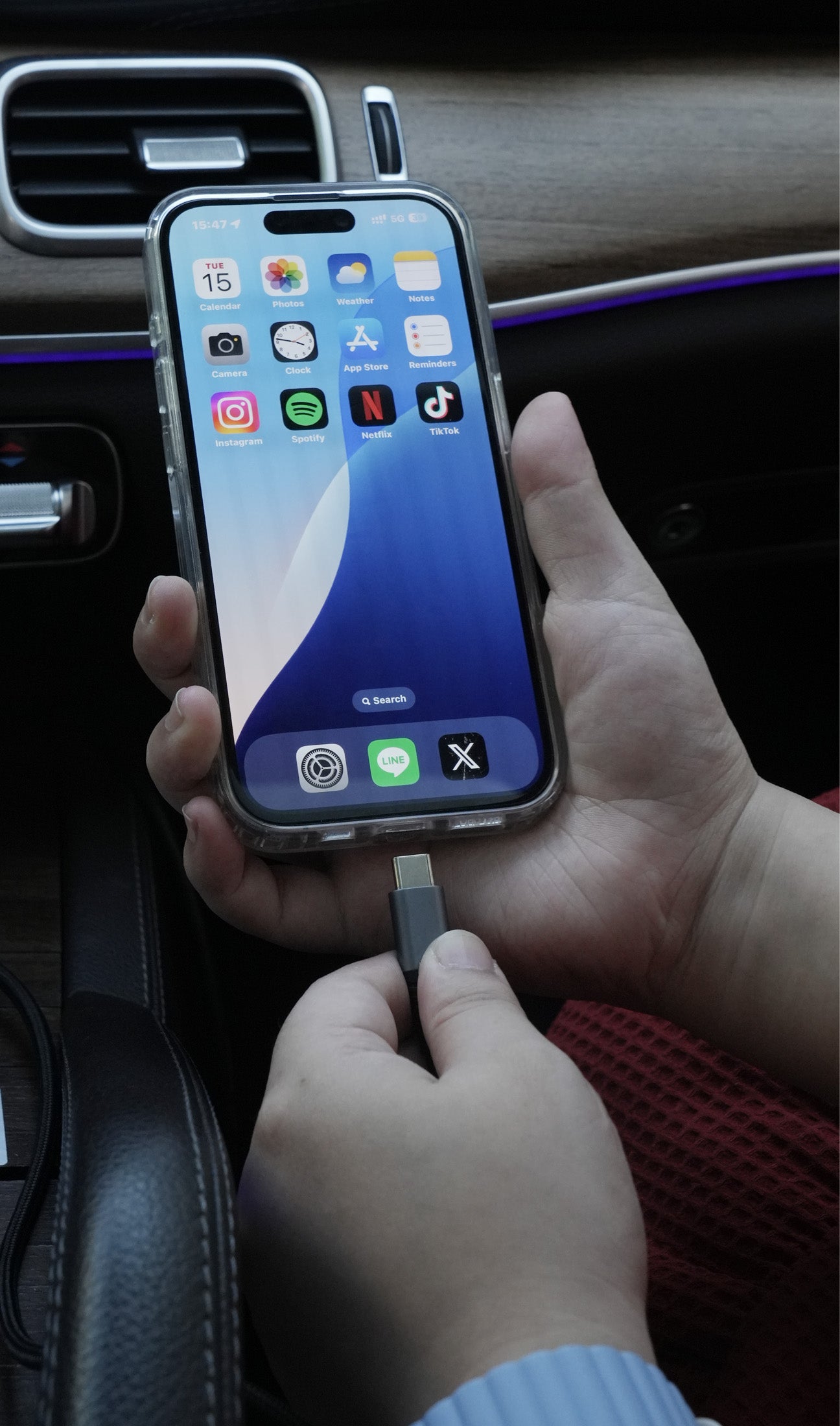
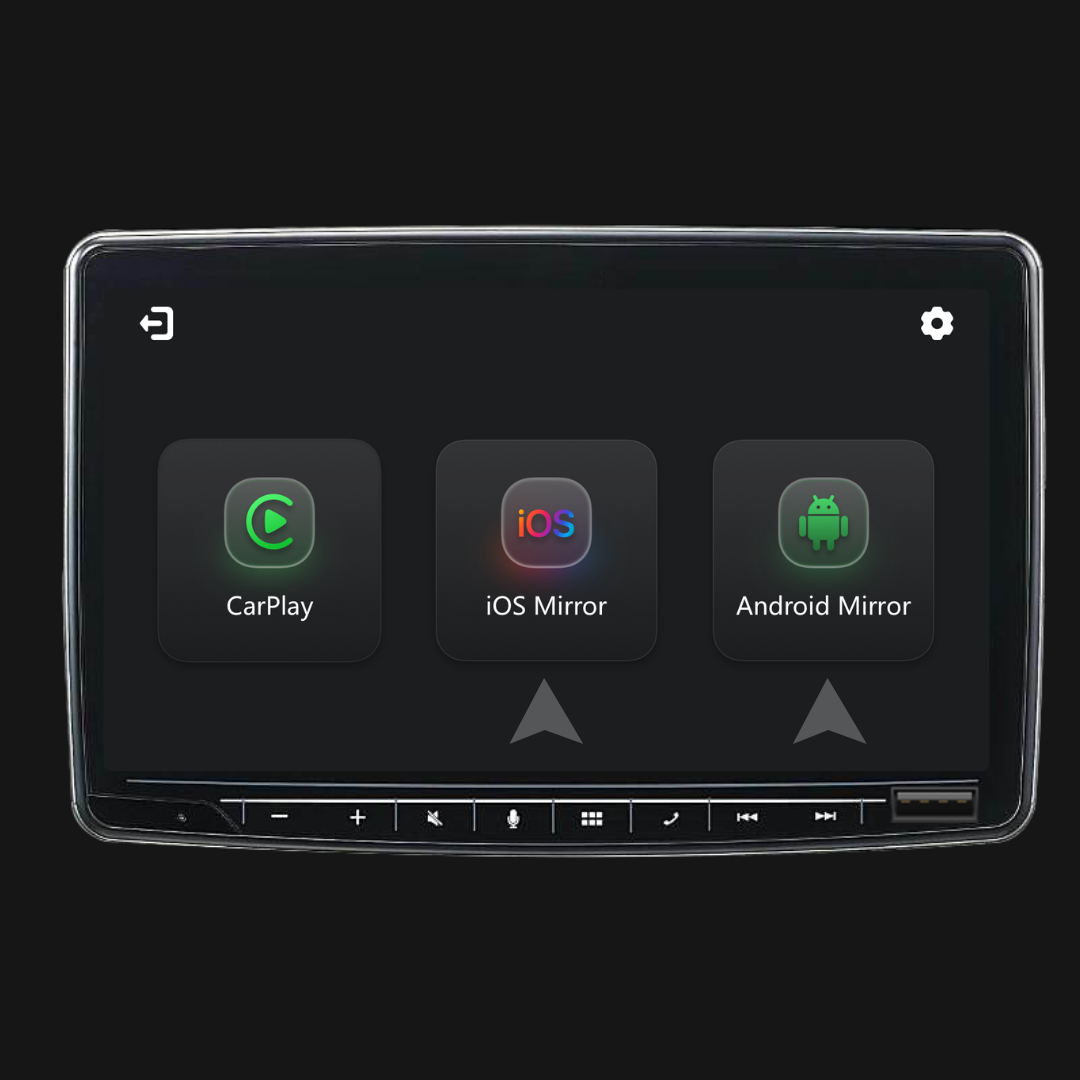
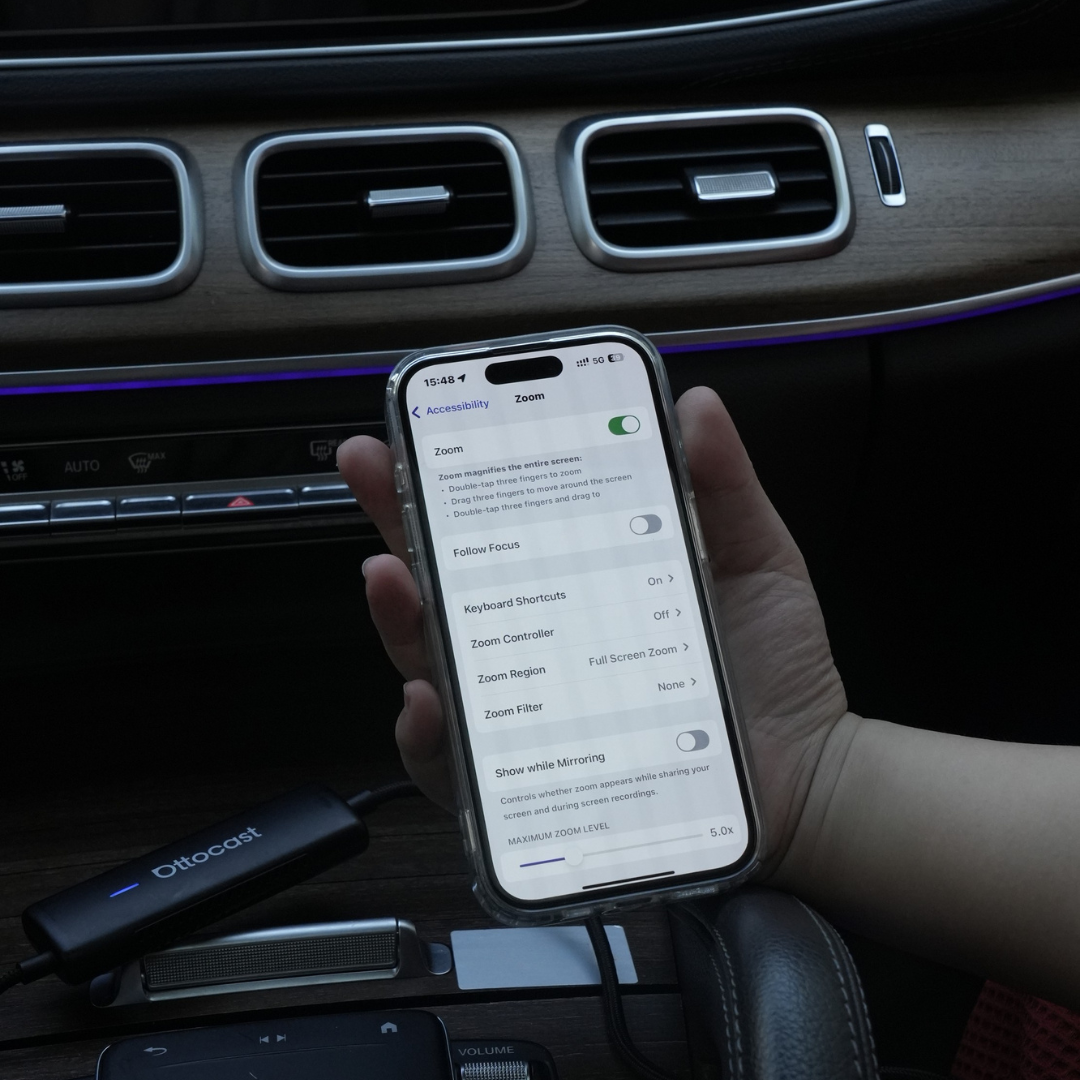
Três passos para obter Espelho e Controle
Perguntas Frequentes
Este produto Ottocast é compatível com o meu carro?
A compatibilidade depende da funcionalidade que você deseja usar:
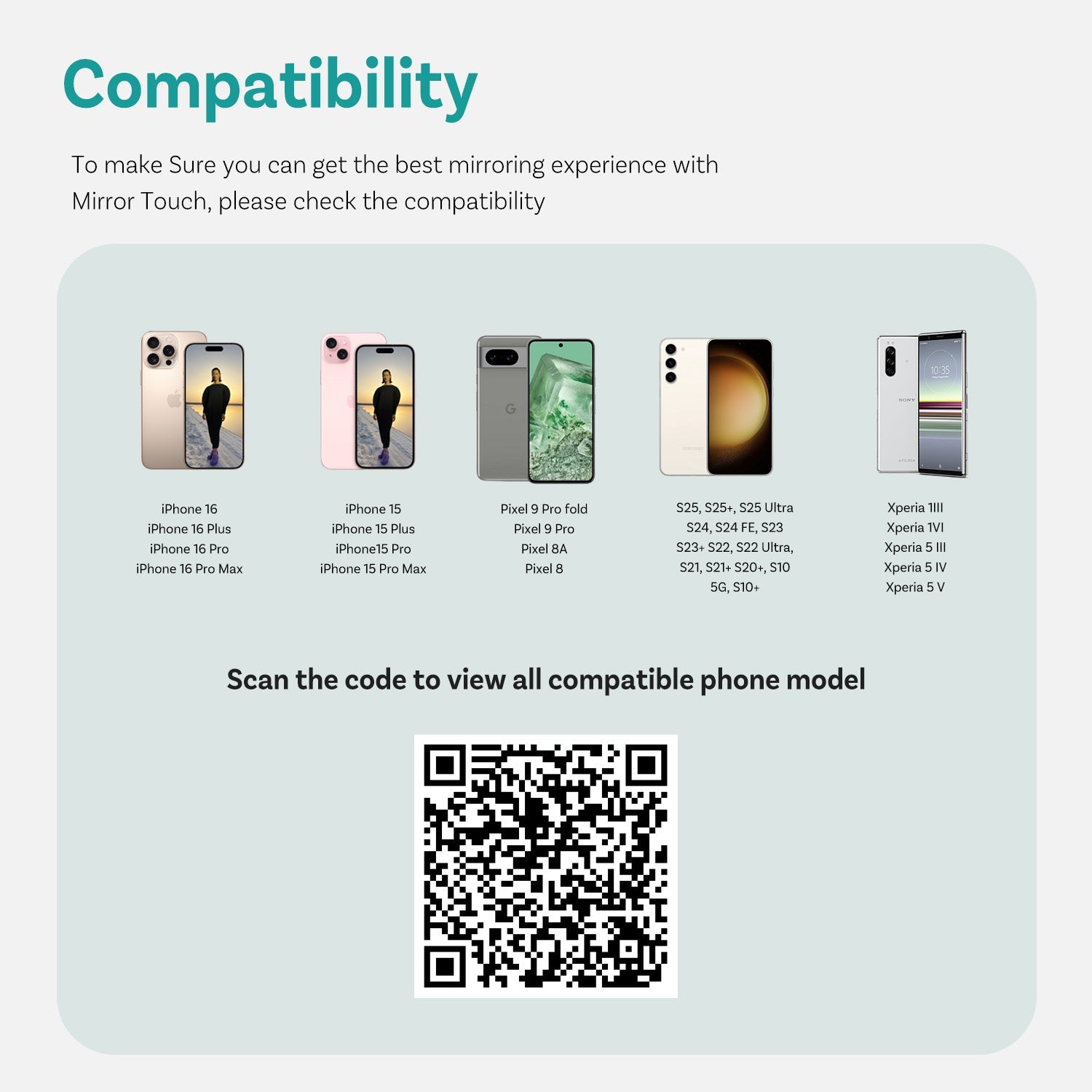
Espelhamento de Tela do Telefone
- Suporta telefones Android com espelhamento de tela DP
- Suporta iPhone 15 e posteriores via saída USB-C DisplayPort
Por favor, certifique-se de que o espelhamento de tela DP está ativado no seu telefone.
👉 Lista de Compatibilidade
CarPlay Sem Fio
- Funciona com veículos (2016 ou posteriores) ou motocicletas que possuem Apple CarPlay com fio de fábrica
- ❌ Não compatível com veículos apenas com Android Auto
Como posso verificar a compatibilidade no seu site?
Na página do produto, clique em “Verificar se Serve no Seu Carro” (abaixo de “Adicionar ao Carrinho”), depois selecione a marca / modelo / ano para ver o resultado.
Existem códigos de desconto, cupons ou vouchers para produtos Ottocast?
Sim. Novos clientes podem receber uma oferta de boas-vindas ao se inscreverem nos e-mails da Ottocast, e realizamos promoções por tempo limitado ao longo do ano.
Para os códigos ativos mais recentes, inscreva-se no final da página e enviaremos atualizações.
Se eu emparelhei dois telefones, com qual deles ele vai se conectar da próxima vez?
Se vários telefones emparelhados estiverem próximos, o Ottocast geralmente reconectará ao telefone usado por último.
Para trocar de dispositivo, desconecte o CarPlay no telefone atual (ou desligue o Bluetooth/Wi-Fi dele), e então conecte com o outro telefone.
Alguns modelos também suportam troca com um toque ou seleção manual do dispositivo.
Posso movê-lo entre dois carros?
Sim. Basta desconectar e usar em outro veículo compatível. No novo carro, pode ser necessário emparelhar seu telefone novamente ou fazer uma configuração rápida pela primeira vez.
Meu telefone pode usar o recurso de espelhamento de tela?
Depende se o seu telefone suporta saída de vídeo (DisplayPort / DP Alt Mode).
- Android: Suportado em telefones USB-C com DP Alt Mode.
- iPhone: Suportado no iPhone 15 e modelos mais recentes (saída DisplayPort USB-C).
Dica: Verifique as especificações/configurações do seu telefone para confirmar se o DP Alt Mode é suportado e está ativado.
Lista de compatibilidade: Clique para verificar
O espelhamento e o controle por toque exigem um cabo?
Sim. Espelhamento de tela e controle por toque exigem uma conexão com fio. Conecte seu telefone com um cabo e, em seguida, toque em iOS Cast ou Android Cast na tela para começar.
Preciso configurar toda vez que entro no carro?
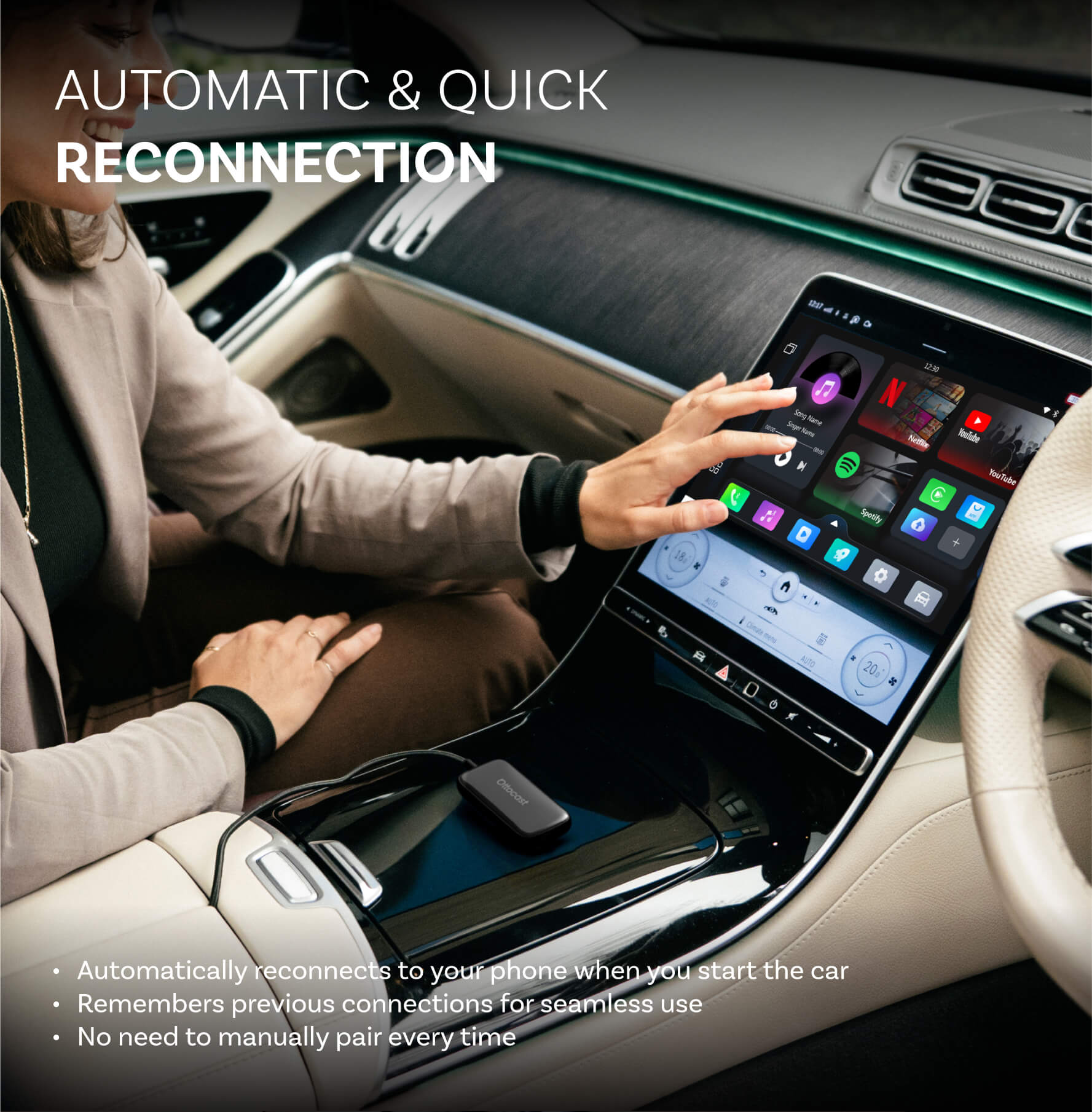
Não. Após a primeira configuração, ele conecta automaticamente quando você liga o carro (desde que o Bluetooth/Wi-Fi do seu telefone esteja ativado). Você pode então alternar entre CarPlay e espelhamento do telefone (se suportado).
O que devo confirmar antes de comprar?
Por favor, confirme estes 3 pontos:
- Suporte telefônico para espelhamento/controle por toque:
- iPhone: iPhone 15+ (USB-C com saída de vídeo DisplayPort/DP)
- Android: telefone USB-C com saída de vídeo em DP Alt Mode
- Requisito do carro: Seu veículo deve suportar o CarPlay com fio de fábrica (geralmente 2016+).
- Verificação de compatibilidade: Use a lista/verificador de compatibilidade na página do produto para confirmar seu veículo exato.
Por que escolher o Mirror Touch?
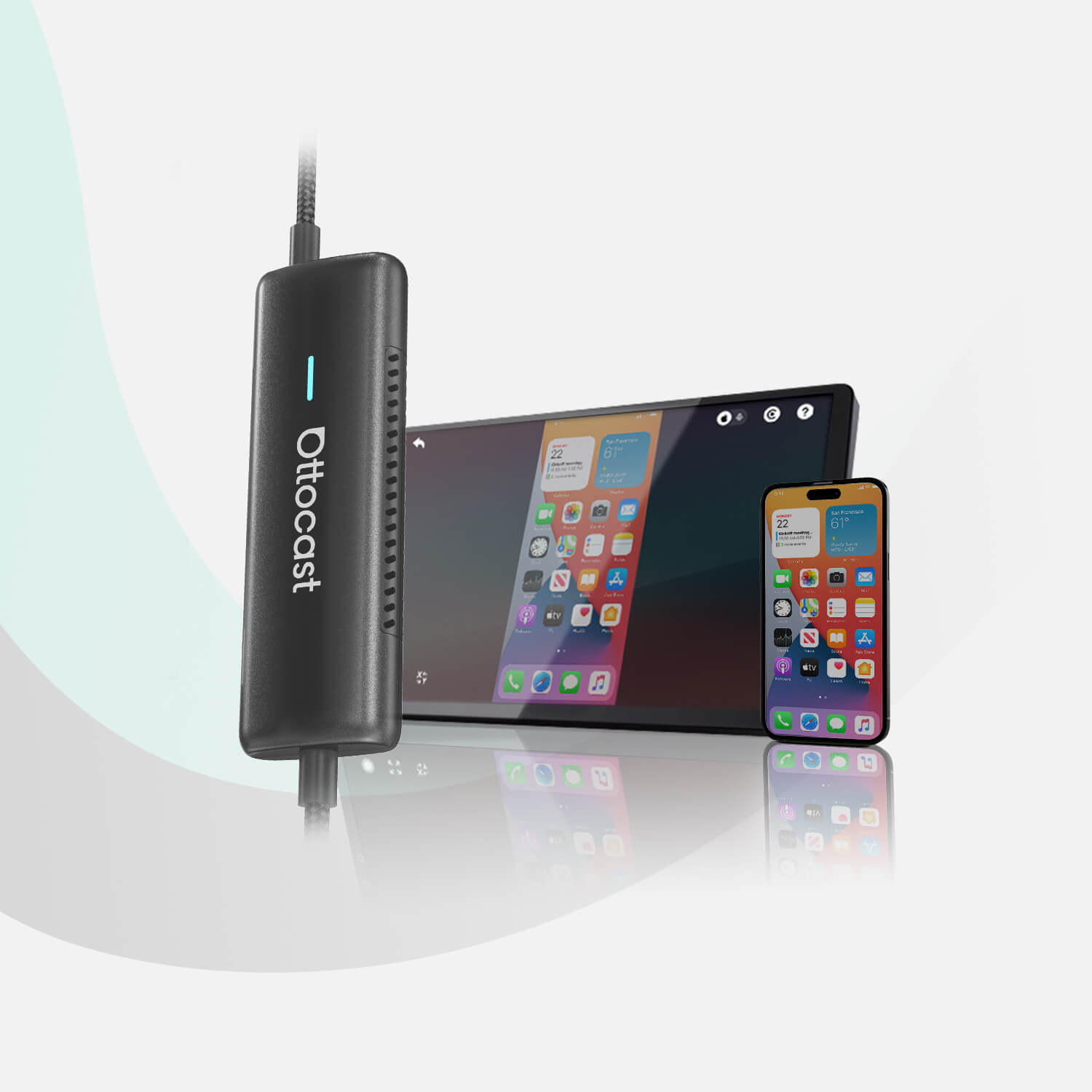
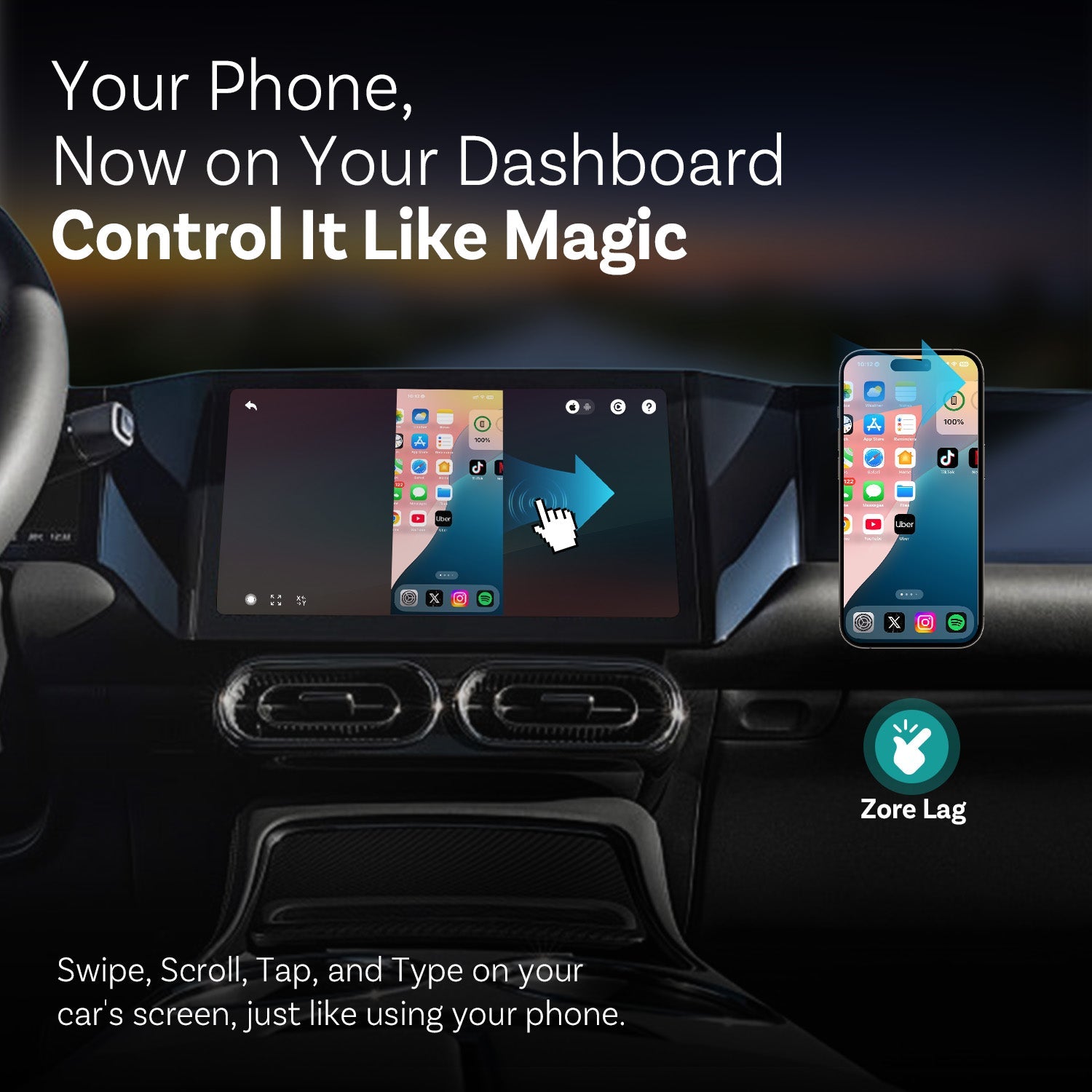
O Mirror Touch aprimora o CarPlay sem fio padrão com dois recursos principais: espelhamento de tela cheia do telefone e controle por toque — para que você possa tocar, deslizar e digitar na tela do seu carro como no seu telefone.
Ele foi projetado para baixa latência, e seus dados/histórico permanecem no seu telefone.

Você também pode gostar