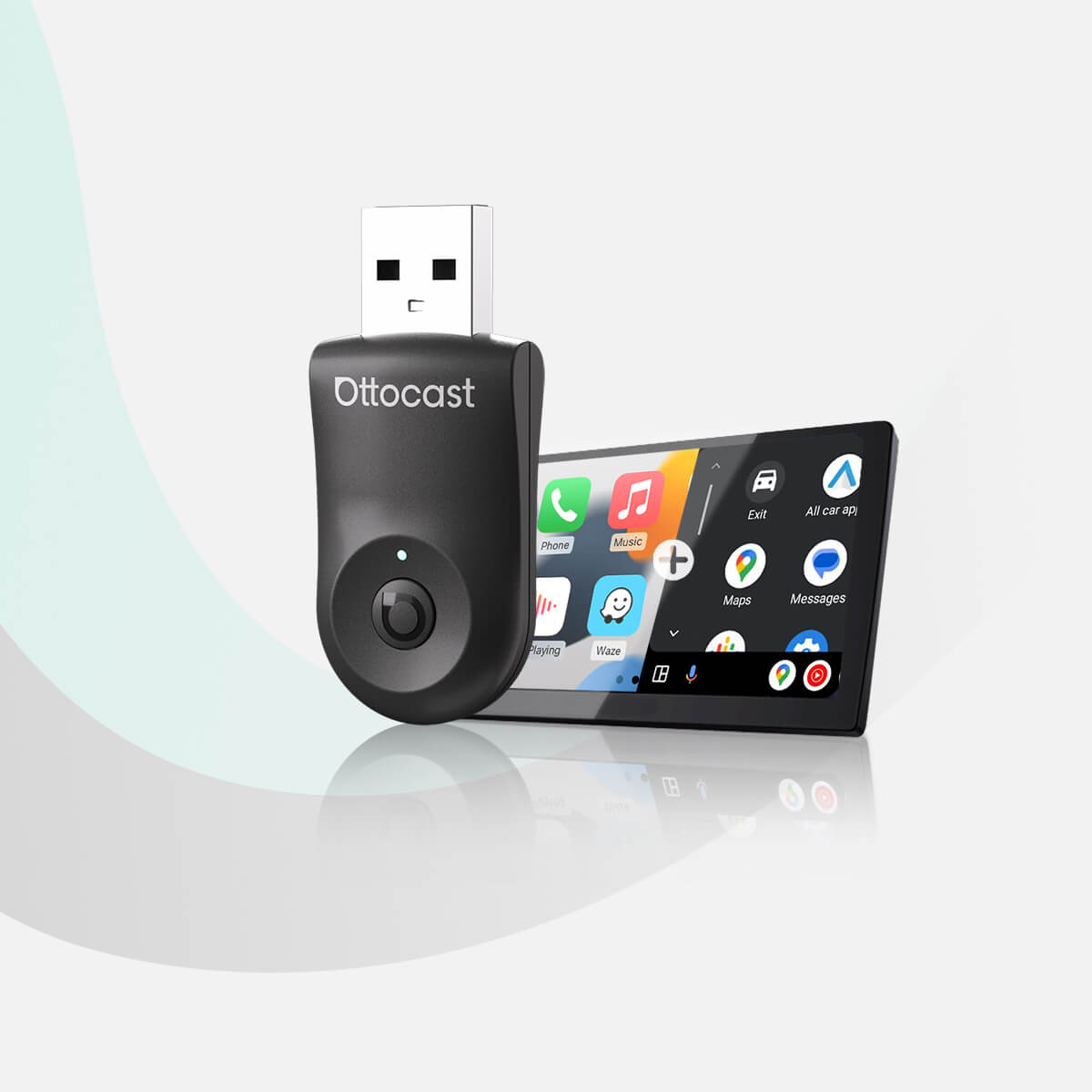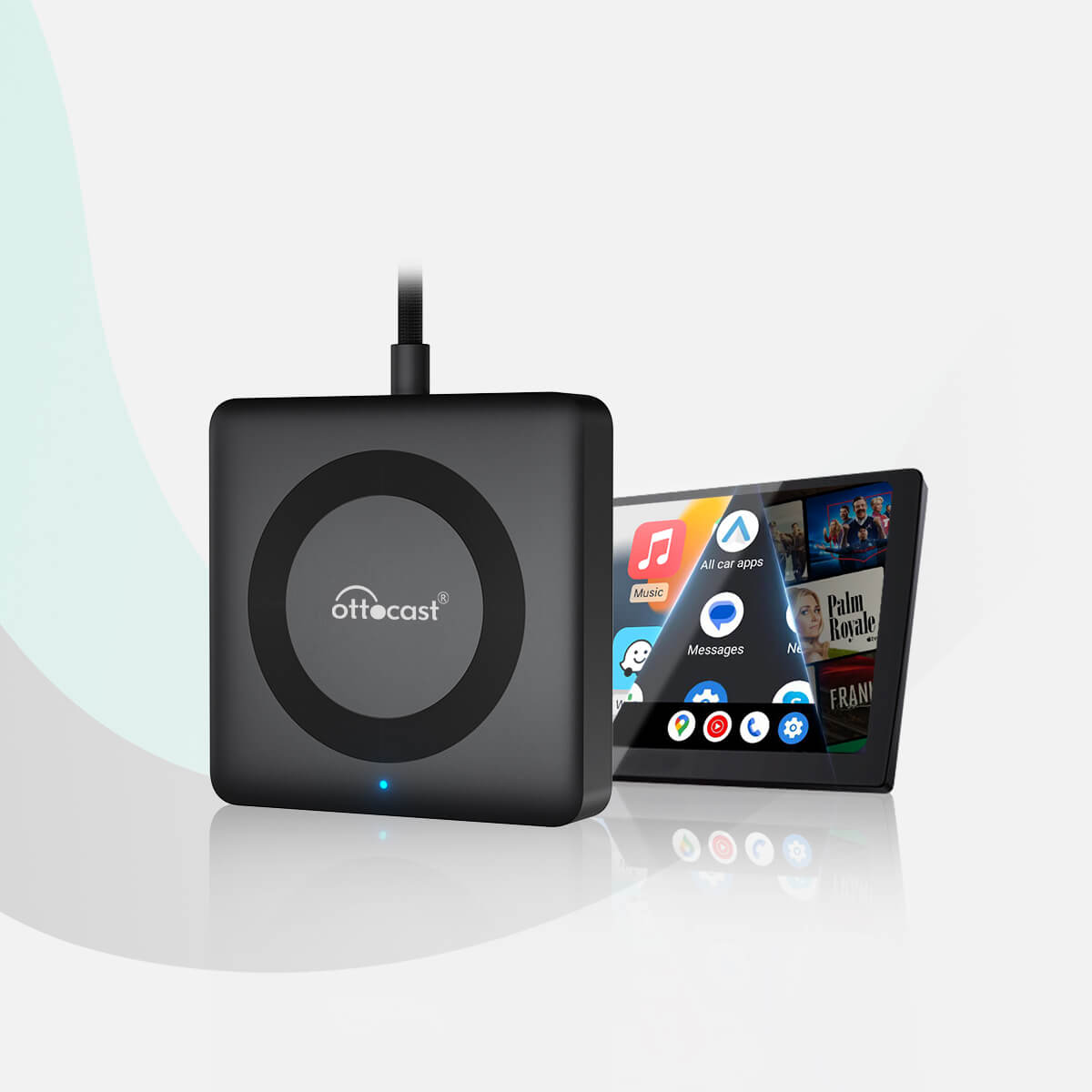

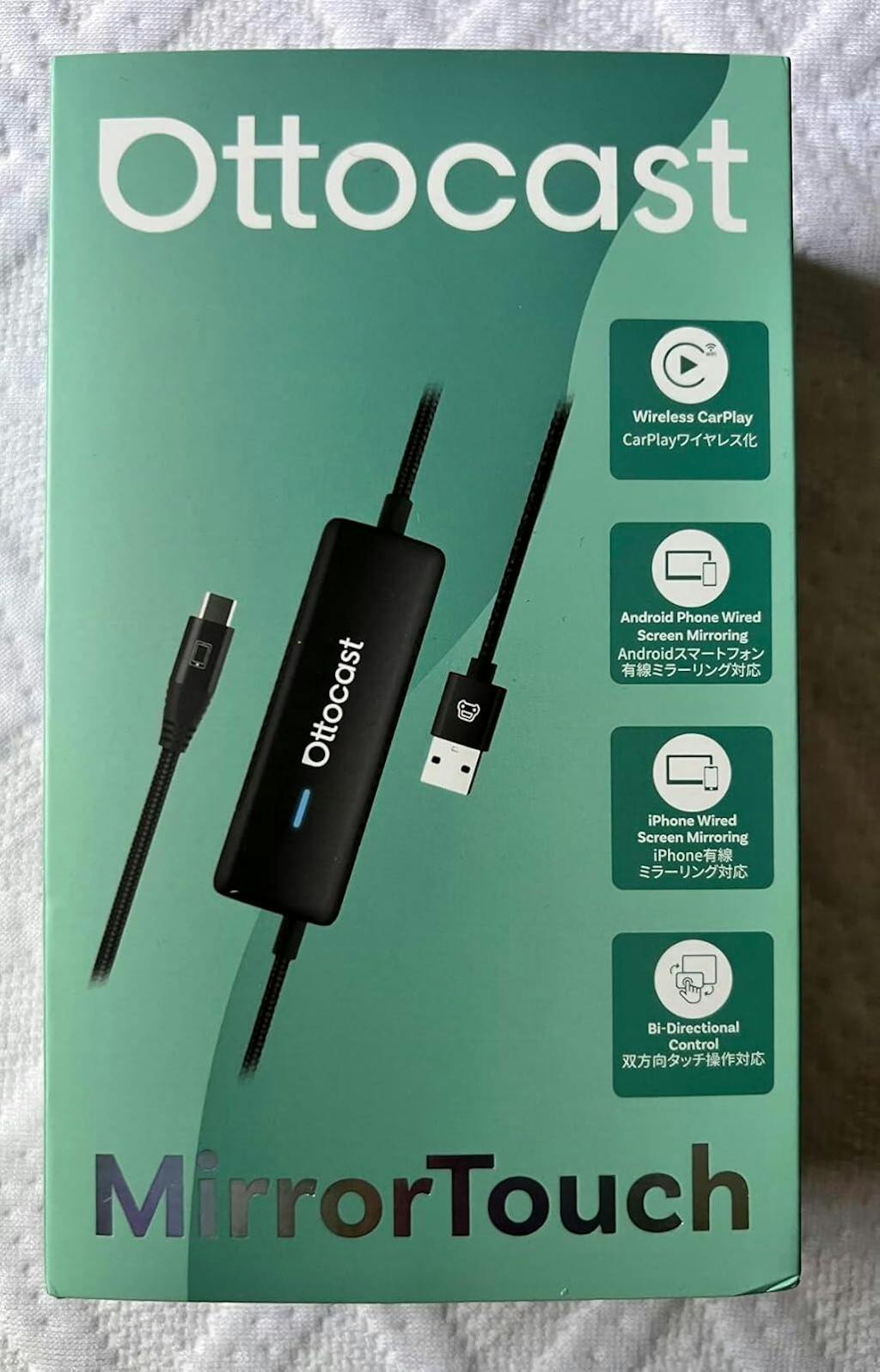
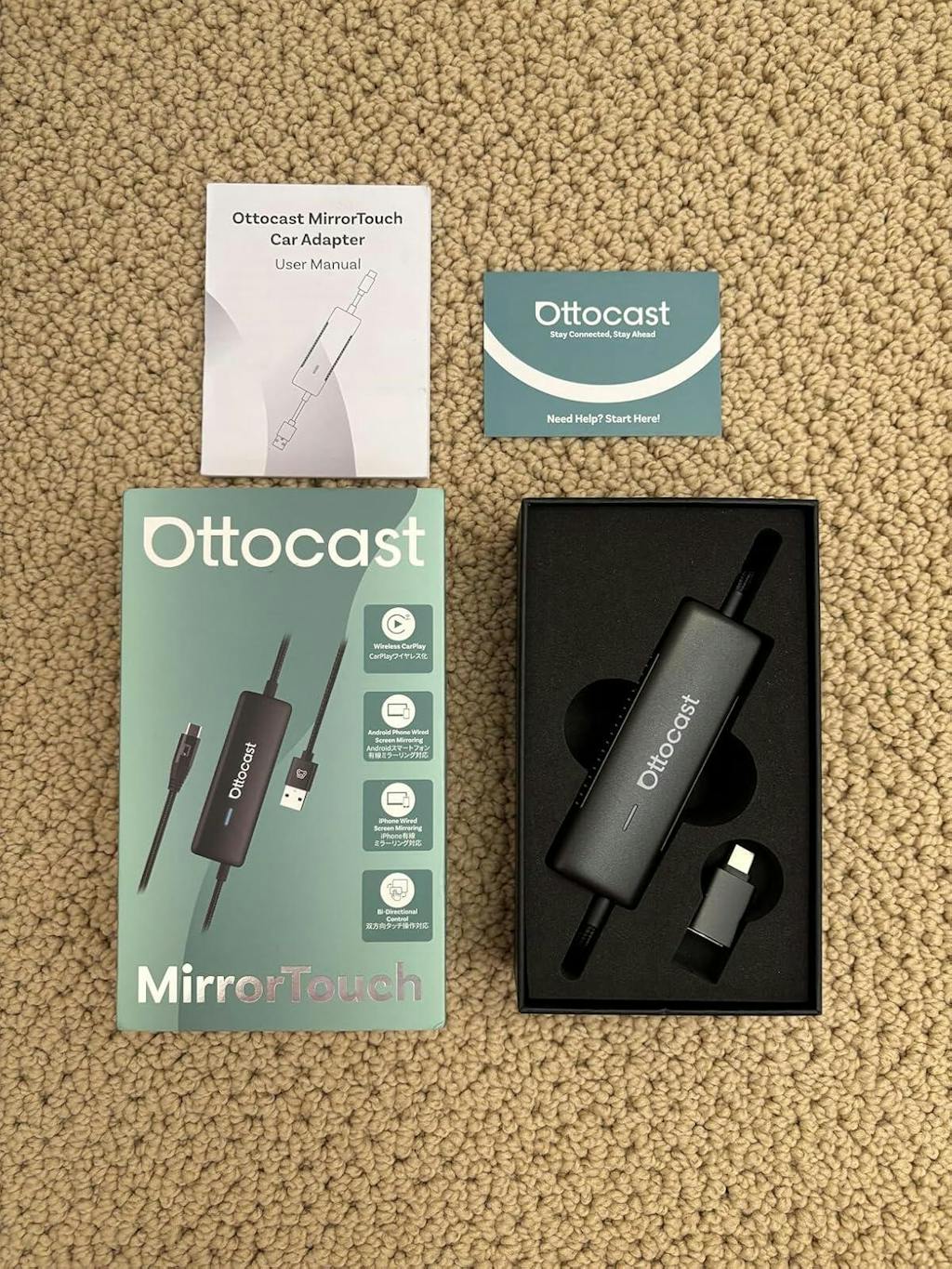
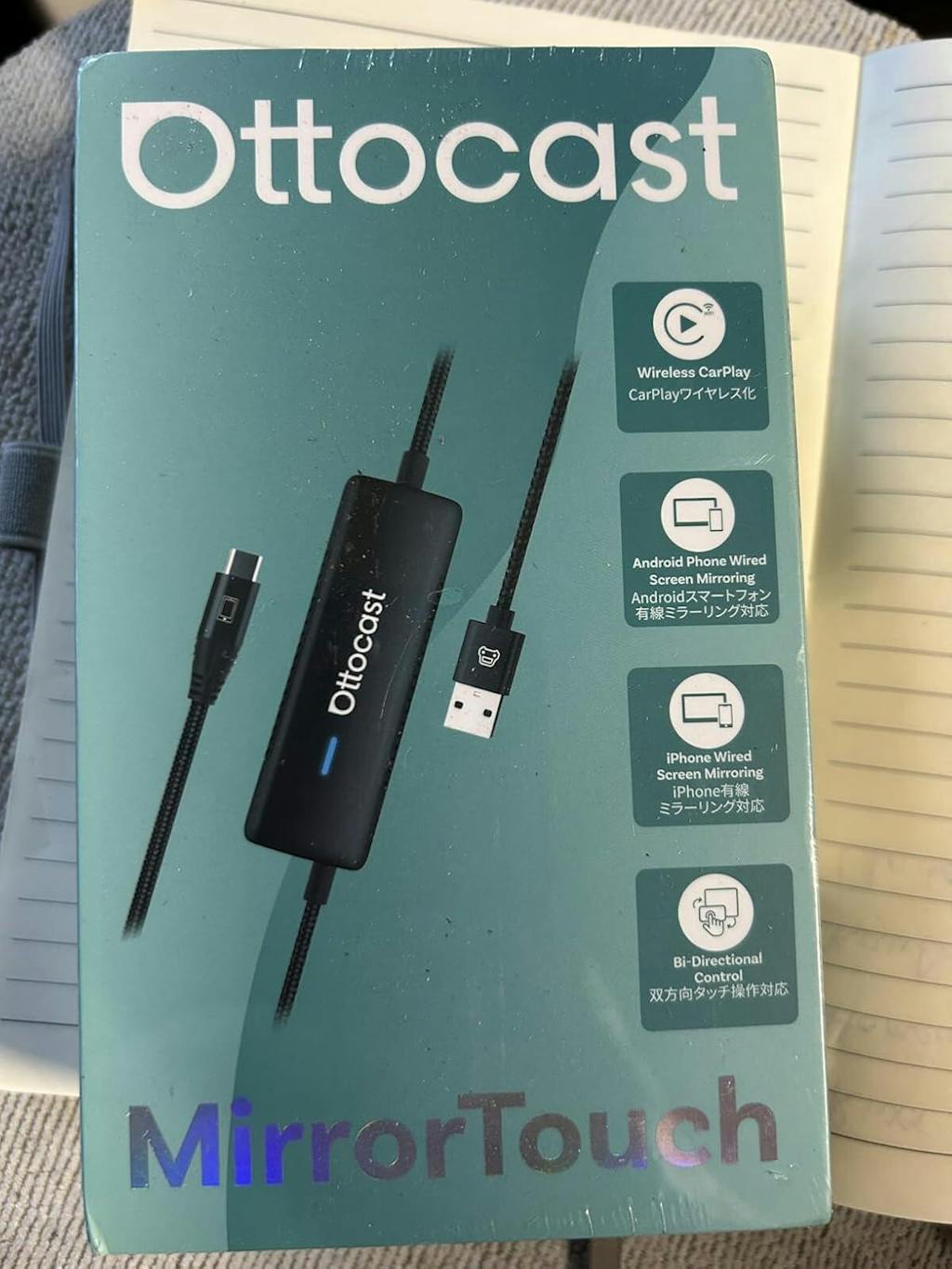
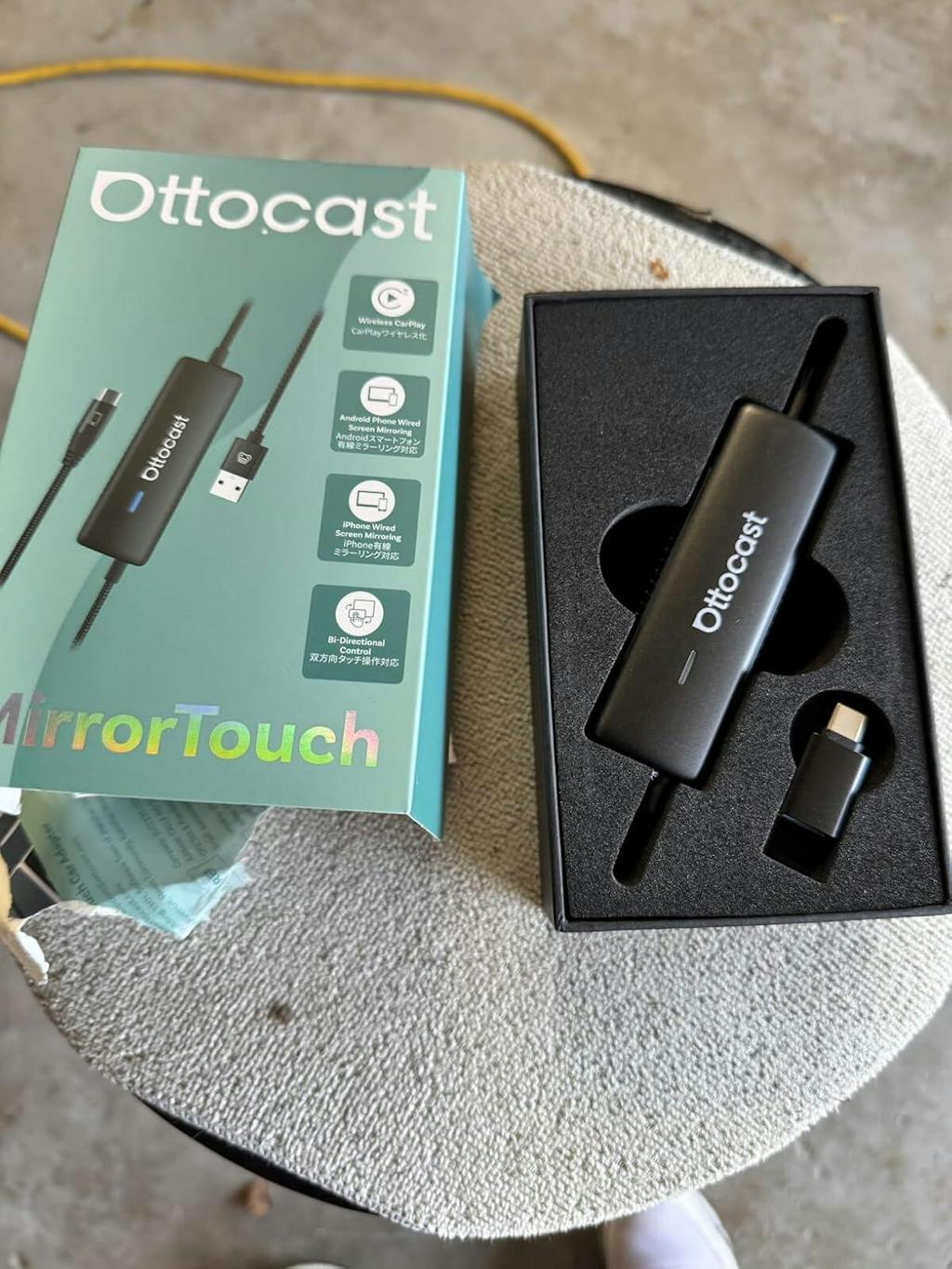
Mirror Touch Wireless CarPlay Adapter
PRICE
Offer Details & FAQ
1. How to use the discount code?
Copy the code PRIME10, then paste it into the "Discount code" box on the checkout page as shown below:

2. Can I use multiple codes?
Only one discount code can be applied per order. Please note that low-priced items are excluded from additional discounts.
3. Why isn't my code working?
Typical reasons include:
- The code has expired.
- The code was copied incorrectly.
- The code is not applicable to the current store.
Zusatzprodukte anbieten
Garantieprodukte
Lösung für Ihr Fahrzeug gefunden!
FAHRZEUG AUSGEWÄHLT
Audi A4, 2018
Wir haben bestätigt, dass Ihr Fahrzeug kein werkseitiges CarPlay hat. Keine Sorge! Der unten gezeigte Ottoscreen AI ist die vollständige Lösung, die entwickelt wurde, um intelligente Funktionen und volles Bildschirm-CarPlay einfach in Ihr Auto zu bringen.

Ottoscreen AI
Perfekte Übereinstimmung!
FAHRZEUG AUSGEWÄHLT
Audi A4, 2018
Ihr Auto verfügt über verkabeltes CarPlay, das für unsere Produkte bereit ist. Stöbern Sie weiter, um mehr zu entdecken.
Bestätigung erforderlich
FAHRZEUG AUSGEWÄHLT
Audi A4, 2018
Wir entschuldigen uns, Ihr Modell ist nicht in unserer Datenbank. Bitte bestätigen Sie eine wichtige Information: Hat Ihr Auto kabelgebundenes Apple CarPlay?
Sehen Sie sich das Anleitungsvideo unten an oder verwenden Sie ein KI-Tool (wie Gemini oder ChatGPT), um schnell die Funktionen Ihres Autos zu überprüfen und zu bestätigen. Wenn es kabelgebundenes CarPlay hat, ist unser Produkt die perfekte Wahl!
Drahtloses CarPlay erkannt
FAHRZEUG AUSGEWÄHLT
Audi A4, 2018
Da Sie bereits kabelloses CarPlay haben, schauen Sie sich unseren Ottoaibox i3 an, um Videos in Ihrem Auto zu sehen.

OttoAibox i3 BMW CarPlay AI Box
Perfekte Übereinstimmung!
FAHRZEUG AUSGEWÄHLT
Audi A4, 2018
Ihr Auto ist kompatibel – stöbern Sie weiter, um mehr zu entdecken, was Ihnen gefallen wird.
Kabelgebundenes Android Auto erkannt
FAHRZEUG AUSGEWÄHLT
Audi A4, 2018
Wir haben festgestellt, dass Ihr Fahrzeug nur kabelgebundenes Android Auto unterstützt, nicht jedoch kabelgebundenes CarPlay. Es ist nicht mit Ihrem Auto kompatibel. Keine Sorge! Der unten gezeigte A2Air Pro Adapter ist die perfekte Lösung für Sie.
Requires USB-C DisplayPort Phone + Factory Wired CarPlay
-
Vehicle:Your vehicle must have factory wired CarPlay.
-
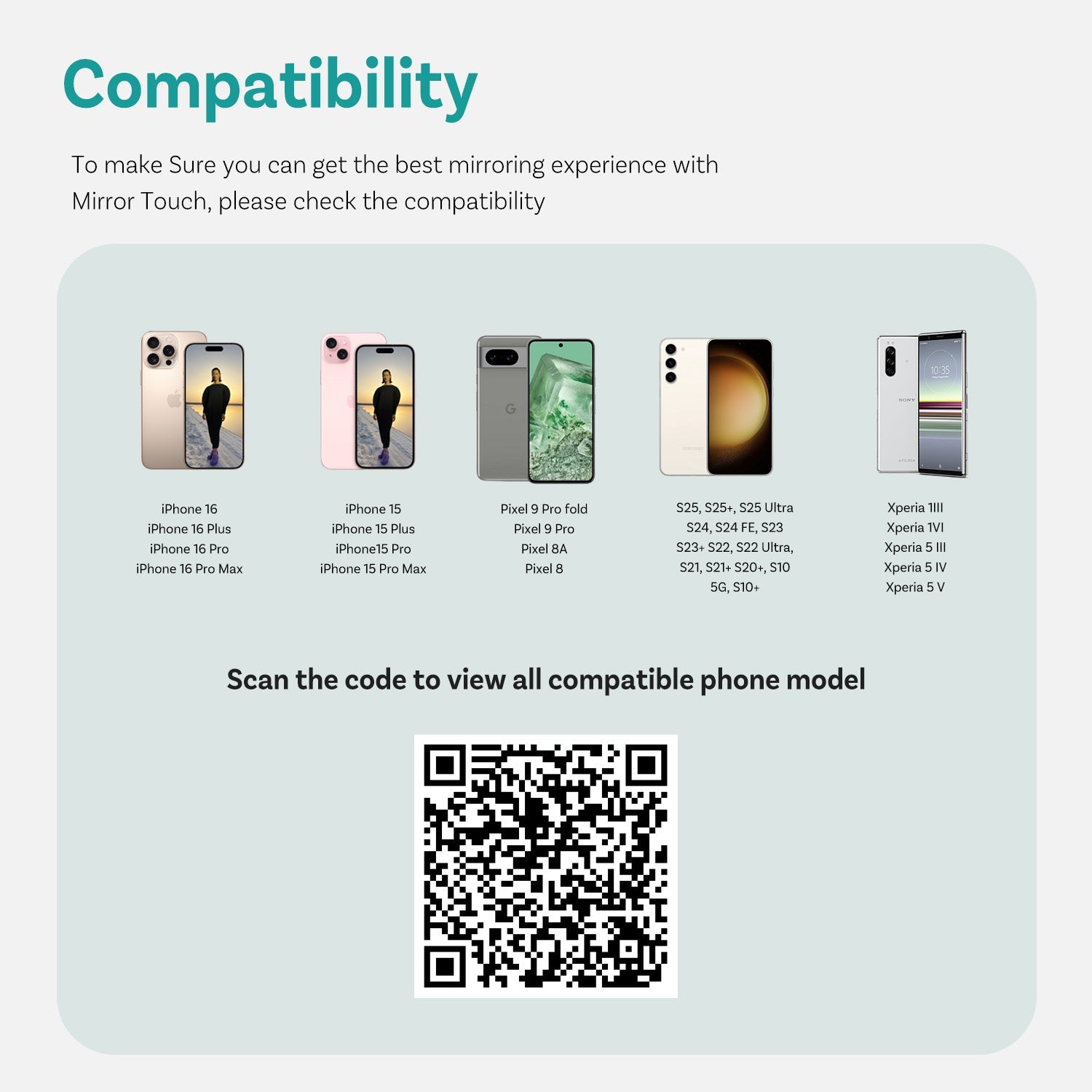
Phone:Android phones with DP (DisplayPort) screen mirroring supportiPhone 15 series and newer via USB-C DisplayPort output
Factory Wireless CarPlay Vehicles (e.g. some BMW models): Recommended Model: OttoAibox i3
How to Check Wired CarPlay / Android Auto Support
Rückgabebedingungen

30 Tage Rückgaberecht

1 Jahr Garantie

Engagierter Support
Teilen
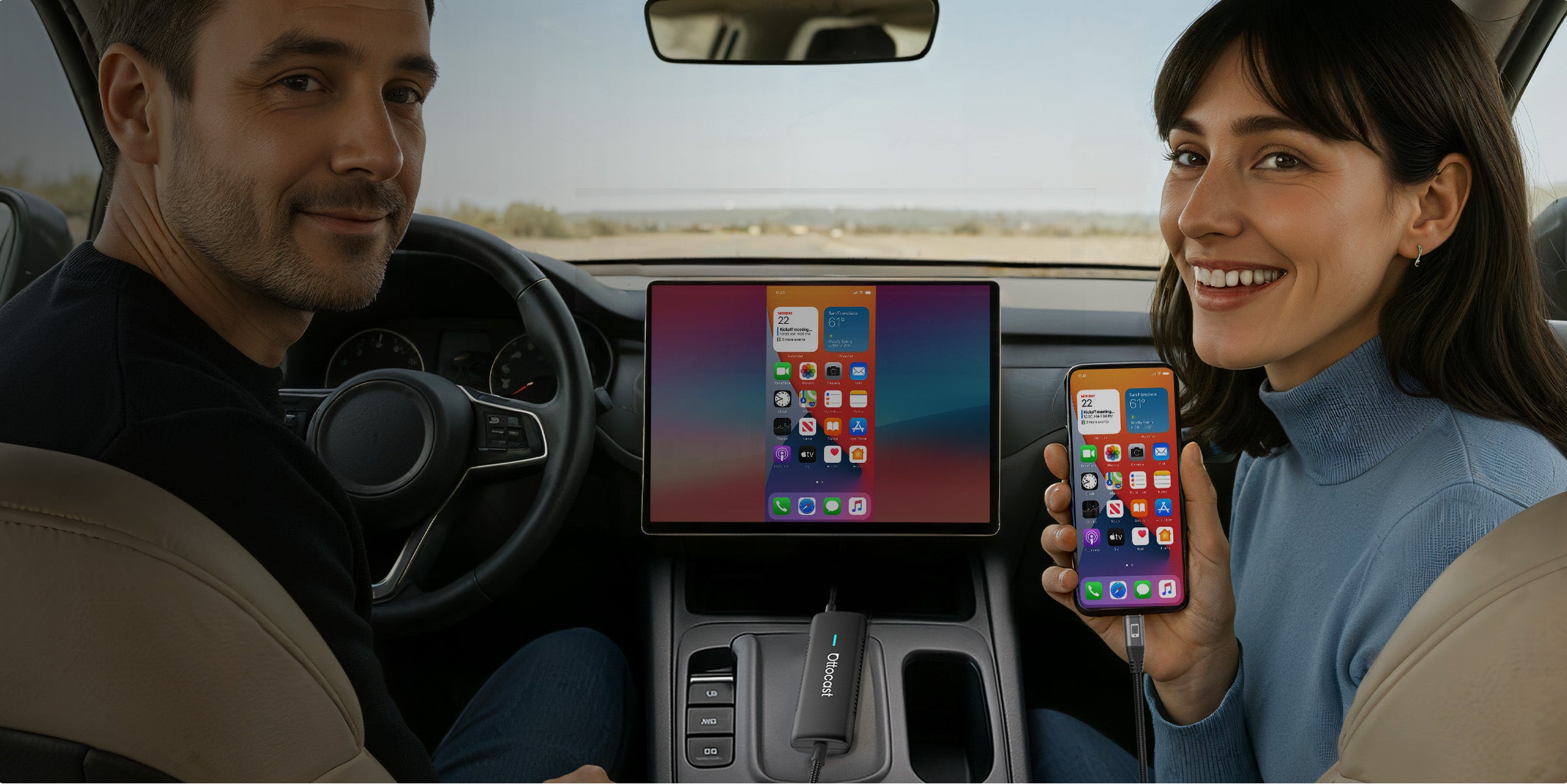
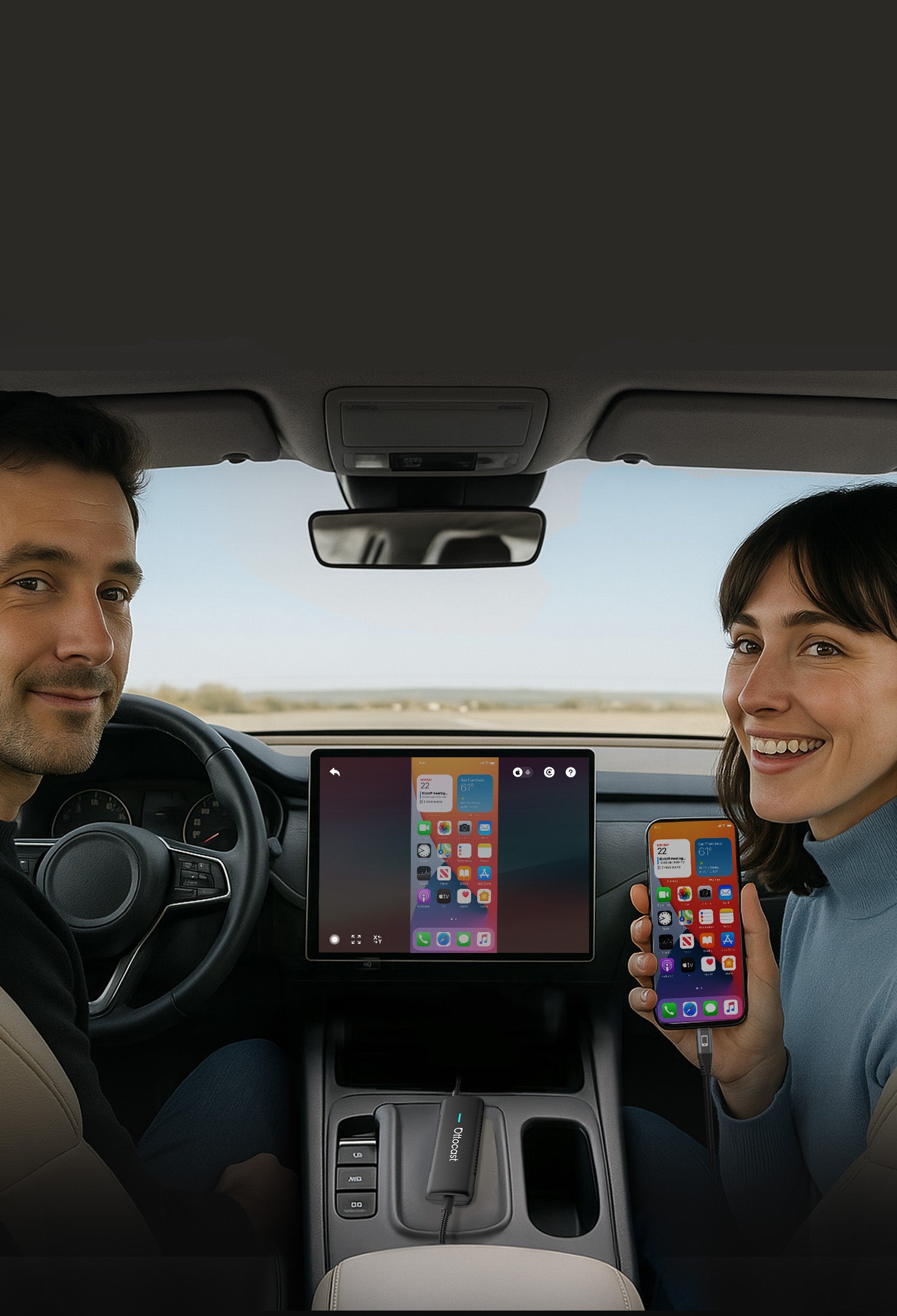


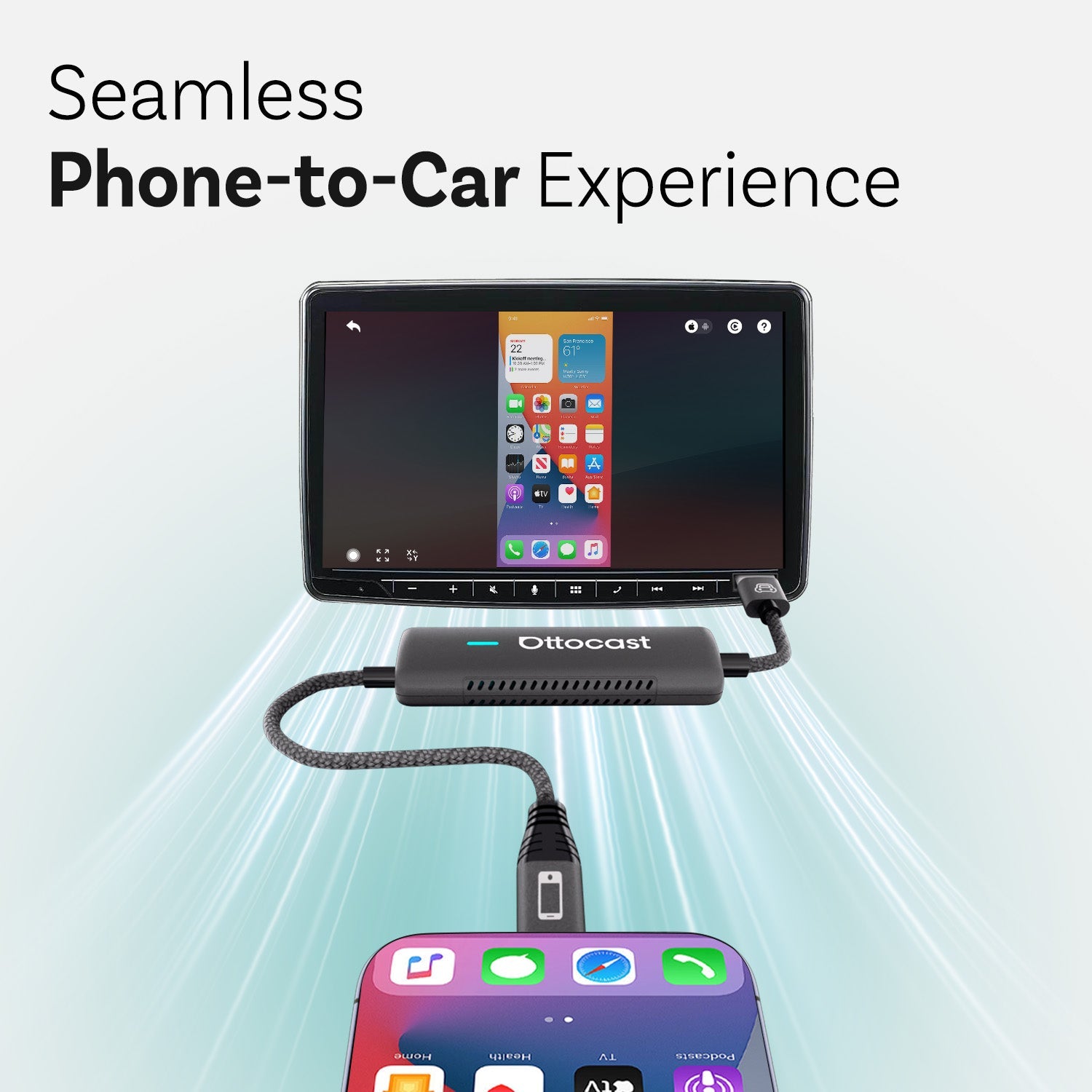
Nahtloses Telefon-zu-Auto-Erlebnis


Alle Klänge integrieren
in das eingebaute Audiosystem des Autos

Ihre Reise intelligenter und sicherer gestalten


Der Bildschirm Ihres Autos zeigt alles von Ihrem Telefon an, sobald Sie einsteigen


Mirror Touch sorgt für einen wirklich nahtlosen Start bei jeder Fahrt


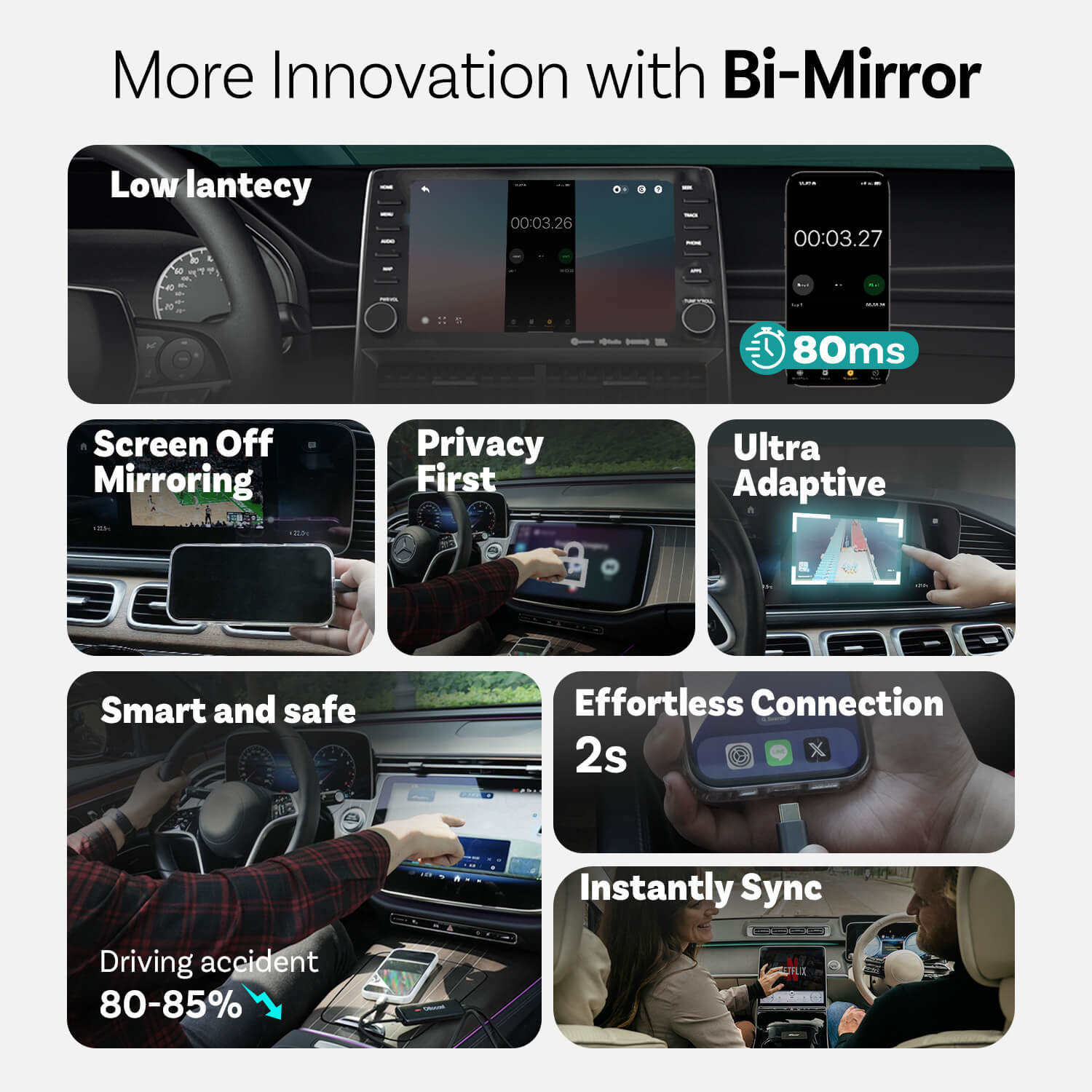
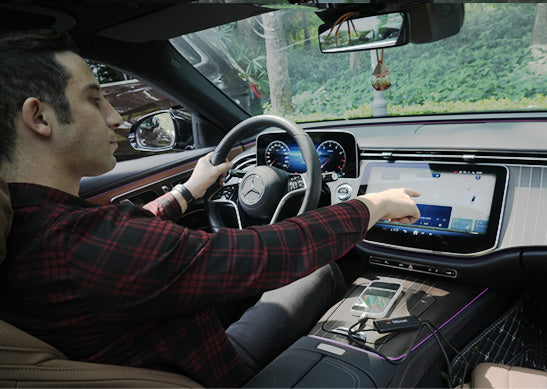
Die Verwendung des Armaturenbretts anstelle des Telefons kann Verkehrsunfälle um etwa 80-85 % reduzieren

Sicherer Fahren
Die Nutzung des Armaturenbretts anstelle des Telefons reduziert Verkehrsunfälle um etwa 80-85 %

Mühelose Verbindung
Mirror Touch sorgt für einen wirklich nahtlosen Start bei jeder Fahrt

Sofort synchronisieren
Der Bildschirm Ihres Autos zeigt alles von Ihrem Telefon an, sobald Sie einsteigen
Innovationen von Mirror Touch
Datenschutz zuerst
Ihre Nachrichten, Anmeldedaten und Verlauf bleiben ausschließlich auf Ihrem Telefon.
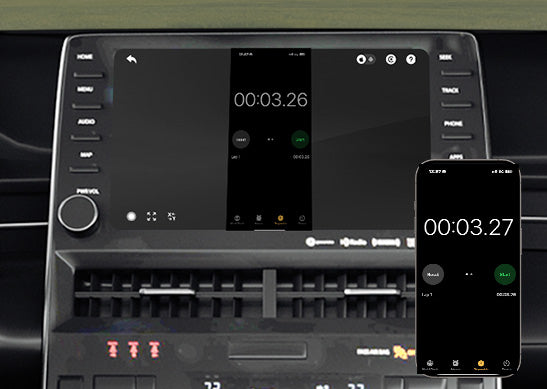
80 ms niedrige Latenz
100-ms-Schwelle, die Menschen wahrnehmen können.
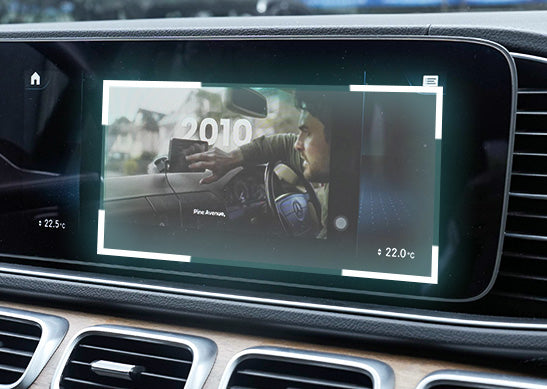
Ultra anpassungsfähig
Passt sich mühelos an die Ausrichtung und nativen Anzeigeeigenschaften der meisten Ihrer Apps an
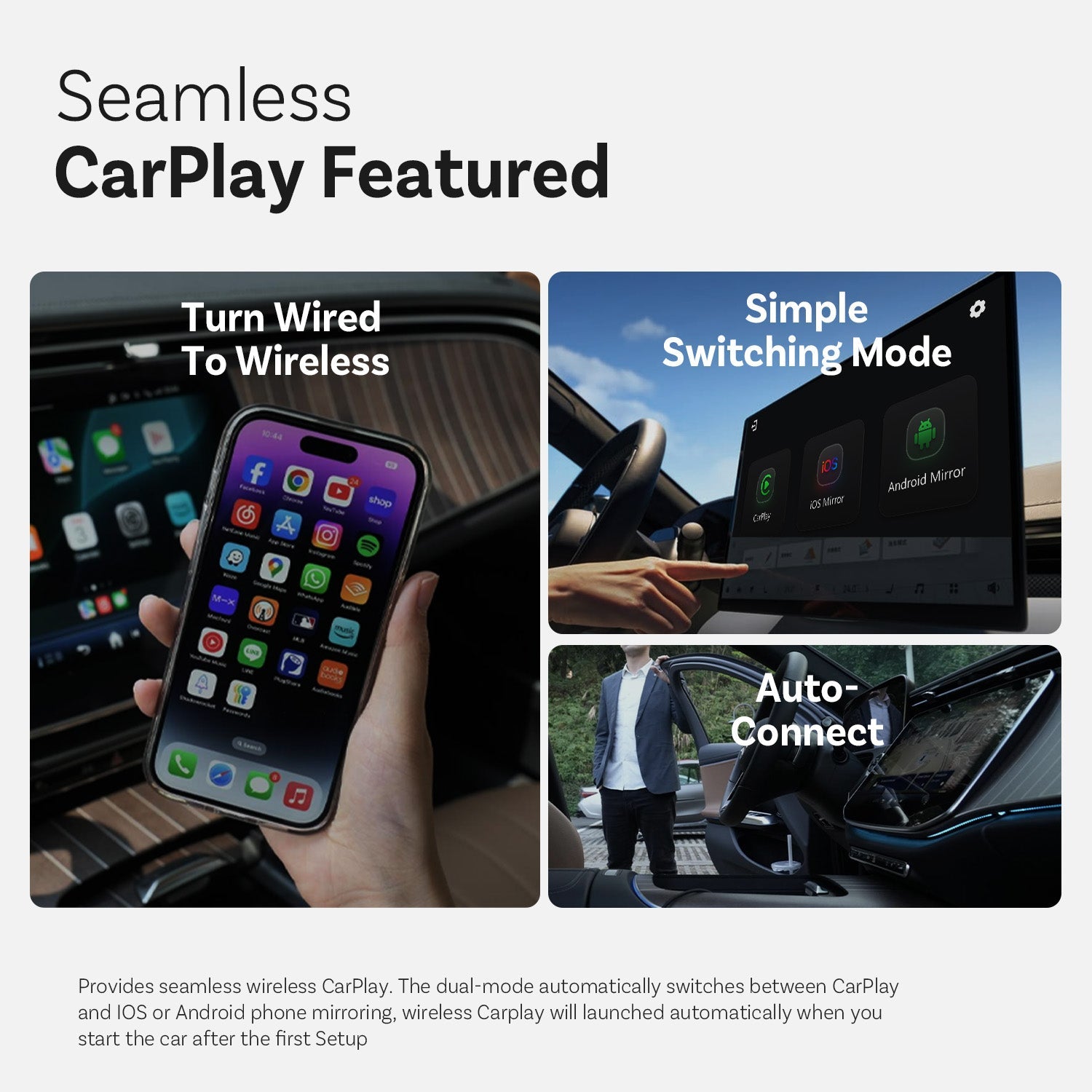
Nahtloses CarPlay vorgestellt


Von Kabelgebunden zu Kabellos wechseln

Einfacher Schaltmodus

Automatisch verbinden
Weitere Funktionen
Ottocast Mirror Touch


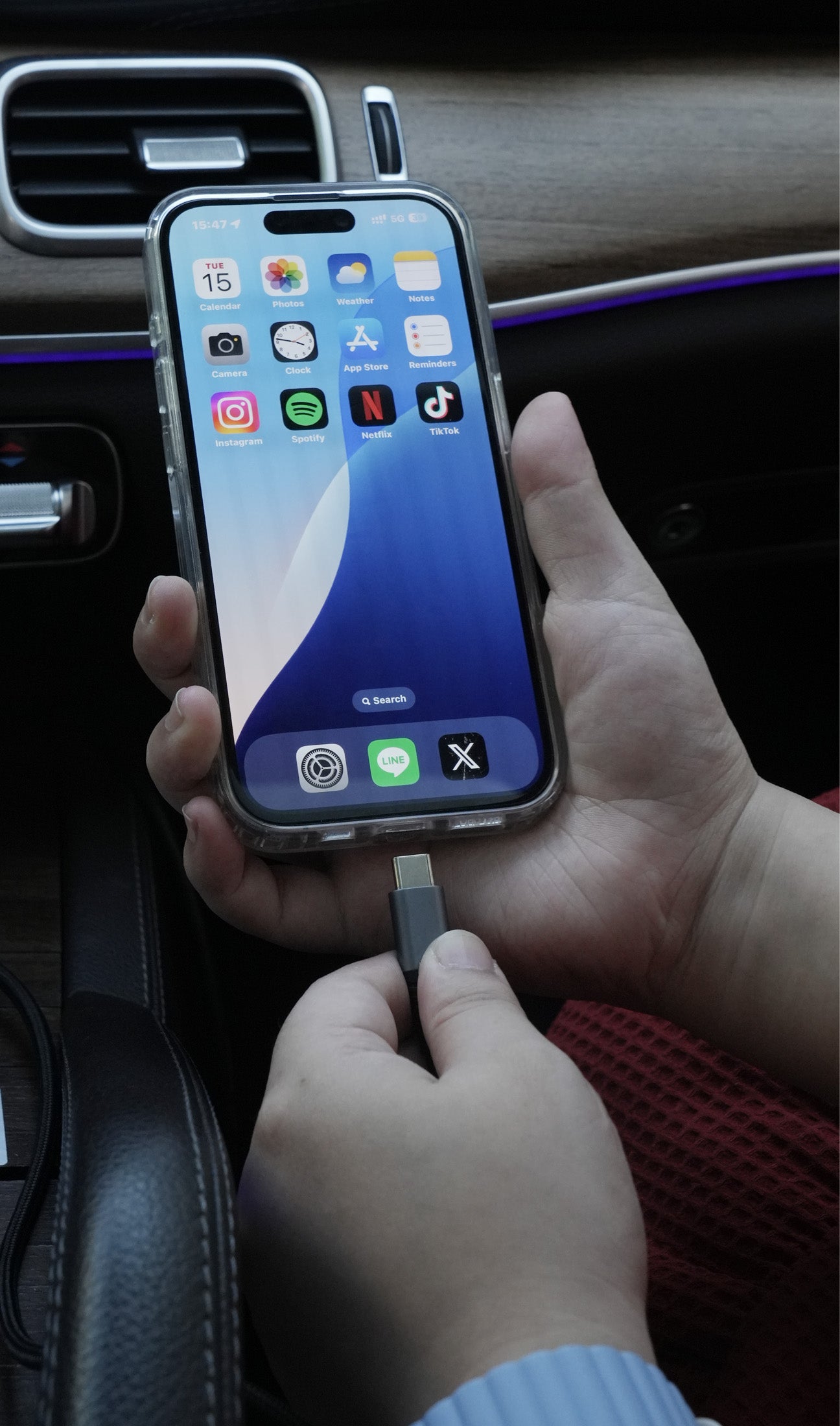
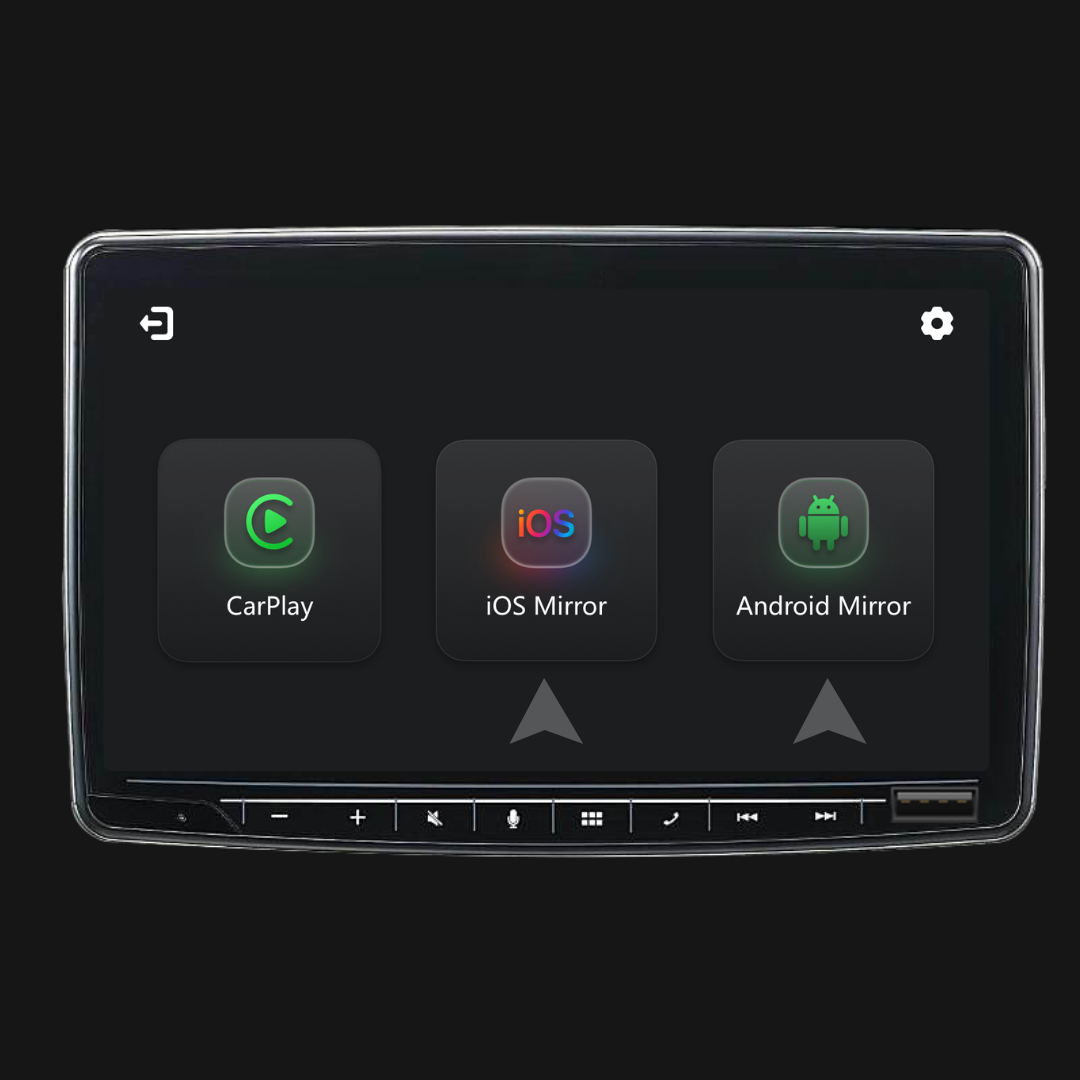
Drei Schritte, um Spiegel und Kontrolle zu erhalten
FAQ
Ist dieses Ottocast-Produkt mit meinem Auto kompatibel?
Die Kompatibilität hängt davon ab, welche Funktion Sie nutzen möchten:
Telefonspiegelung
- Unterstützt Android-Telefone mit DP-Bildschirmspiegelung
- Unterstützt iPhone 15 und neuer über USB-C DisplayPort-Ausgang
Bitte stellen Sie sicher, dass die DP-Bildschirmspiegelung auf Ihrem Telefon aktiviert ist.
👉 Kompatibilitätsliste
Drahtloses CarPlay
- Funktioniert mit Fahrzeugen (ab 2016) oder Motorrädern, die werkseitig verkabeltes Apple CarPlay haben
- ❌ Nicht kompatibel mit Fahrzeugen, die nur Android Auto unterstützen
Wie kann ich die Kompatibilität auf Ihrer Website überprüfen?
Klicken Sie auf der Produktseite auf „Prüfen, ob es zu Ihrem Auto passt“ (unter „In den Warenkorb“), und wählen Sie dann Marke / Modell / Baujahr aus, um das Ergebnis zu sehen.
Gibt es Rabattcodes, Gutscheine oder Coupons für Ottocast-Produkte?
Ja. Neue Kunden können bei der Anmeldung für Ottocast-E-Mails ein Willkommensangebot erhalten, und wir führen das ganze Jahr über zeitlich begrenzte Aktionen durch.
Für die neuesten aktiven Codes abonnieren Sie bitte am Ende der Seite, und wir senden Ihnen Updates.
Wenn ich zwei Telefone gekoppelt habe, mit welchem wird es sich beim nächsten Mal verbinden?
Wenn mehrere gekoppelte Telefone in der Nähe sind, verbindet sich Ottocast normalerweise mit dem zuletzt verwendeten Telefon.
Um das Gerät zu wechseln, trennen Sie CarPlay auf dem aktuellen Telefon (oder schalten Sie Bluetooth/Wi-Fi aus) und verbinden Sie sich dann mit dem anderen Telefon.
Einige Modelle unterstützen auch Ein-Klick-Wechsel oder die manuelle Gerätauswahl.
Kann ich es zwischen zwei Autos bewegen?
Ja. Ziehen Sie es einfach ab und verwenden Sie es in einem anderen kompatiblen Fahrzeug. Im neuen Auto müssen Sie möglicherweise Ihr Telefon erneut koppeln oder eine kurze Ersteinrichtung durchführen.
Kann mein Telefon die Bildschirmspiegelungsfunktion verwenden?
Es hängt davon ab, ob Ihr Telefon Videoausgabe (DisplayPort / DP Alt Mode) unterstützt.
- Android: Unterstützt bei USB-C-Telefonen mit DP Alt Mode.
- iPhone: Unterstützt bei iPhone 15 und neuer (USB-C DisplayPort-Ausgang).
Tipp: Überprüfen Sie die technischen Daten/Einstellungen Ihres Telefons, um zu bestätigen, dass DP Alt Mode unterstützt und aktiviert ist.
Kompatibilitätsliste: Hier klicken zum Prüfen
Benötigen Spiegelung und Touch-Steuerung ein Kabel?
Ja. Bildschirmspiegelung und Touch-Steuerung erfordern eine verkabelte Verbindung. Verbinden Sie Ihr Telefon mit einem Kabel und tippen Sie dann auf dem Bildschirm auf iOS Cast oder Android Cast, um zu starten.
Muss ich es jedes Mal einstellen, wenn ich ins Auto steige?
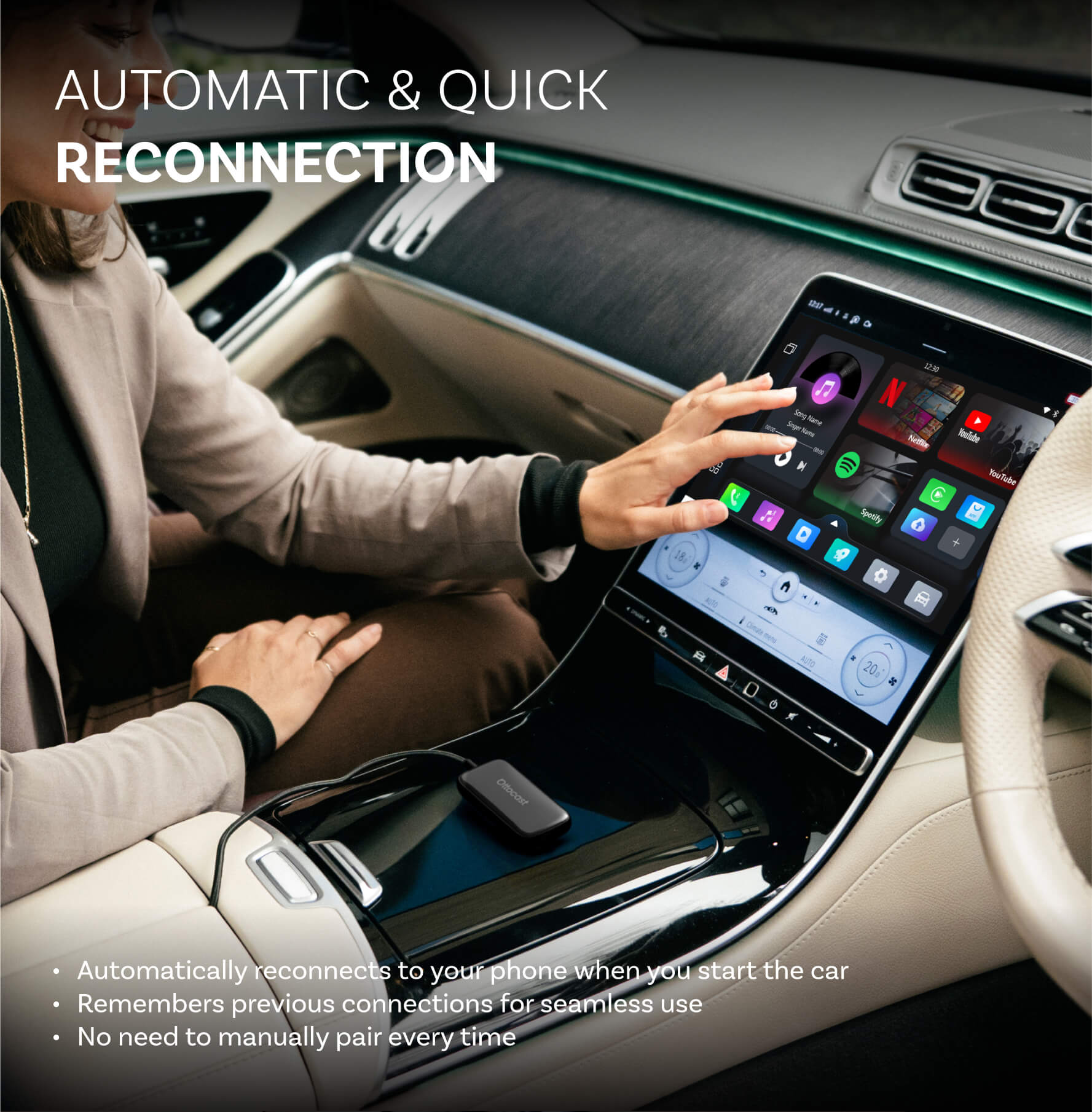
Nein. Nach der ersten Einrichtung verbindet es sich automatisch, wenn Sie das Auto starten (solange das Bluetooth/Wi-Fi Ihres Telefons eingeschaltet ist). Sie können dann zwischen CarPlay und Telefonspiegelung wechseln (falls unterstützt).
Was sollte ich vor dem Kauf bestätigen?
Bitte bestätigen Sie diese 3 Punkte:
- Telefonunterstützung für Spiegelung/Touch-Steuerung:
- iPhone: iPhone 15+ (USB-C mit DisplayPort/DP-Videoausgang)
- Android: USB-C-Telefon mit DP Alt Mode-Videoausgang
- Fahrzeuganforderung: Ihr Fahrzeug muss werkseitig verkabeltes CarPlay unterstützen (in der Regel ab 2016).
- Kompatibilitätsprüfung: Verwenden Sie die Kompatibilitätsliste/-prüfung auf der Produktseite, um Ihr genaues Fahrzeug zu bestätigen.
Warum Mirror Touch wählen?
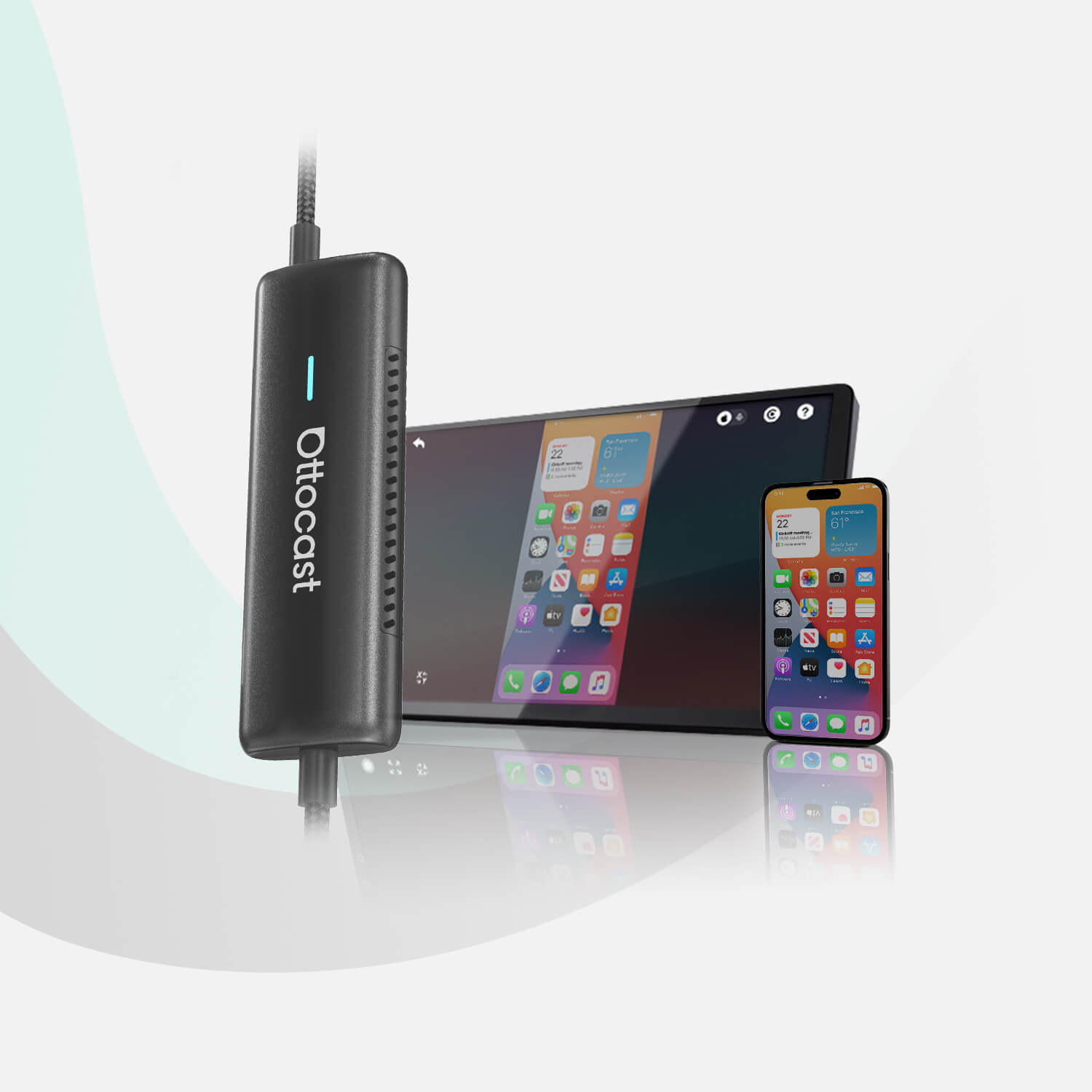
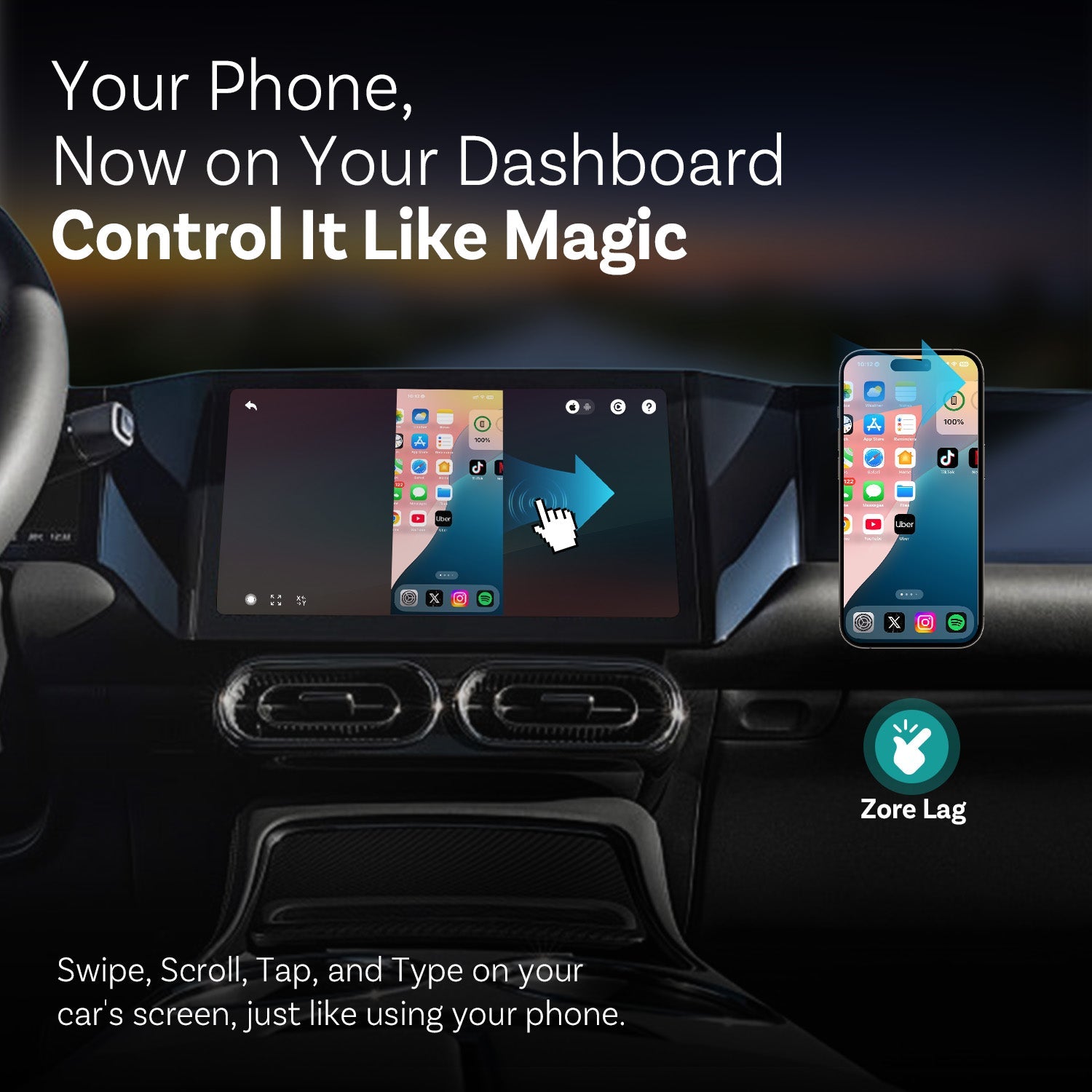
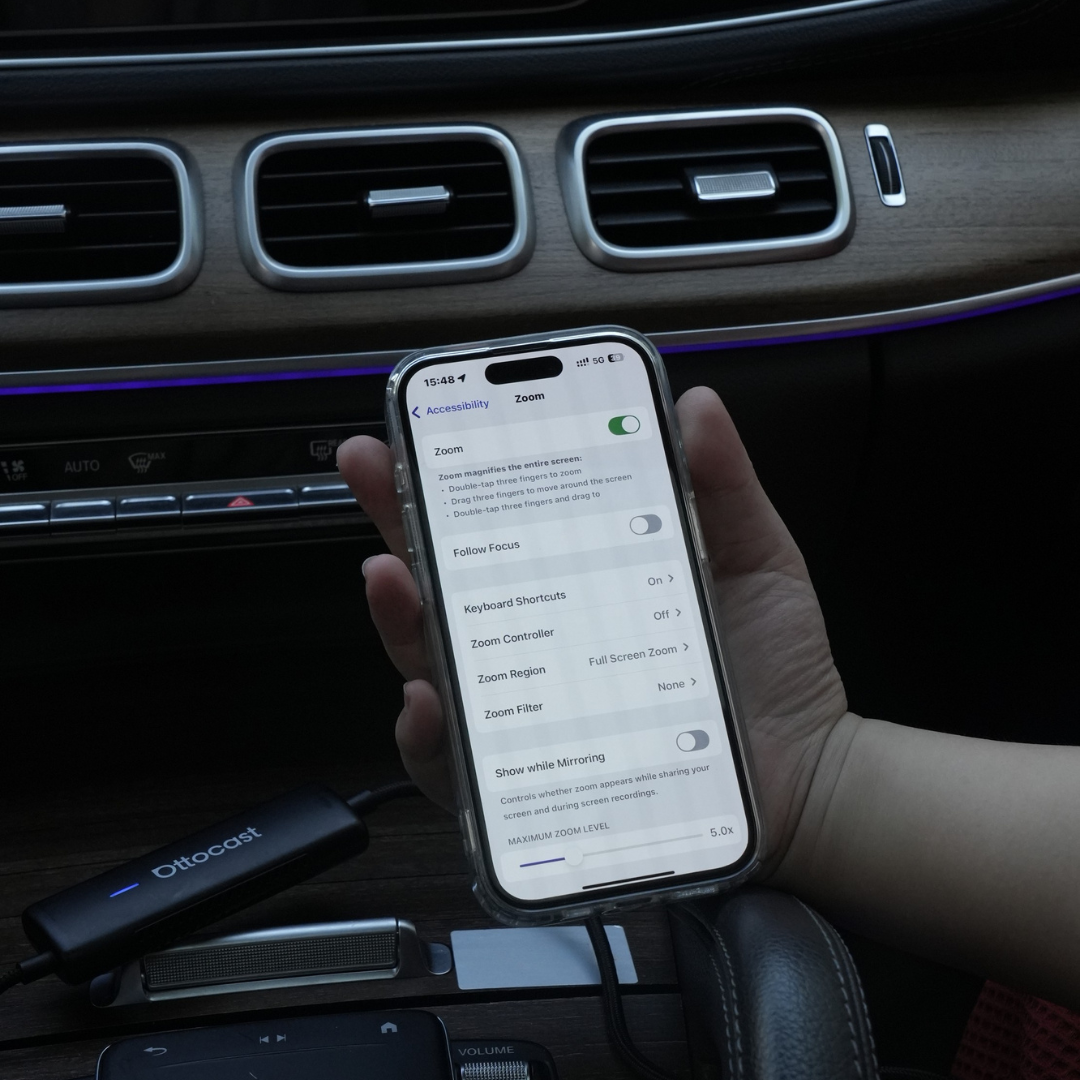
Mirror Touch erweitert das herkömmliche kabellose CarPlay um zwei wichtige Funktionen: vollbildschirm Telefonspiegelung und Touch-Steuerung – so können Sie auf dem Bildschirm Ihres Autos tippen, wischen und schreiben wie auf Ihrem Telefon.
Es ist für geringe Latenz ausgelegt, und Ihre Daten/Verlauf bleiben auf Ihrem Telefon.

Das könnte Ihnen auch gefallen