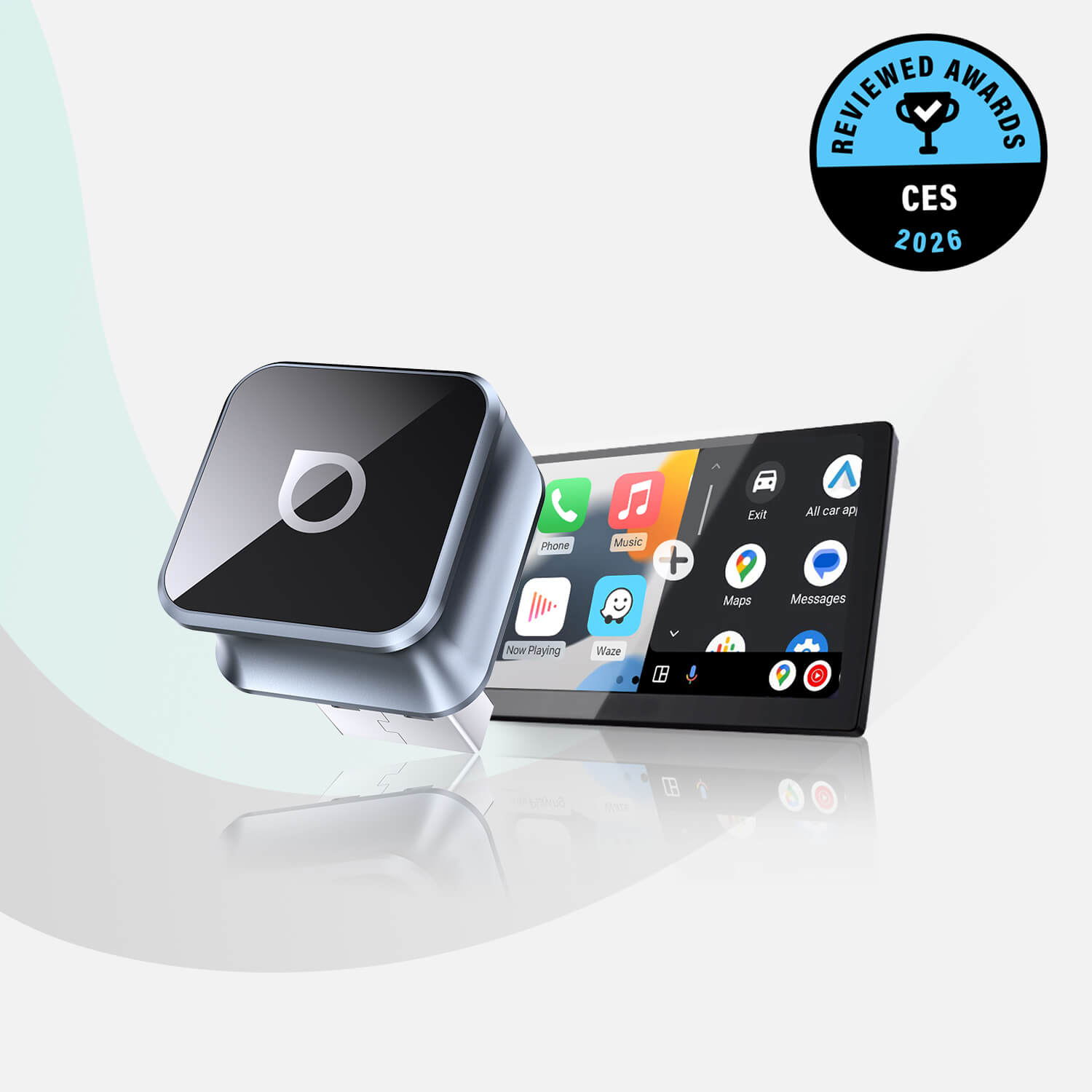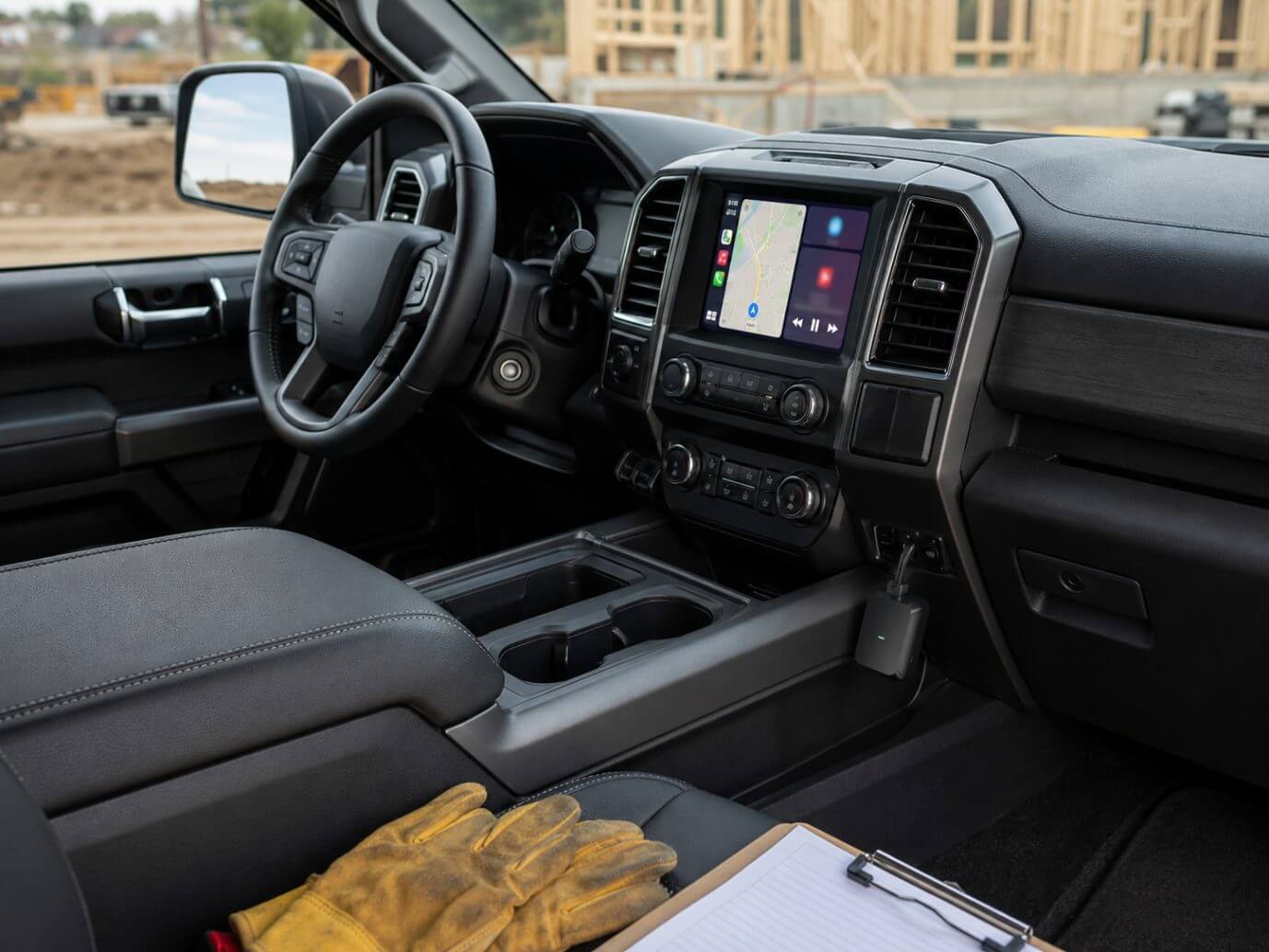

Imagine stepping into your truck cab with heavy work boots, muddy tools, or wet gear, only to fumble with a frayed, finicky lightning cable just to get your navigation map to display on the dash.
Traditional wired cables create an annoying friction point that completely ruins an otherwise clean, modern interior space. To eliminate this daily hassle, many owners look for the best wireless CarPlay adapter for trucks to fully modernize their driving experience.
By transitioning to an untethered dash configuration, you keep your center console pristine and completely eliminate cable clutter.
So, if you are someone who is looking to upgrade your pickup, you can check out the most modern in-car tech solutions on the Ottocast. Also, be sure to read our comprehensive wireless vs. wired CarPlay comparison guide. It’ll help you see how cord-free tech updates your dashboard layout.
Defining the Modern Pickup Truck as a Mobile Command Center

The best way to understand why upgrading your truck’s infotainment system is so important is to take a detailed look at the pickup truck vehicle category as it exists today.
Today’s pickup trucks are no longer just basic, bare-bones utility vehicles built strictly for hauling lumber, pulling trailers, or working on farms. Instead, they have evolved into sophisticated, high-tech mobile offices, long-distance cross-country haulers, and versatile family road-trip hubs equipped with luxury-grade interior materials.
Modern truck owners routinely run businesses directly from the front seat, coordinating project timelines, reviewing design blueprints on tablets, making hands-free consulting calls, and managing complex navigation routes simultaneously.
It is exactly this multi-functional lifestyle and the unique spatial reality of large truck cabins that demand careful layout management. Pickup trucks offer immense physical space, but minimizing clutter in the center console area is absolutely vital for maximizing functional storage for real gear, heavy tools, safety equipment, clipboards, and daily essentials.
When a physical cable constantly occupies your primary dashboard media ports, it limits your movement, tangles around cup holders, and litters your workspace. Integrating a premium wireless CarPlay adapter for pickup truck cabins transforms the front interior into a true command center, serving as a vital truck infotainment upgrade that pays dividends over years of daily operation.
Removing physical cables allows you to seamlessly use deep center storage bins, integrated sliding console trays, and laptop workspaces without a wire getting caught in the machinery or upholstery, maximizing the overall utility of the truck’s spacious layout.
Compatibility Matrix: Which Truck Series Are Supported?
A premium wireless adapter serves as an ultra-fast digital bridge across the entire pickup truck segment, ensuring your smartphone communicates with your dashboard instantly, without a physical tether.
The core compatibility rule is simple and absolute. If the truck left the factory assembly line equipped with a built-in, factory-wired Apple CarPlay infotainment screen, it is 100% compatible with an external wireless adapter. This means you do not need to tear apart your dashboard, slice into factory wiring harnesses, or install expensive aftermarket head units to achieve a seamless, modern wireless ecosystem.
To help clarify compatibility across the most popular truck configurations on the market, we can break down compatibility by major brands using a scannable Markdown table. Whether you are driving a light-duty daily commuter or a heavy-duty commercial hauler, finding the right fit is straightforward.
For example, if you find a dedicated Ford F-150 wireless CarPlay adapter, then you can rest assured that it will be compatible across multiple generation trim lines. Similarly, selecting a Chevy Silverado wireless CarPlay upgrade or a rugged Ram 1500 wireless CarPlay solution allows drivers to completely liberate their dashboard screens. This cross-platform utility extends smoothly to premium professional setups like a GMC Sierra wireless CarPlay adapter or a highly reliable Toyota Tundra wireless CarPlay module.
| Truck Segment / Model | Supported Tech Base | Key Cabin Integration Benefit |
|---|---|---|
| Ford F-150 & Super Duty | SYNC 3 & Lower Trims of SYNC 4 | Keeps the massive center armrest console tray clean and free of cable crossfire. |
| Chevy Silverado & GMC Sierra 1500 | Factory-wired Infotainment (2016–2026) | Cleans up the storage bin directly underneath the climate control dials. |
| RAM 1500 / 2500 Series | Uconnect Wired Systems | Preserves vertical screen layout aesthetics without an unseemly wire hanging down. |
| Toyota Tundra & Tacoma | Generation 18-26 Wired Dash Systems | Frees up dashboard storage bins and preserves dual cup-holder space. |
Under the Hood: Key Features Needed for Rugged Trucks
Not all wireless adapters are created equal. Cheap, generic consumer dongles built for compact sedans frequently fail when subjected to the heavy-duty demands and vibrations of a pickup truck ecosystem.
Pickup trucks regularly travel across demanding environments, experience extreme cabin temperature shifts when parked outdoors, and operate near high-power auxiliary electrical components that can easily disrupt fragile wireless signals. A premium device, therefore, has to possess specific, advanced technical specifications to ensure reliability on the road in the long term.
Rugged Connection Stability
First things first. Truck cabins need excellent signal strength to prevent connection drops. The best hardware out there uses advanced 5.8GHz Wi-Fi dual-band modules to prevent annoying audio lags, dropped phone calls, or map stuttering while driving over gravel roads, washboard paths, or pothole-filled highways. Also, the 5.8GHz transmission frequency easily cuts through local wireless interference, delivering an immediate response.
Steering Wheel Control Preservation
Safety and convenience are extremely important when you are driving with heavy loads. A premium adapter ensures complete, lag-free integration with factory steering wheel buttons, physical volume knobs, center console dial selectors, and voice-activation setups. This allows you to skip tracks or activate Siri without ever taking your eyes off the road.
Stealth, Space-Saving Footprint
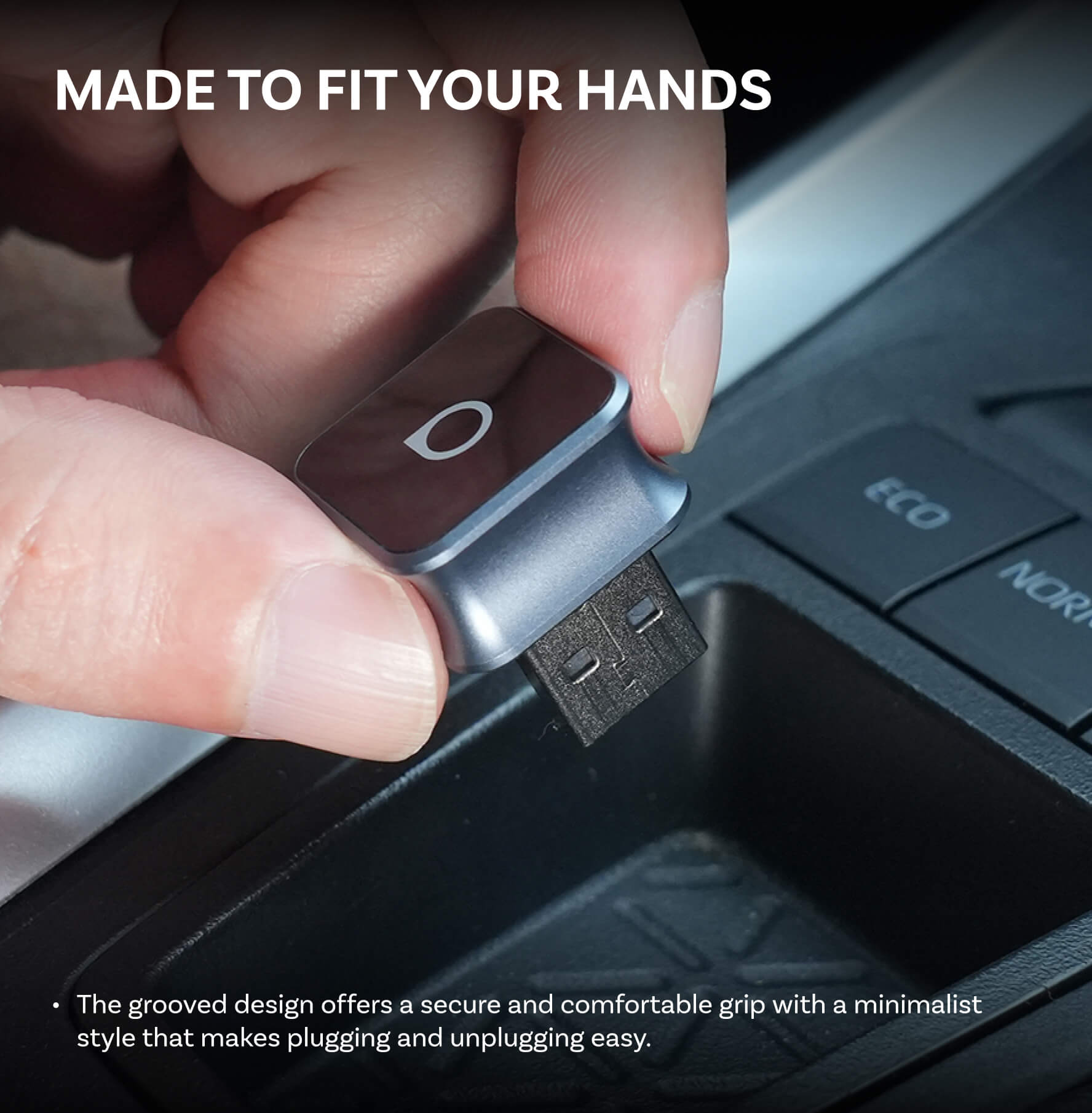
Truck dashboards should remain clean and organized. High-quality hardware highlights low-profile designs that hide seamlessly in lower dash cubbies, center console storage boxes, or hidden media bays completely out of sight.
In this demanding environment, the Ottocast U2-Air Pro stands out as a flagship solution, serving as the definitive benchmark solution for premium stability, rapid boot times, and unmatched heavy-duty cabin performance.
Bypassing the Persistent Truck USB Power Quirk
Beyond signal interference and physical durability, truck owners must deal with a unique and massive engineering quirk common to full-size trucks, such as the Ford F-150 and Chevy Silverado, and that is persistent USB power.
Unlike smaller passenger cars that immediately cut off all auxiliary power the moment the ignition is switched off, a truck’s media ports often stay completely live and powered for several minutes (and sometimes hours) after the engine is turned off and the cabin doors are locked.
If you use a basic, unoptimized wireless dongle, this persistent power creates a frustrating problem. The device will stay aggressively paired with your smartphone even while your truck is parked outside in the driveway or garage. As a result, the truck will accidentally steal your phone’s audio, active phone calls, and navigation maps from inside the house, resulting in missed calls and drained phone batteries.
To solve this specific issue, Ottocast incorporates an intelligent smart power-sleep cycle that automatically shuts down wireless transmission once data exchange ceases from the smartphone. This protective protocol prevents vehicle battery drain and completely eliminates annoying garage cross-connections.
When choosing the best wireless CarPlay adapter for trucks, finding a system that handles active ports properly is absolutely crucial. You can learn more about optimizing your vehicle’s digital environment by reviewing our technical guide on managing adapter behavior when your car’s USB port stays on.
Step-by-Step Frictionless Installation Guide
Upgrading your utility vehicle does not require advanced technical expertise, specialized tools, or an expensive trip to a professional car audio shop. To make the transition as seamless as possible, you can follow a straightforward, clear 3-step setup formula that matches our established friction-free pattern.

Clear Legacy Interferences
Enter your smartphone’s settings menu and your truck’s native infotainment touchscreen menu to completely delete or disconnect older vehicle Bluetooth and Wi-Fi profiles. Cleaning out these cached legacy connections prevents an active wireless crossfire when booting up your new device.
Connect to the Media Hub
Insert the compact adapter directly into your truck’s primary factory USB data port using the provided heavy-duty cable. Depending on your specific vehicle trim, this port is typically located inside the front sliding console tray, beneath the climate control dials, or neatly tucked inside the armrest storage box.
One-Time Pairing
Turn your truck’s ignition on, open your smartphone’s Bluetooth menu, and select the adapter’s broadcast name to execute the initial Bluetooth and 5.8GHz Wi-Fi handshake.
Here’s a quick summary:
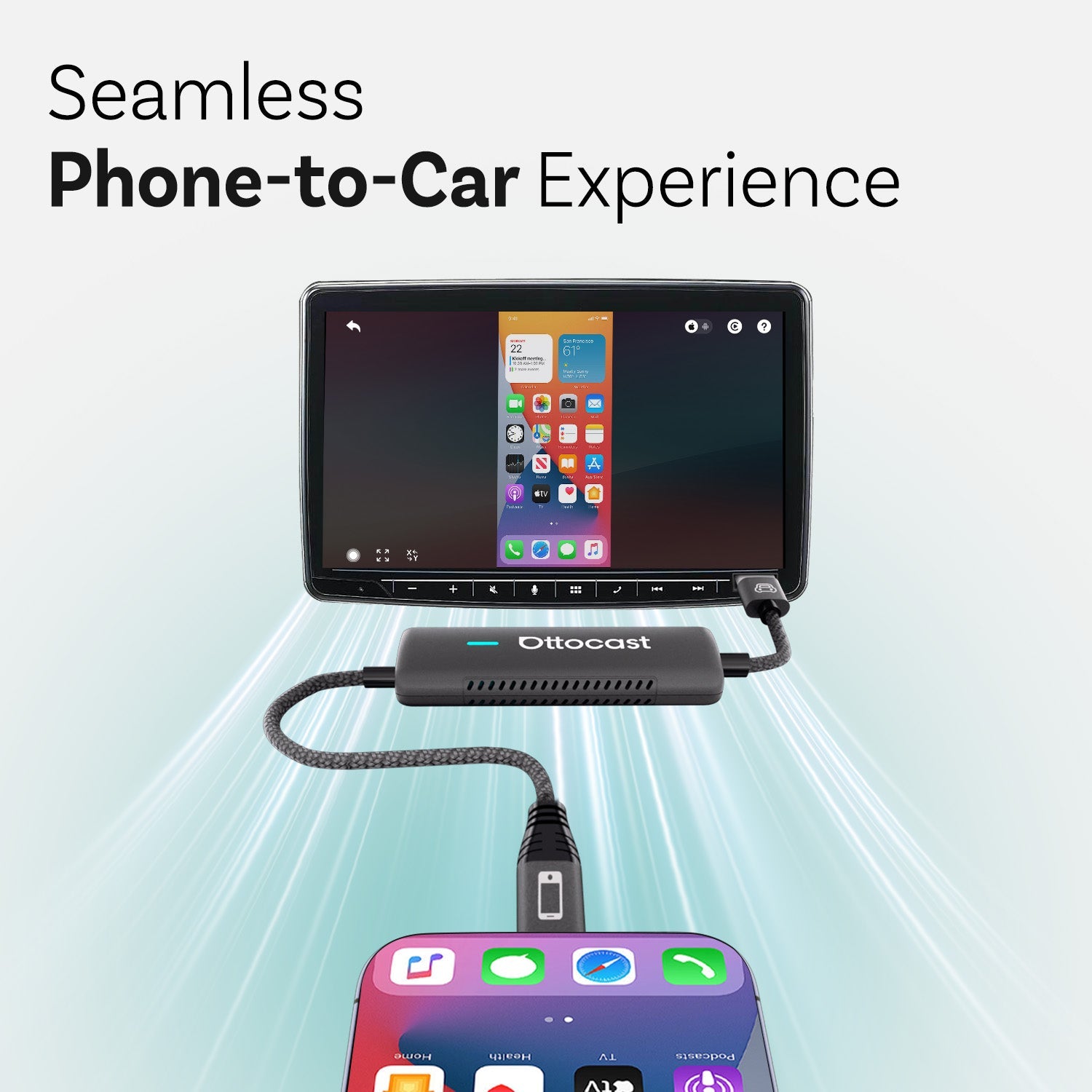
Factory USB Truck Hub ──> Ottocast Adapter ──> Bluetooth/5.8GHz Wi-Fi ──> Untethered Smartphone Command Center
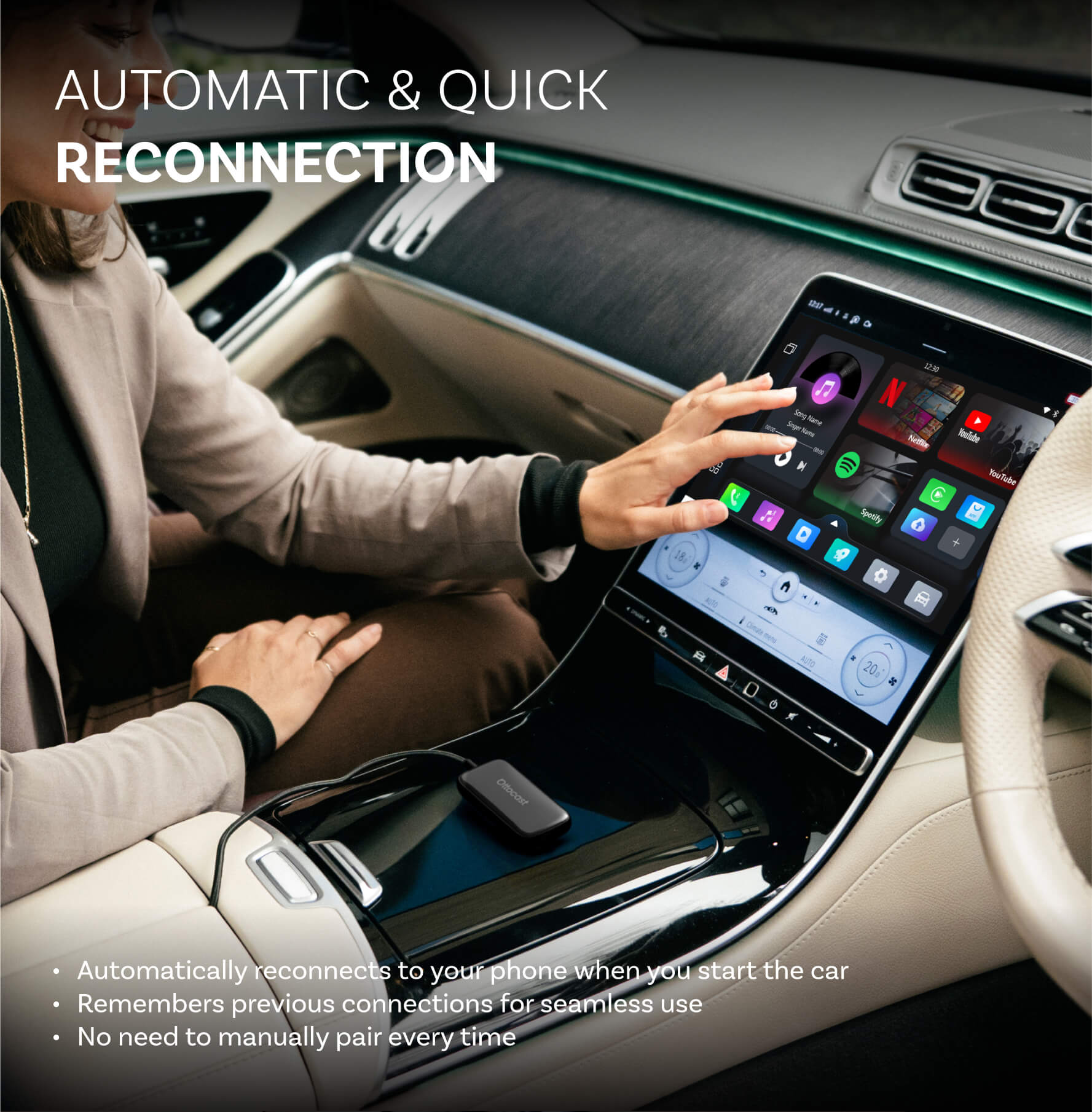
Once this initial pairing sequence is complete, the adapter will memorize your phone’s profile and automatically complete the wireless connection within seconds of you starting the engine.
If you encounter any unexpected configuration issues during this initial pairing phase, you can consult our master Bluetooth pairing troubleshooting guide for rapid secondary technical support to keep your system running flawlessly.
Conclusion — Reclaim Your Workspace
Eliminating loose, tangled, and degrading cords completely transforms your truck cab into a tidier, highly efficient mobile office and a stress-free driving environment. By cleaning up your dashboard and console area, you can fully enjoy hands-free calling, real-time map updates, and media streaming the split-second you turn the key, without ever worrying about physical cable wear and tear on your smartphone’s delicate charging port.
Do not let outdated wires limit your truck’s operational capability. Step up to an uncompromised, professional driving setup today by selecting a dedicated wireless CarPlay adapter for pickup trucks to experience the open road completely untethered.
Additional Opportunities (Bonus Upgrade Option)
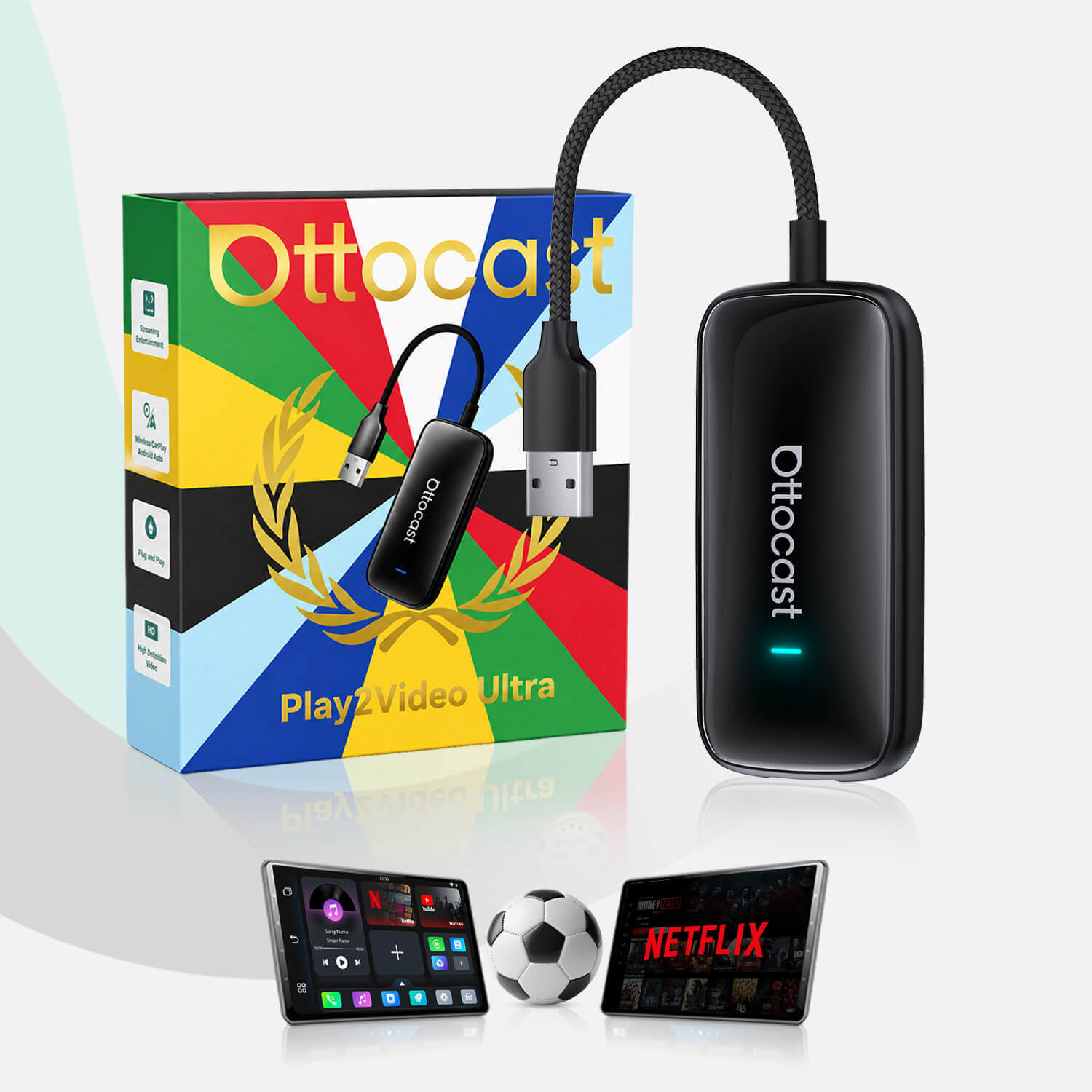
For truck owners who want to take their mobile workspace and cabin capabilities even further, there is an excellent alternative upgrade path available. If you are someone who frequently wants to watch live sports, catch up on breaking news, or stream high-definition video platforms while parked safely at job sites, rest stops, or EV fast-charging stations, you should consider the Ottocast OttoAibox P3 full Android AI Box setup as a premium multimedia upgrade.
This heavy-duty computing system unlocks full streaming application integration directly on your factory display screen, turning your pickup truck into the ultimate mobile theater and entertainment command hub.
Reviewing a comprehensive wireless CarPlay setup guide can help you understand real-world installation, multi-user switching configurations, and hardware performance across different head units, ensuring you maximize the overall utility of your truck’s infotainment layout.
También te puede gustar